Saving Program Change messages in the combinations
(PRG IN COMBIN. function)
Program Change MIDI messages can recall, in a connected unit, a particular sound or program (patch). Thanks
to this function you may select a desired voice from external module (such as an expander) connected to the MIDI
[OUT] port.
You can also transmit Bank Select messages MSB (CC n. 0) and LSB (CC n.20)
to select program banks from an external source.
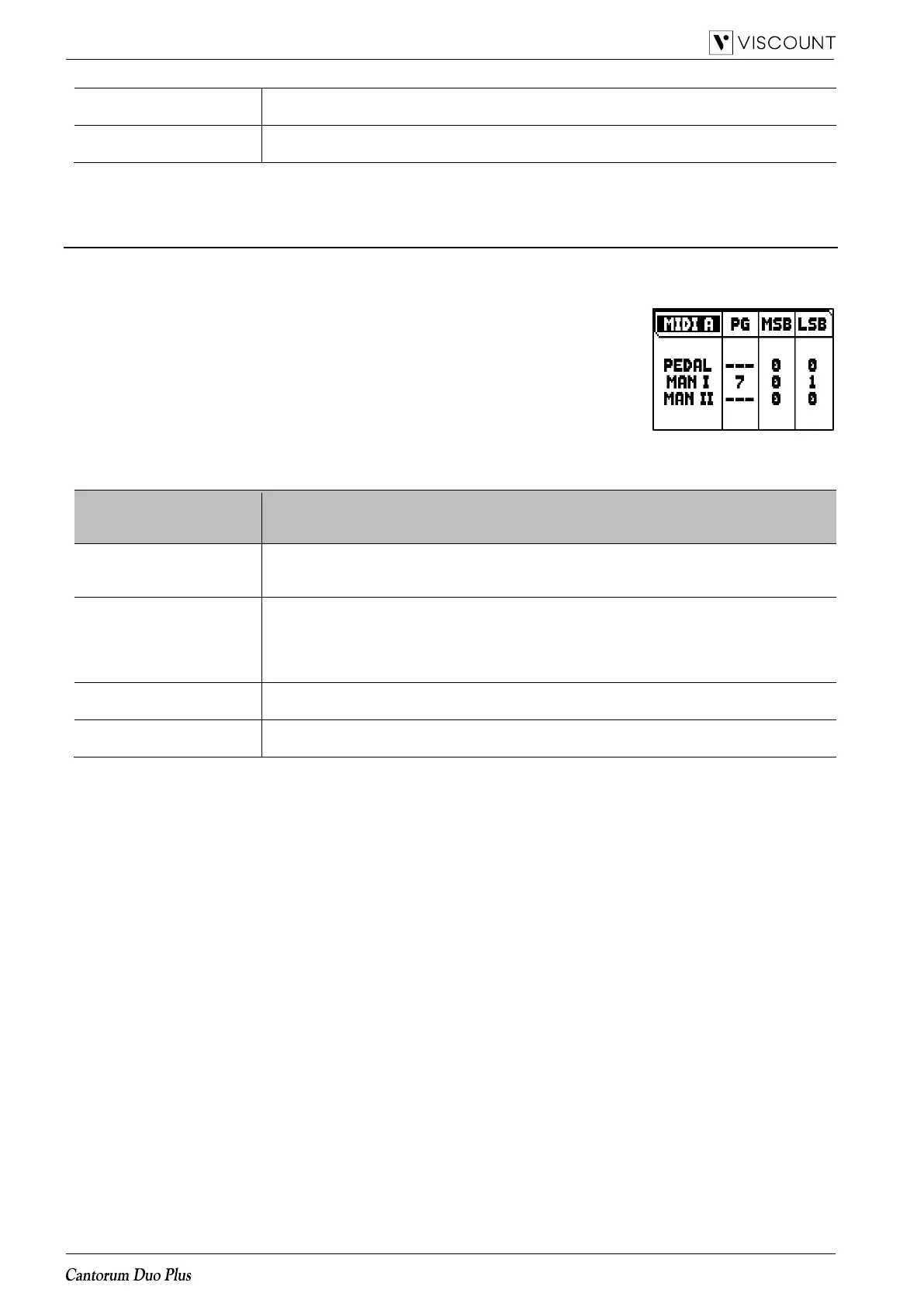
Please note that the MIDI messages of this screen are immediately sent to the
corresponding section, and also saved in the general and divisional combination
and Tutti. To do so, select the Program Change and Bank Select and fix the
desired memory. This process might prove useful when, using an external
expander, you wish to combine a voice from this unit with other stops.
To select these MIDI messages, select the PRG IN COMBIN. field in the MIDI menu.
The settings which can be made are:
Program Change to transmit.
Settings: - - - (no trasmission), 1 to 128
NOTE
Selecting “- - -“, Bank Select MSB and LSB messages are not transmitted.














 To Next Page