Use the [ ] and [ ] buttons to move the cursor to other Pipe Sets, then press [MENU/ENTER] to confirm the
new selection and make it usable, press [EXIT] to avoid the change and leave the currently selected Pipe Set.
Copy or rename of a Pipe Set (COPY/RENAME function)
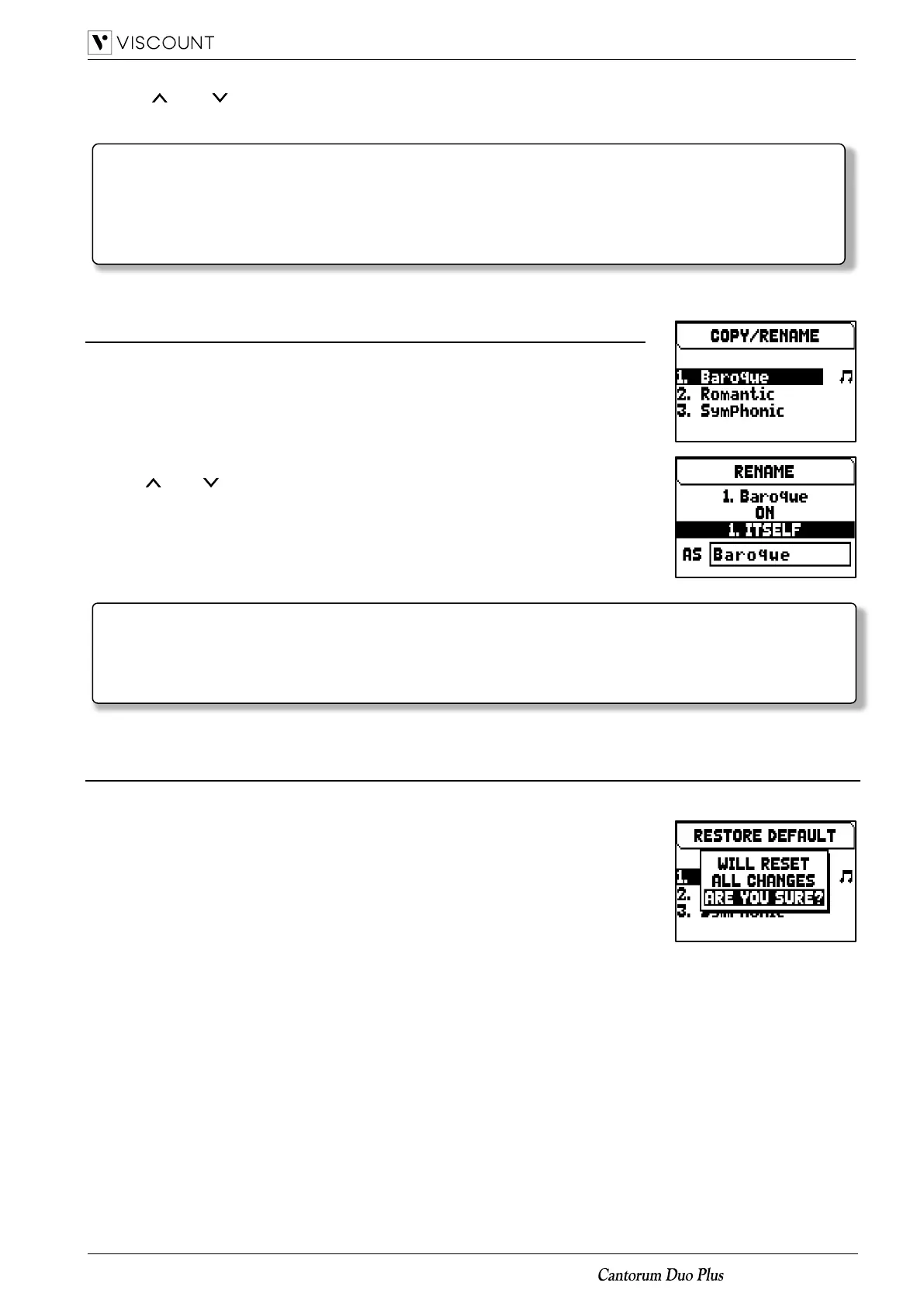
To copy a Pipe Set in an other location, follow this procedure:
1. in the main video page press the [MENU/ENTER] button,
2. select the PIPE SET field,
3. select the COPY/RENAME field,
4. select the Pipe Set you want to copy and press the [MENU/ENTER] button,
5. select the location where you wish to place the Pipe Set you are copying.
6. in the “AS” field you can assign a name to the Pipe Set you are copying. Use
the [ ] and [ ] buttons to move the cursor, [+] and [-] to select the character.
Selecting the same Pipe Set location it is possible to rename an existing Pipe
Set, without copy it in an other location.
7. press [MENU/ENTER] button to confirm the copy, or [EXIT] to quit.
Restore the original content of a Pipe Set (RESTORE DEFAULT function)
It is possible to undo the changes made to a Pipe Set, restoring its original content
(not the factory content, but the one present at the time of copy). To do this, follow
this procedure:
1. in the main video page press the [MENU/ENTER] button,
2. select the PIPE SET field,
3. select the RESTORE DEFAULT field,
4. select the Pipe Set you want to restore with the original content,
5. press [MENU/ENTER] button at the “Will reset all changes, are you sure?”
message to confirm, or [EXIT] to quit.
Please note that in general, only the state of the stops is saved, and NOT which voice they activate.
Selecting a Pipe Set might change the voices recalled by the stops, and therefore a combination may
activate stops which were not saved as ‘active’. It is a good practice to always remember which Pipe
Set was active when saving a combination.














 To Next Page