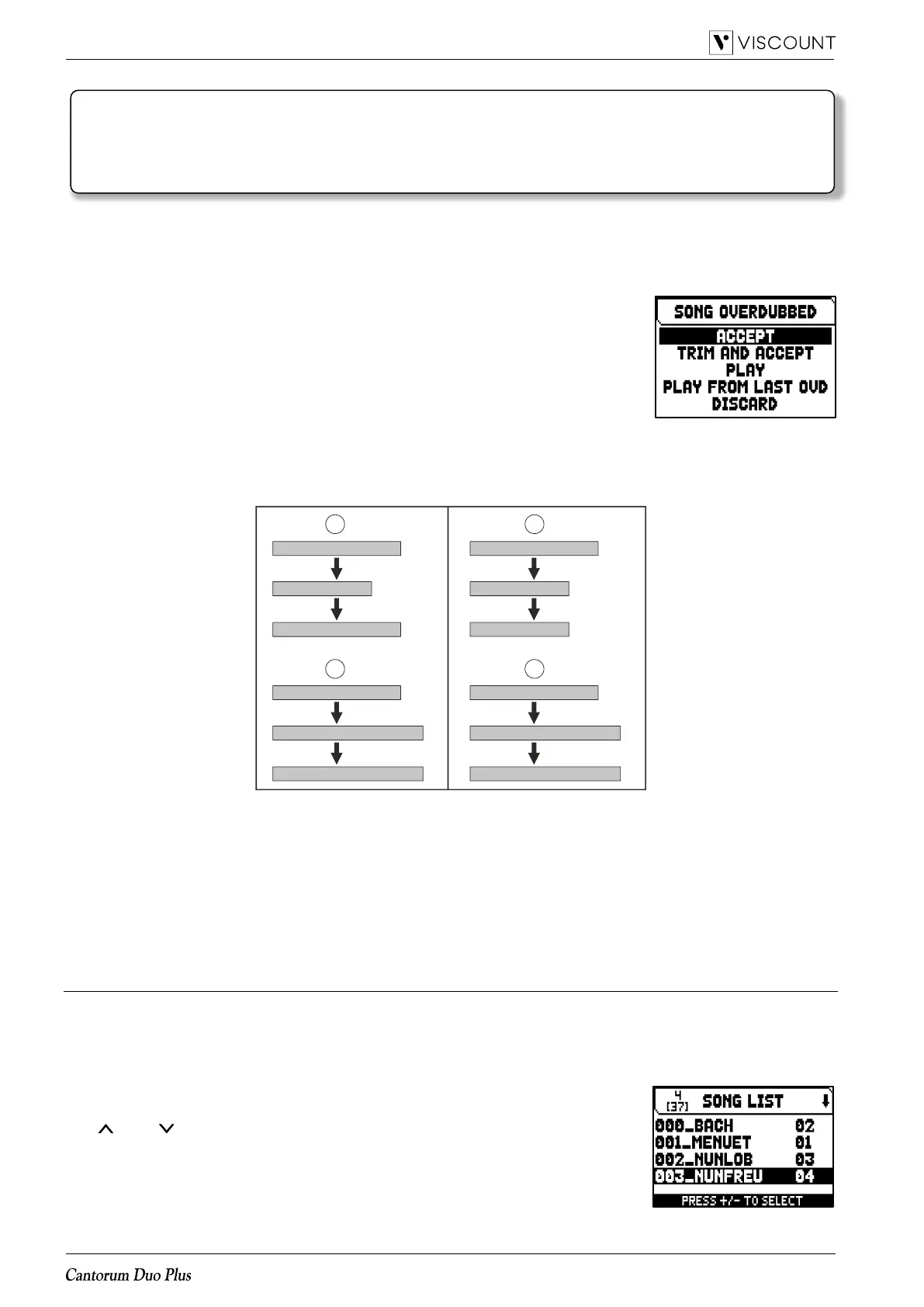
To stop and quit the recording press [EXIT], the system will ask you to accept the overdubbing. You can choose
one of the following options:
- Accept: accept the overdubbing. In case the overdub track is shorter than the
original piece, it will not be shortened.
- Trim and Accept: accept the overdubbing. If the overdub track is shorther
than the original piece, this will be trimmed to end together with the
overdubbing.
- Play: play the piece with the overdubbing, so as to assess the track. The
changes will not be saved yet.
- Play from last Ovd (overdub): plays the piece, starting from the first event of
last overdubbing, so as to assess the track. The changes will not be saved
yet.
- Discard: discards the overdubbing.
Selecting ACCEPT or TRIM AND ACCEPT the saving screen will be displayed. Now it is possible to save the
song with a different name.
Selecting PLAY or PLAY FROM LAST OVD will activate the sequencer play mode.
Press [EXIT] to quit the screen. The display will show the message “DISCARD SEQUENCE TAKE?”, warning you
that the overdubbing will be lost. Press [MENU/ENTER] to continue – and therefore discard the recording – or
[EXIT] to return to the previous screen.
Creating lists of songs (SONG LIST function)
The function SONG LIST is used to create and save lists of music pieces (MIDI files).
To program a list of songs, select the SONG LIST function inthe SEQUENCER menu; the system asks whether
you wish to create a new one or modify an existing one.
Select the [NEW LIST] field to create a new list, or select an .LST file to modify the list it contains.
In both cases, to create / edit a list follow this procedure:
1. the first operation is to select the song you wish to include in the list. Use the
[ ] and [ ] buttons to select the MIDI file, [+] to add it to the list and [-] to
remove it. Its position within the list appears beside the name of the file.
2. now press [MENU/ENTER] to continue the programming or [EXIT] to abort, in
this case the system requests a confirm to proceed with the quit showing the
message “DISCARD SONG LIST?”.














 To Next Page