VISUAL
TECHNOLOGY
INCORPORATED,
540
MAIN
STREET,
TEWKSBURY,
MA
01876
3.2.1.1
How
to
Enter SET-UP Mode
SET-UP A
is
entered by depressing the SET-UP key on the keyboard. SET-UP B may
only
be
entered
from
SET-UP A and
is
entered
by
depressing the
rn
key on the keyboard.
Subsequent depressions
of
the
rn
key will alternately switch between SET-UP A and
SET-UP
B.
3.2.1.2
How
to
Determine the Status
of
SET-UP Features
When
SET-UP A
is
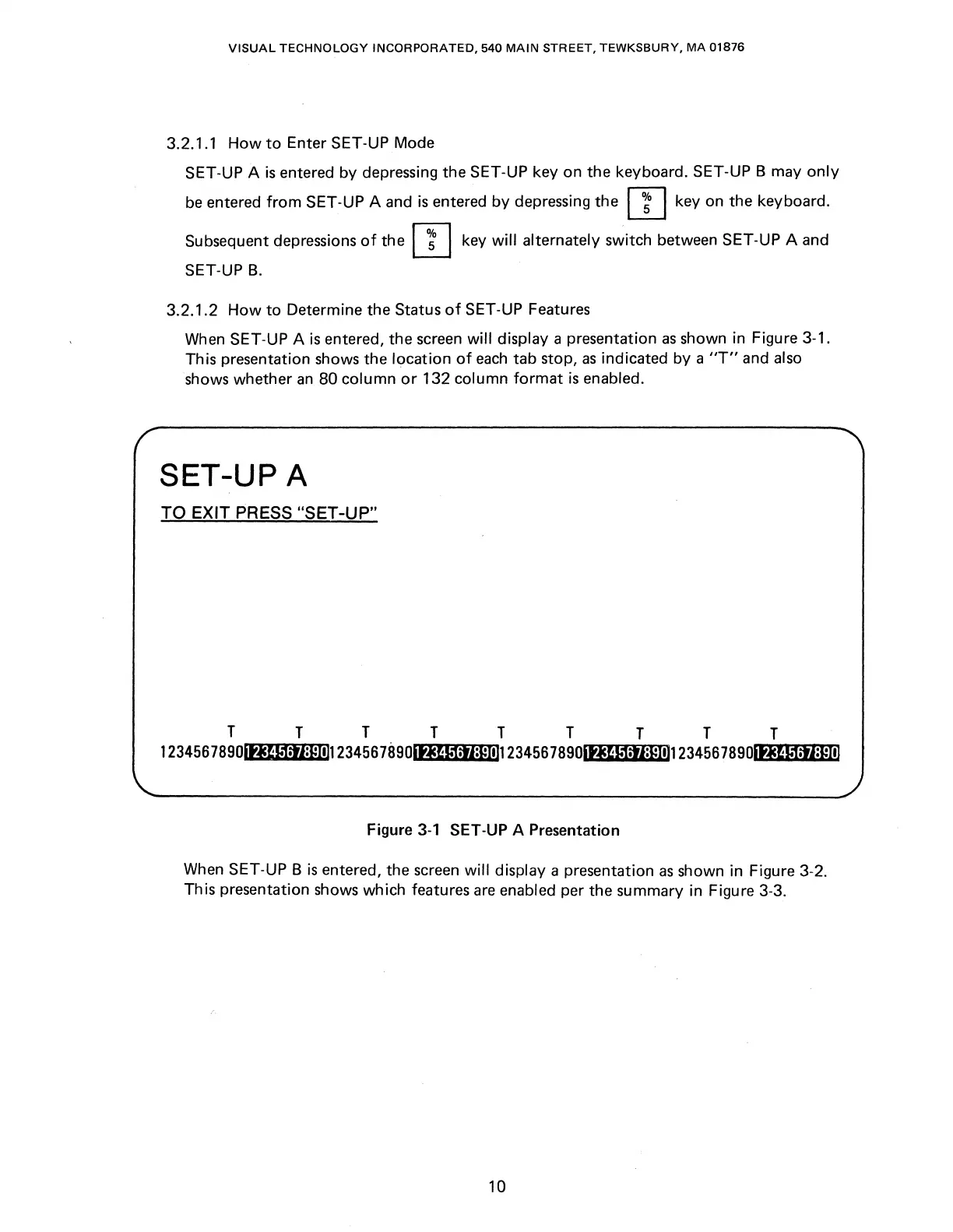
entered, the screen will display a presentation
as
shown in Figure 3-1.
This presentation shows the location
of
each
tab stop,
as
indicated by a
"T"
and also
shows whether
an
80
column
or
132 column
format
is
enabled.
SET-UP A
TO EXIT PRESS "SET-UP"
T T T T T T T T T
123456789oltJU1:tl:Eill123456789oltJ~lt1:tl*ll1123456789oltJU1:tl=Elll1234567890
...
lf""'~M-·P"~i""'i-*"""ltl
Figure
3-1
SET-UP A Presentation
When SET-UP B
is
entered, the screen will display a presentation
as
shown in Figure 3-2.
This presentation shows which features
are
enabled per the summary in Figure 3-3.
10



 To Next Page