VISUAL
TECHNOLOGY
INCORPORATED,
540
MAIN
STREET,
TEWKSBURY,
MA
01876
5.3.2.4 Erasure Commands,
ESC
[
Ps
F
The
same
general
control
sequence
format
(ESC [
Ps
F)
is
used
for
all erasure commands.
The
termination
character,
"F",
determines whether erasure
will
occur
on
a line
or
screen
basis, and
the
selective parameter,
Ps,
determines the
portion
of
the
line/screen
to
be
erased
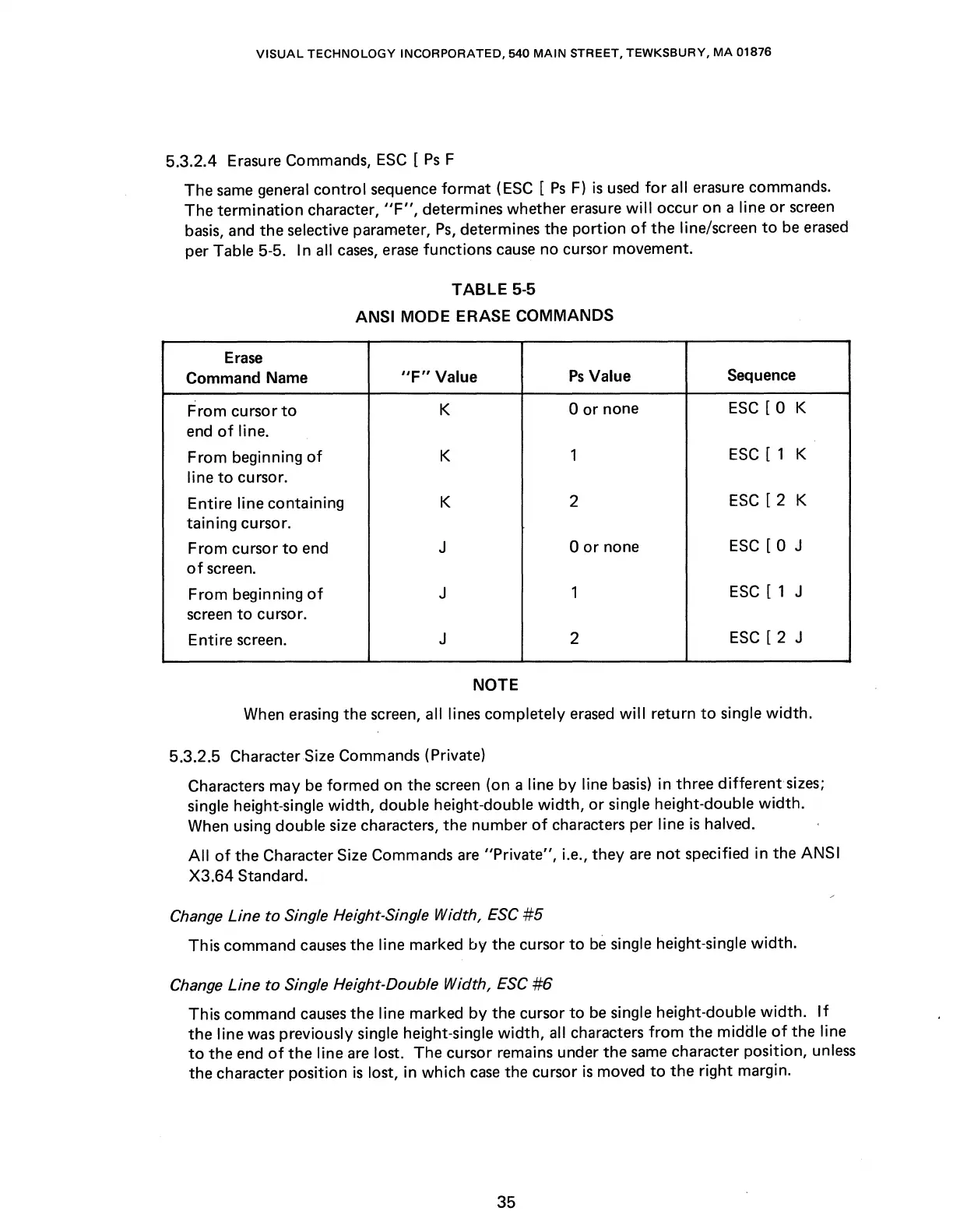
per Table 5-5. In all
cases,
erase
functions
cause
no cursor movement.
TABLE
5-5
ANSI
MODE
ERASE
COMMANDS
Erase
Command Name
"F"
Value
Ps
Value
Sequence
From
cursor
to
K
0
or
none
ESC
[ 0 K
end
of
line.
From
beginning
of
K
1
ESC
[ 1 K
line
to
cursor.
Entire line containing
K
2
ESC
[ 2 K
taining cursor.
From
cursor
to
end
J
0
or
none
ESC
[ 0 J
of
screen.
From
beginning
of
J
1
ESC
[ 1 J
screen
to
cursor.
Entire screen.
J
2
ESC
[ 2 J
NOTE
When erasing the screen, all lines completely
erased
will
return
to
single
width.
5.3.2.5 Character Size Commands (Private)
Characters may
be
formed on the screen (on a line
by
line
basis)
in three
different
sizes;
single height-single
width,
double height-double
width,
or
single height-double
width.
When using double size characters, the number
of
characters per line
is
halved.
All
of
the
Character Size Commands
are
"Private",
i.e.,
they
are
not
specified in the ANSI
X3.64
Standard.
Change Line
to
Single Height-Single Width,
ESC
#5
This command
causes
the line marked
by
the cursor
to
be
single height-single
width.
Change Line
to
Single Height-Double Width,
ESC
#6
This command
causes
the line marked
by
the cursor
to
be
single height-double
width.
If
the
line was previously single height-single
width,
all characters
from
the
middle
of
the line
to
the
end
of
the
line
are
lost. The cursor remains under
the
same
character position, unless
the character position
is
lost, in which
case
the cursor
is
moved
to
the
right margin.
35



 To Next Page