VISUAL
TECHNOLOGY
INCORPORATED, 540 l\l(AIN STREET,
TEWKSBURY,
MA
01876
Change
Line
to
Dou.ble Height-Double Width, ESC #3,
ESC
#4
These
two
commands
are
used
as
a pair, on adjacent lines,
to
form
double height-double
width
characters. The
same
character must
be
sent
to
the
same
column
of
both lines
to
form
each
character.
If
the line
was
previously single height-single
width,
all characters
from
the middle
of
the line
to
the
end
of
the line are lost. The cursor remains under the
same
character position, unless the character position
is
lost, in which
case
the cursor
is
moved
to
the
right margin.
5.3.2.6 Video
Attribute
Commands
Data on the screen may be displayed in any combination
of
the
following
video attributes;
High Intensity, Underline,
Blink
or
Reverse
Video.
The attributes are cumulative, i.e., received data
will
be
displayed according
to
all attributes
then enabled. The general control sequence format
for
enabling video attributes is:
ESC
[
Ps;
Ps;
.....
Ps
m.
Where
Ps; Ps;
....
Psis the parameter string defining which video attributes
to
enable.
If
multiple
video attributes
are
to
be
enabled
with
one control sequence, a semicolon
is
used
to
separate
each
selective parameter in the sequence.
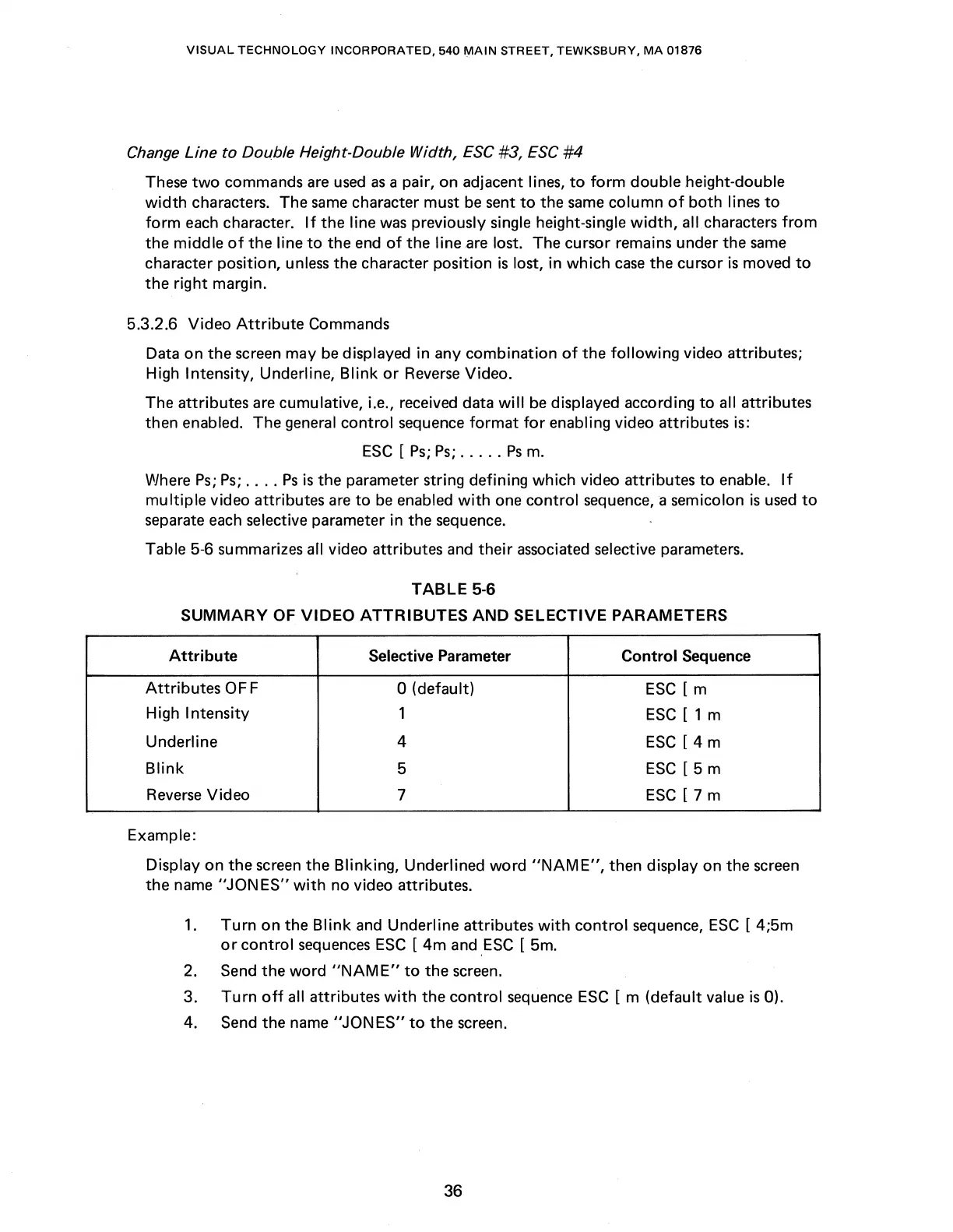
Table 5-6 summarizes
all
video attributes
and
their
associated selective parameters.
TABLE
5-6
SUMMARY
OF
VIDEO
ATTRIBUTES
AND
SELECTIVE PARAMETERS
Attribute
Selective Parameter Control Sequence
Attributes
OFF
0 (default)
ESC
[ m
High Intensity
1
ESC
[ 1 m
Underline
4
ESC
[ 4 m
Blink
5
ESC
[ 5 m
Reverse
Video
7
ESC
[ 7 m
Example:
Display on the
screen
the Blinking, Underlined word
"NAME",
then display on the
screen
the
name
"JONES"
with
no video attributes.
1.
Turn
on
the
Blink
and
Underline attributes
with
control
sequence,
ESC
[ 4;5m
or
control
sequences
ESC
[
4m
and
.ESC
[
Sm.
2. Send the word
"NAME"
to
the
screen.
3.
Turn
off
all attributes
with
the control sequence
ESC
[ m (default value
is
0).
4. Send the name
"JONES"
to
the screen.
36



 To Next Page