VISUAL
TECHNOLOGY
INCORPORATED,
540
MAIN
STREET,
TEWKSBURY,
MA
01876
NOTE
The host
computer
must respond
to
XON/XOFF
protocol
for
the
Auto
XON/XOFF
faature
to
be
effective.
3.2.2.13 U. K./U.S. Character Set
This feature determines whether
the
VISUAL
100
will
operate
with
a United States
or
United Kingdom character set. The
only
difference between the
two
sets
is
one character.
When the U.S. set
is
enabled, the
CT]
key (shifted) and octal code 043
will
cause
display
of
the#
character. When the U.K. set
is
enabled,
the
CT]
key (shifted) and octal code
043
will
cause
display
of
the £character.
U.S./U. K. character set
is
also host
computer
selectable,
see
Section 5.3.2.9.
3.2.2.14
Autowrap
This feature determines whether the cursor
will
automatically advance
to
the
first
position
of
the
next
line upon entering a character
into
the last position
of
the
current
line. When
enabled, the cursor
will
wraparound automatically and enter
the
character on the
first
position
of
the new line. When disabled, the cursor
will
remain in the last
column
and
any successive characters entered
will
overlay the last character on the line.
Autowrap
may also
be
selected
by
the
host computer,
see
Section 5.3. 2.12.
3.2.2.15 New Line
When enabled, the New Line feature
will
cause
the
RETURN
key
to
generate the
CR
and
LF codes, and a received
LF
causes
a new line
function
to
be
performed. When disabled,
the
RETURN
key generates
only
the
CR
code, and a received
LF
causes
only
a line feed
to
be
performed.
New Line may also
be
selected
by
the host computer,
see
Section 5.3.2.12.
3.2.2.16 Local Echo
The Local Echo feature provides
for
an
automatic
"echoing"
of
transmitted data back
to
the screen.
If
an
echoing
of
transmitted data
is
not
desired,
or
the host
computer
or
modem
provides
an
echo, this feature should
be
disabled.
Local Echo may also
be
selected
by
the host computer,
see
Section 5.3.2.12.
3.2.2.17 Parity .
The Parity feature provides a check
for
errors in host transmitted data. When this feature
is
enabled, the
VISUAL
100
will
check received data
for
correct
parity
(odd
or
even) and
generate
parity
on transmitted data.
If
a character
is
received
with
incorrect
parity,
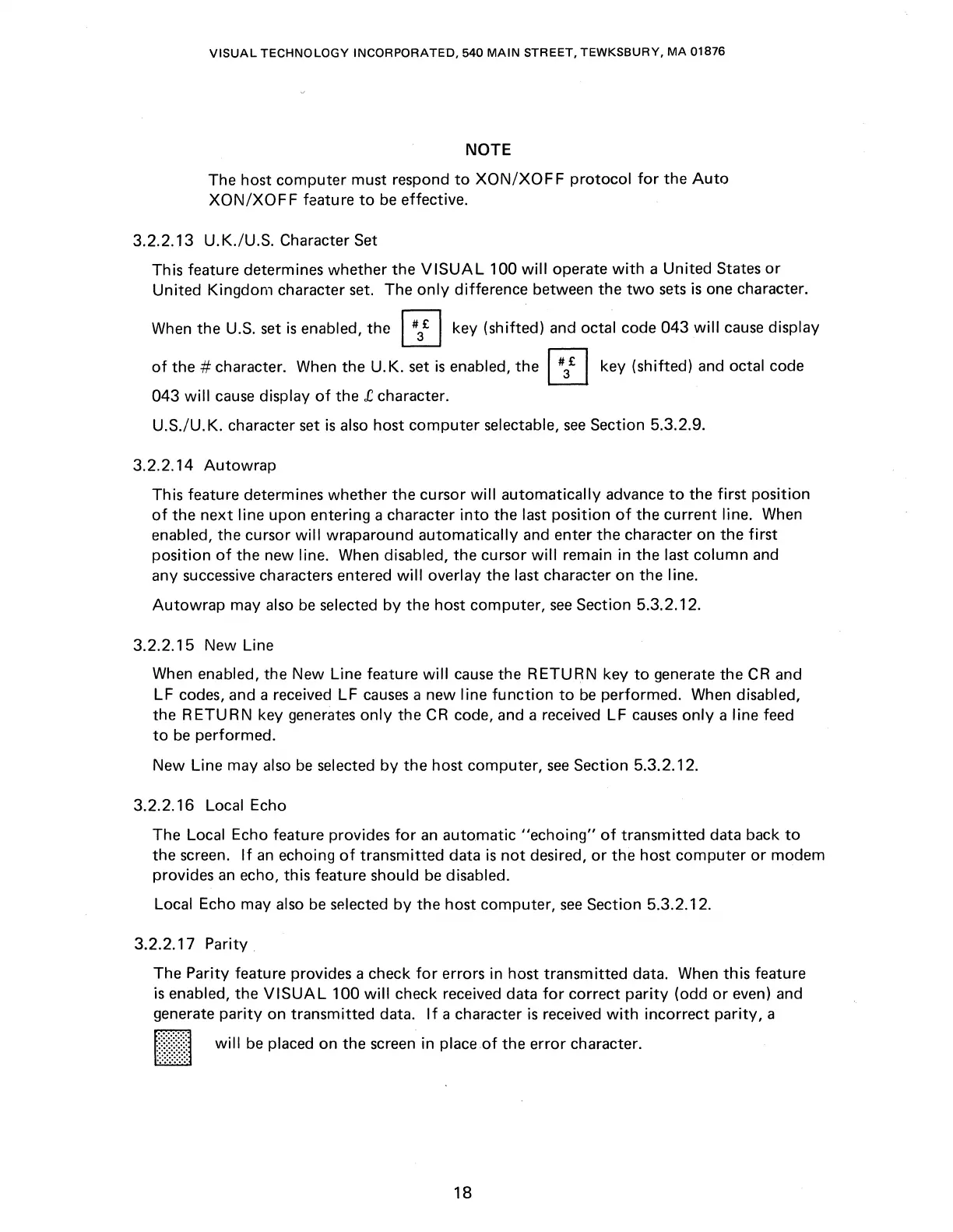
a
[II\\\\)
will
be
placed on the screen in place .of the error character.
18



 To Next Page