VISUAL
TECHNOLOGY
INCORPORATED,
540
MAIN
STREET,
TEWKSBURY,
MA
01876
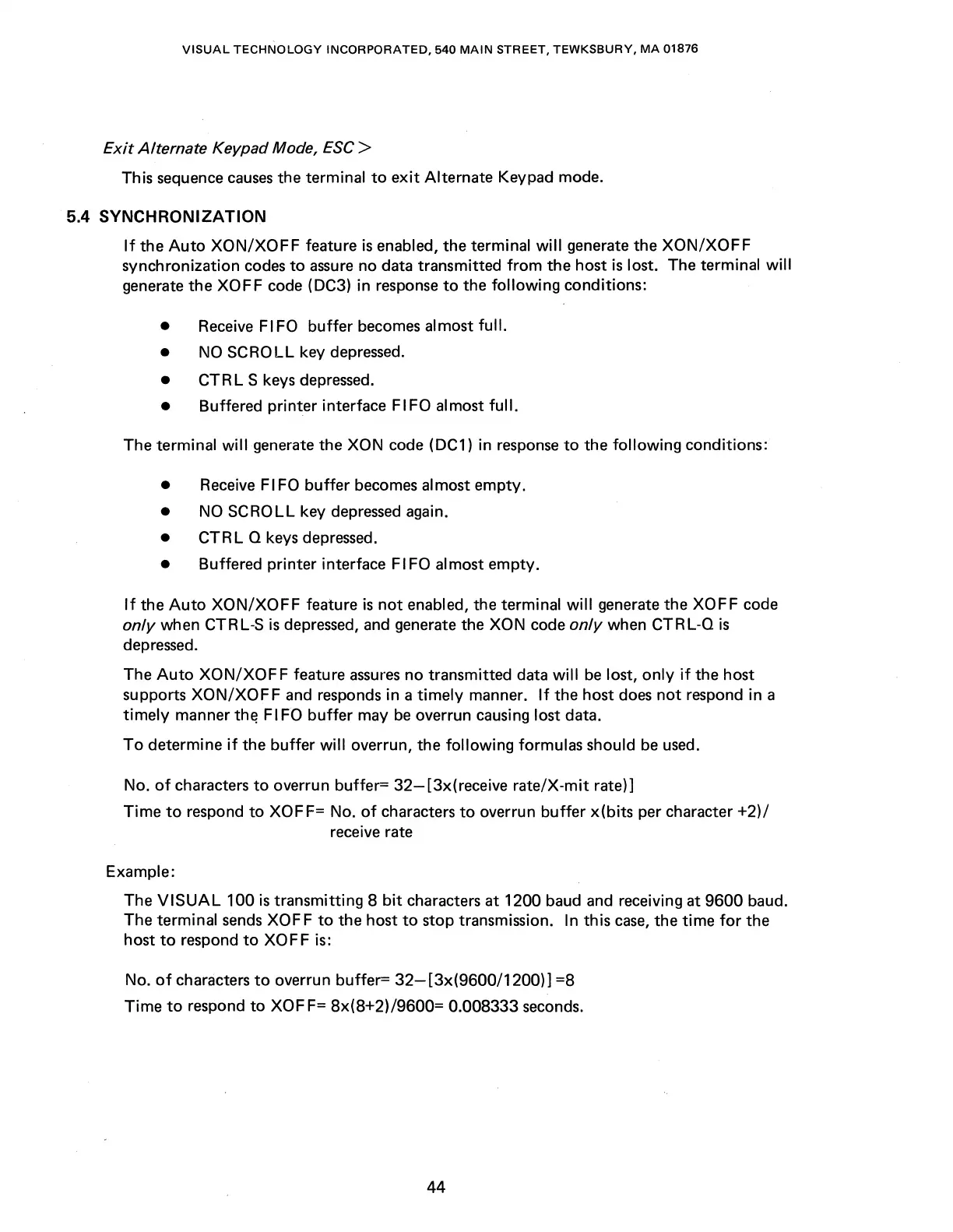
Exit Alternate Keypad Mode, ESC >
This sequence
causes
the terminal
to
exit
Alternate Keypad mode.
5.4
SYNCHRONIZATION
If
the
Auto
XON/XOFF
feature
is
enabled, the terminal
will
generate the
XON/XOFF
synchronization codes
to
assure
no data transmitted
from
the host
is
lost. The terminal will
generate the XOFF code (DC3) in response
to
the following conditions:
•
Receive
FIFO
buffer
becomes almost full.
•
NO
SCROLL key depressed.
•
CTRL
S keys depressed.
• Buffered printer interface FIFO almost
full.
The terminal
will
generate the XON code (DC1) in
response
to
the following conditions:
• Receive FIFO
buffer
becomes almost empty.
•
NO
SCROLL key
depressed
again.
• CTR L Q keys depressed.
• Buffered printer interface FIFO
al
most empty.
If
the
Auto
XON/XOFF
feature
is
not
enabled, the terminal
will
generate the XOFF code
only when CTRL-S
is
depressed,
and
generate the XON code
only
when
CTRL-0
is
depressed.
The
Auto
XON/XOF
F feature
assures
no transmitted data
will
be
lost,
only
if
the host
supports
XON/XOFF
and responds in a
timely
manner.
If
the host
does
not
respond in a
timely
manner
th~
Fl
FO
buffer
may
be
overrun causing lost data.
To
determine
if
the buffer will overrun, the following formulas should
be
used.
No.
of
characters
to
overrun buffer=
32-[3x(receive
rate/X-mit rate)]
Time
to
respond
to
XOFF= No.
of
characters
to
overrun buffer
x(bits
per character
+2)/
receive rate
Example:
The
VISUAL
100
is
transmitting 8
bit
characters at 1200 baud and receiving at 9600 baud.
The terminal
sends
XOF F
to
the host
to
stop transmission. In this
case,
the time
for
the
host
to
respond
to
XOFF is:
No.
of
characters
to
overrun buffer=
32-[3x(9600/1200)]
=8
Time
to
respond
to
XOF
F=
8x(8+2)/9600= 0.008333 seconds.
44



 To Next Page