VISUAL
TECHNOLOGY
INCORPORATED, 540
MAIN
STREET,
TEWKSBURY,
MA
01876
SET-UP P may
only
be
entered
from
SET-UP B and
is
entered per the
following:
1.
Enter SET-UP A
by
depressing the SET-UP key.
2.
3.
r%15Yo
Enter SET-UP B
by
depressing the
L.:..J
1%15Yo
Enter SET-UPP
by
depressing the
~
key.
key again.
Subsequent depressions
of
the
rn
key
will
cause
the terminal
to
step through SET-UP
A,
Band
P.
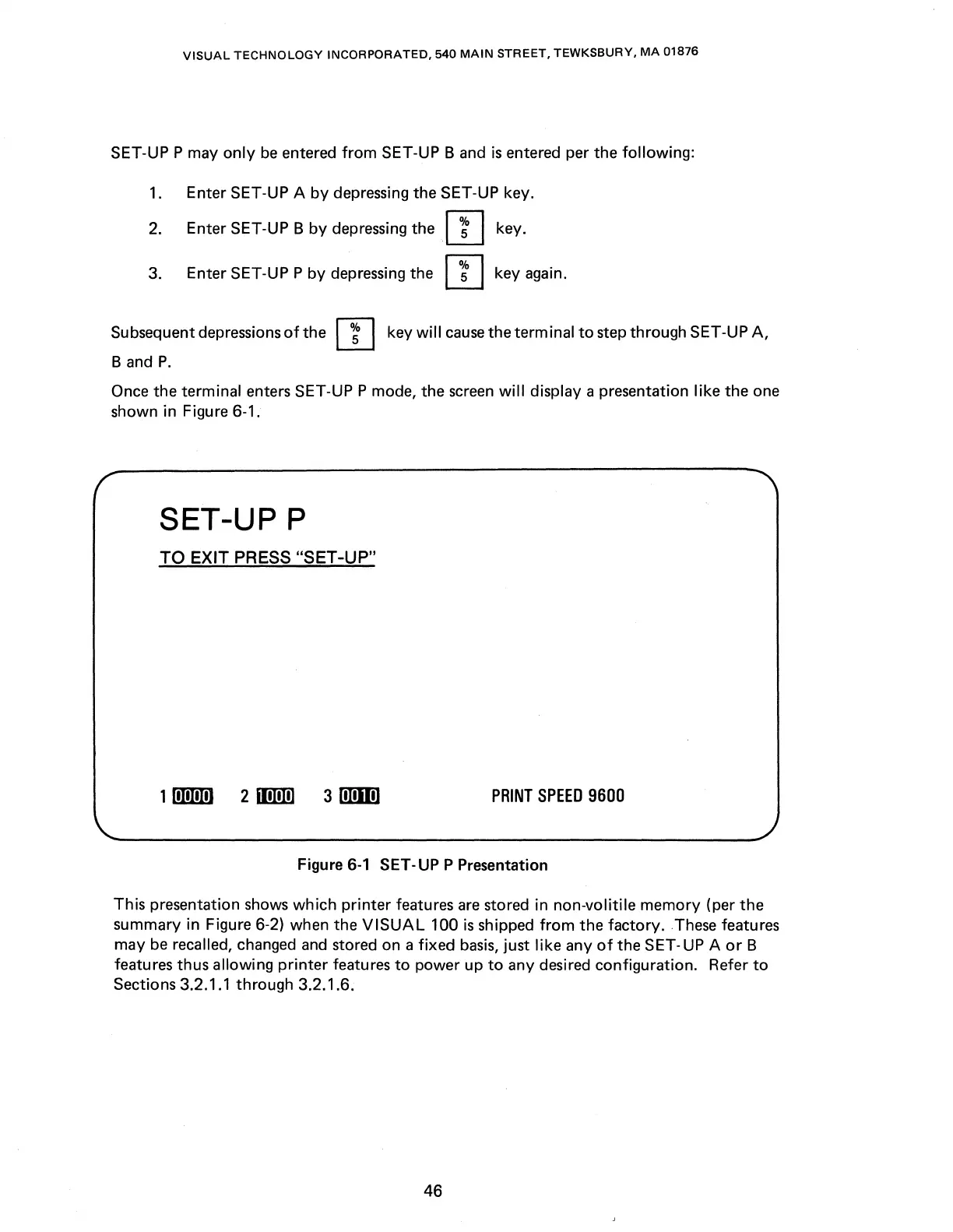
Once the terminal enters SET-UPP mode, the screen
will
display a presentation
like
the one
shown in Figure 6-1.
SET-UPP
TO EXIT PRESS "SET-UP"
301
PRINT
SPEED
9600
Figure
6-1
SET-UPP
Presentation
This presentation shows
which
printer
features
are
stored in non-volitile
memory
(per
the
summary in Figure 6-2) when the
VISUAL
100
is
shipped
from
the factory. These features
may
be
recalled, changed and stored on a fixed
basis,
just like any
of
the SET-UP A
or
B
features thus allowing
printer
features
to
power up
to
any desired configuration. Refer
to
Sections 3.2.1.1 through 3.2.1.6.
46



 To Next Page