16
GETTING STARTED
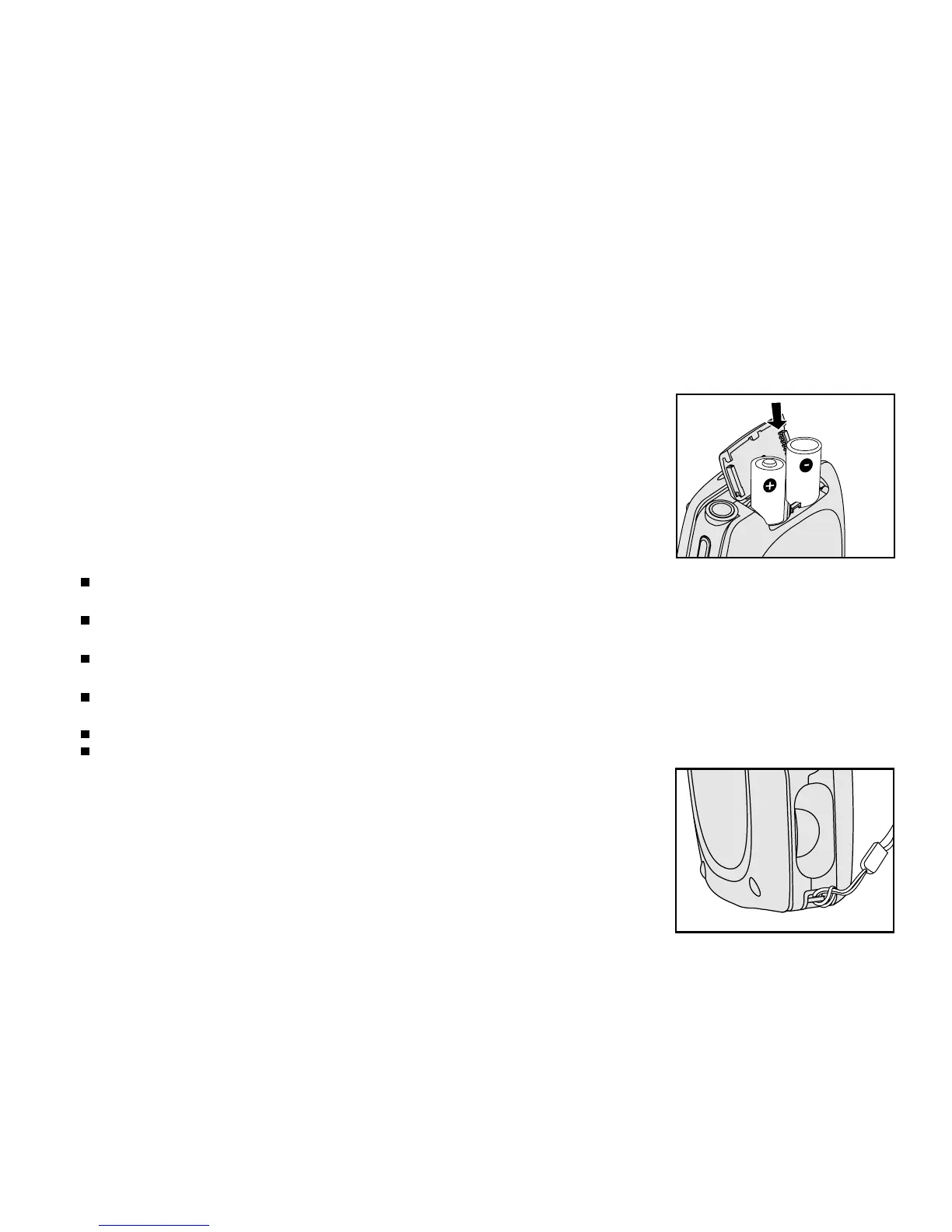
Installing the batteries
You can use 2 AA batteries to power the DVR-310.
1. Slide the battery cover.
2. Insert the batteries, noting correct polarity (+ or -).
3. Close the battery cover firmly.
Note:
It is highly recommended that you use rechargeable NiMH AA batteries. To maximize performance and lifetime, we
recommend that you fully charge the batteries and discharge them for at least one complete cycle before use.
Avoid using batteries in extremely cold environments as low temperatures can shorten the battery life and reduce the
DVR-310’s performance. Low temperature will adversely affect Alkaline battery performance.
Using new rechargeable batteries or rechargeable batteries that have not been used for an extended period of time will
affect the number of images that can be captured.
If you will not be using the batteries for an extended period of time, remove them from the DVR-310 to prevent leakage or
corrosion.
Never use batteries of different types (together) or mix old and new batteries.
Never use manganese batteries.
Attaching the hand strap
Attach the strap as shown in the illustration.



 To Next Page