24
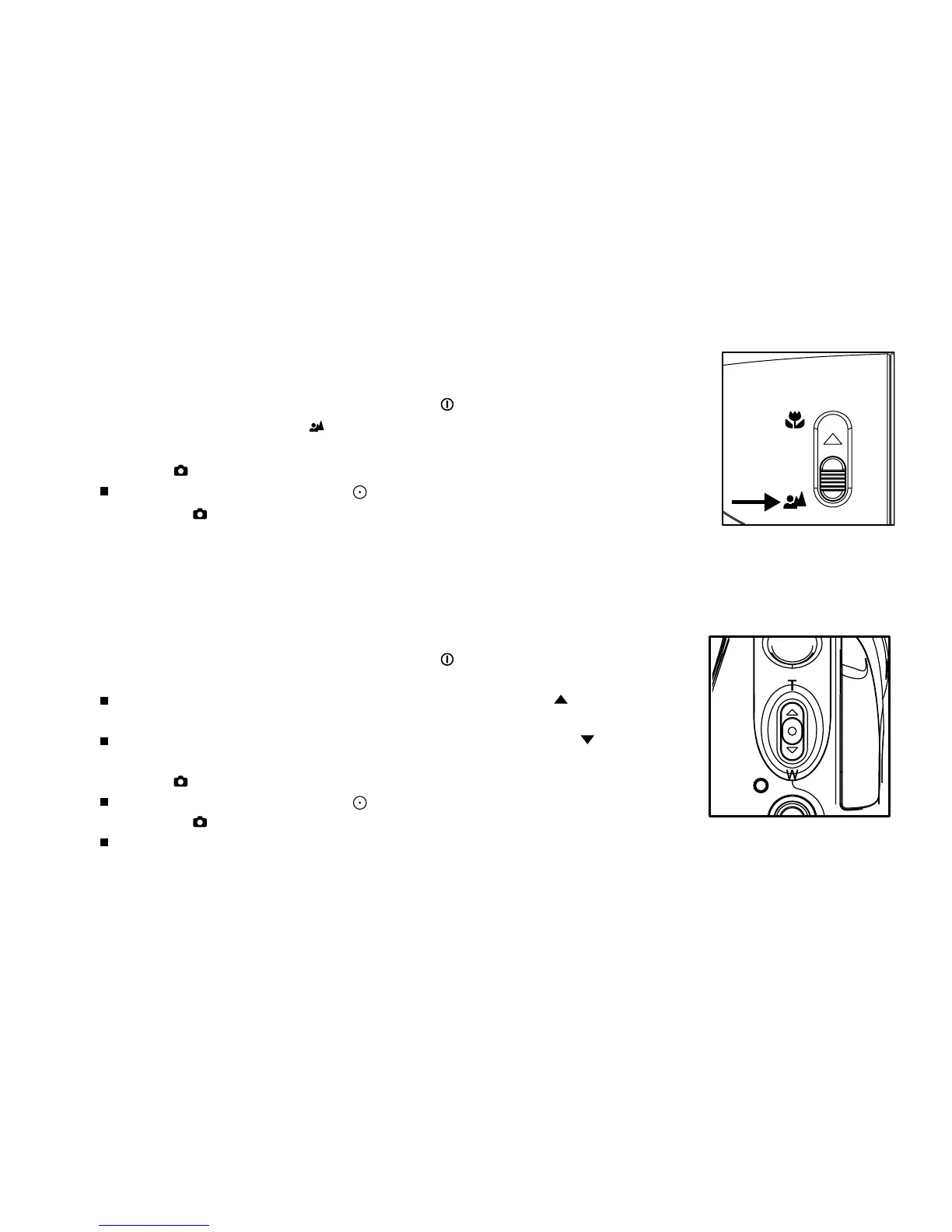
Digital zoom
Digital zoom allows you to capture telephoto and wide-angle shots.
1. Turn on the power by pressing and holding the button.
2. Compose the shot with the zoom lever.
The subject appears closer by sliding the zoom lever to the / T
position.
The subject appears farther away by sliding the zoom lever to the / W
position.
3. Press the button to capture a “zoomed” image.
To record video clips, press the button to start recording, and then
press the button to end the recording.
You can also use the zoom lever to zoom in or zoom out the subject
while recording the video clips.
Normal focus
Normal Focus is suitable for scenery and portrait shooting at a distance of
three feet or more.
1. Turn on the power by pressing and holding the button.
2. Slide the focus switch to the position.
3. Compose the shot.
4. Press the button to capture a still image.
To record video clips, press the button to start recording, and then
press the button to end the recording.



 To Next Page