25
Setting the flash
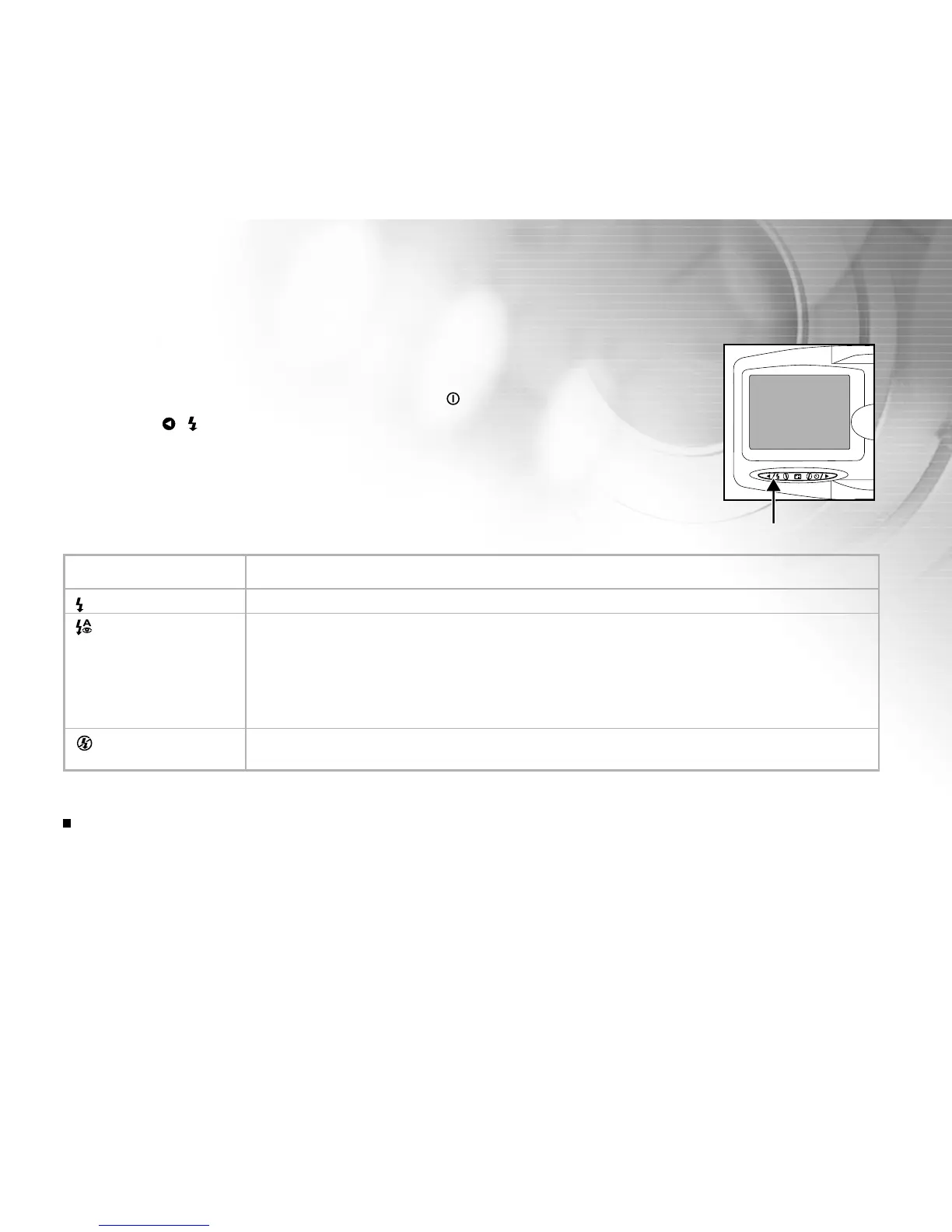
Set the flash to suite for the photographic conditions.
1. Turn on the power by pressing and holding the button.
2. Press the
( ) button to select the desired flash mode.
Flash Mode Description
A
Auto flash The flash fires automatically to suit the photographic conditions.
Auto flash with Use this mode to reduce the red-eye phenomenon when you want to take natural-
red-eye reduction looking photographs of people and animals in low-light conditions.
When taking photographs, the red-eye phenomenon can be reduced by asking the
subject (person) to look at the digital video camera or get as close to the digital video
camera as possible.
Flash off Use this mode when taking pictures using indoor lighting, for stages and indoor
competitions, and when the subject is too far away for the flash to be effective.
Note:
The flash cannot be set in the video mode.
The table below will help you choose the appropriate flash mode:



 To Next Page