22
PHOTOGRAPHY MODES
Capturing still images
1. Turn on the power by pressing and holding the button.
2. Compose the shot.
3. Press the button to capture a still image.
Note:
The actual captured image will be slightly larger than the the image presented on LCD after image captur.
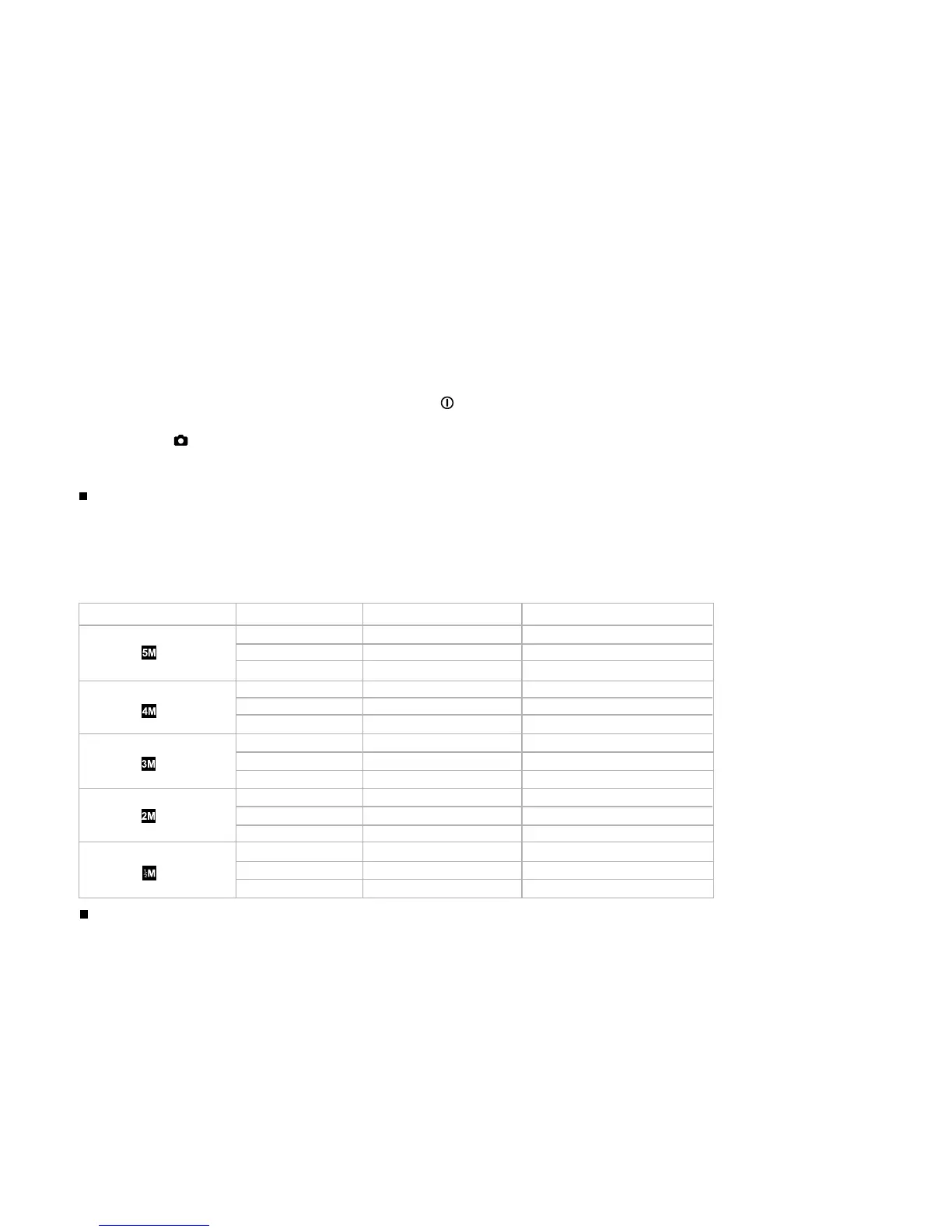
Resolution Quality Compression ratio 16 MB internal memory
2560 x 1920 pixels Super fine 4:1 6
Fine 8:1 9
Normal 12:1 14
2304 x 1728 pixels Super fine 4:1 7
Fine 8:1 11
Normal 12:1 16
2048 x 1536 pixels Super fine 4:1 8
Fine 8:1 12
Normal 12:1 17
1600 x 1200 pixels Super fine 4:1 13
Fine 8:1 20
Normal 12:1 30
800 x 600 pixels Super fine 4:1 43
Fine 8:1 59
Normal 12:1 84
The above data shows the standard testing results. The actual capacity varies according
to the shooting conditions and settings.
Number of recordable images
The frame counter indicates the approximate number of images that can be stored in the internal memory or SD
memory card. The number of recordable images will vary depending on the scene complexity, the available capacity
of the memory card, quality, and resolution. MP3 files consume considerable memory and their presence will
diminish the number of images that can be captured.



 To Next Page