31
Slide show display
The slideshow function enables you to playback still images/video clips automatically in sequential order.
1. Turn on the power by pressing and holding the button.
2. Press the button twice to go to [Select Mode].
3. Select [Image/Movie] with the zoom lever and press the button.
4. Press the button.
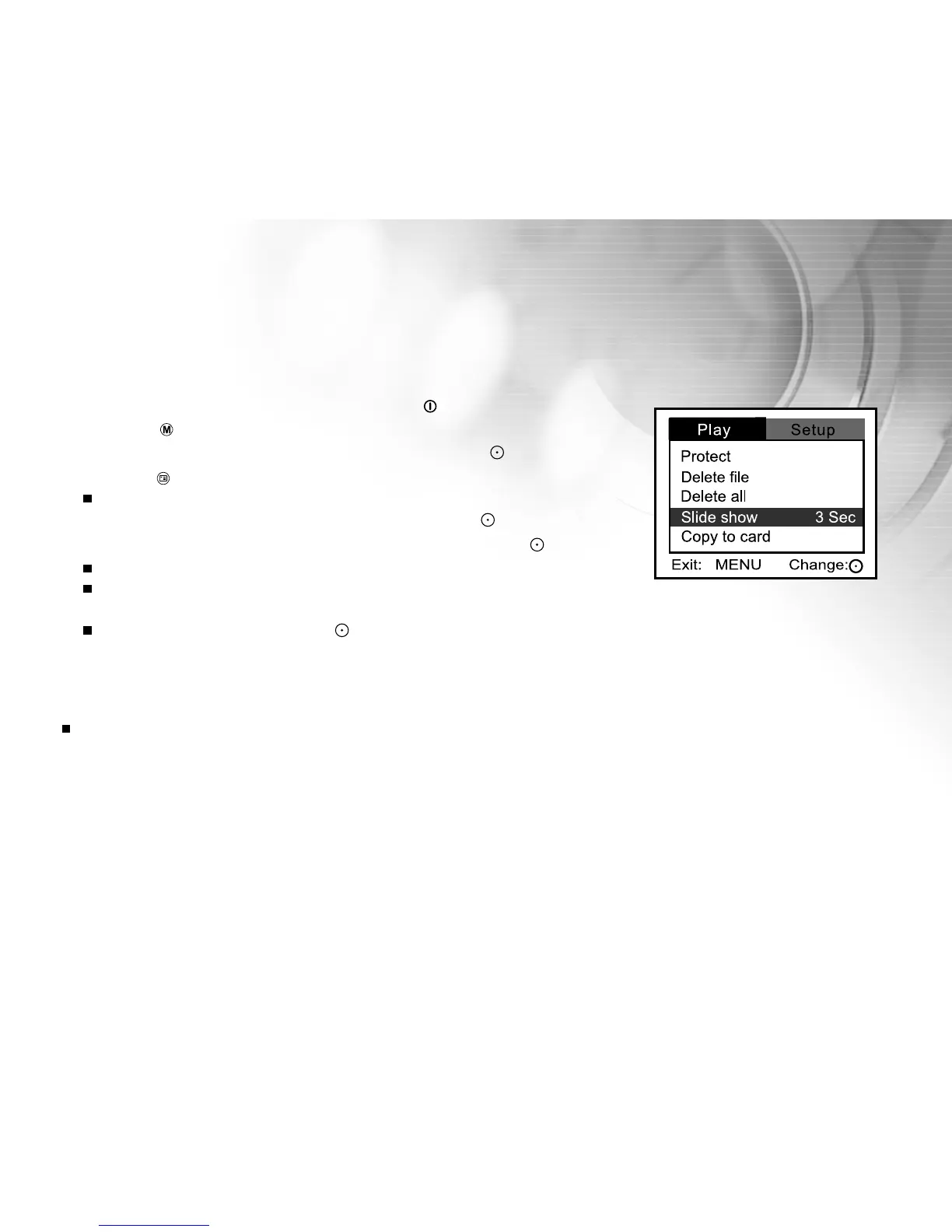
[Play] menu is displayed.
5. Select [Slide show] with the zoom lever, and press the button.
6. Set the playback interval using the zoom lever, and press the button.
The slide show starts.
In a slide show only the first frame of a video is displayed, not the entire
video clip.
To stop a slide show, press the button.
Note:
You can adjust slide show display interval to be 1 sec., 3 sec., 5 sec., 7 sec., and 9 sec.



 To Next Page