29
Zoom playback
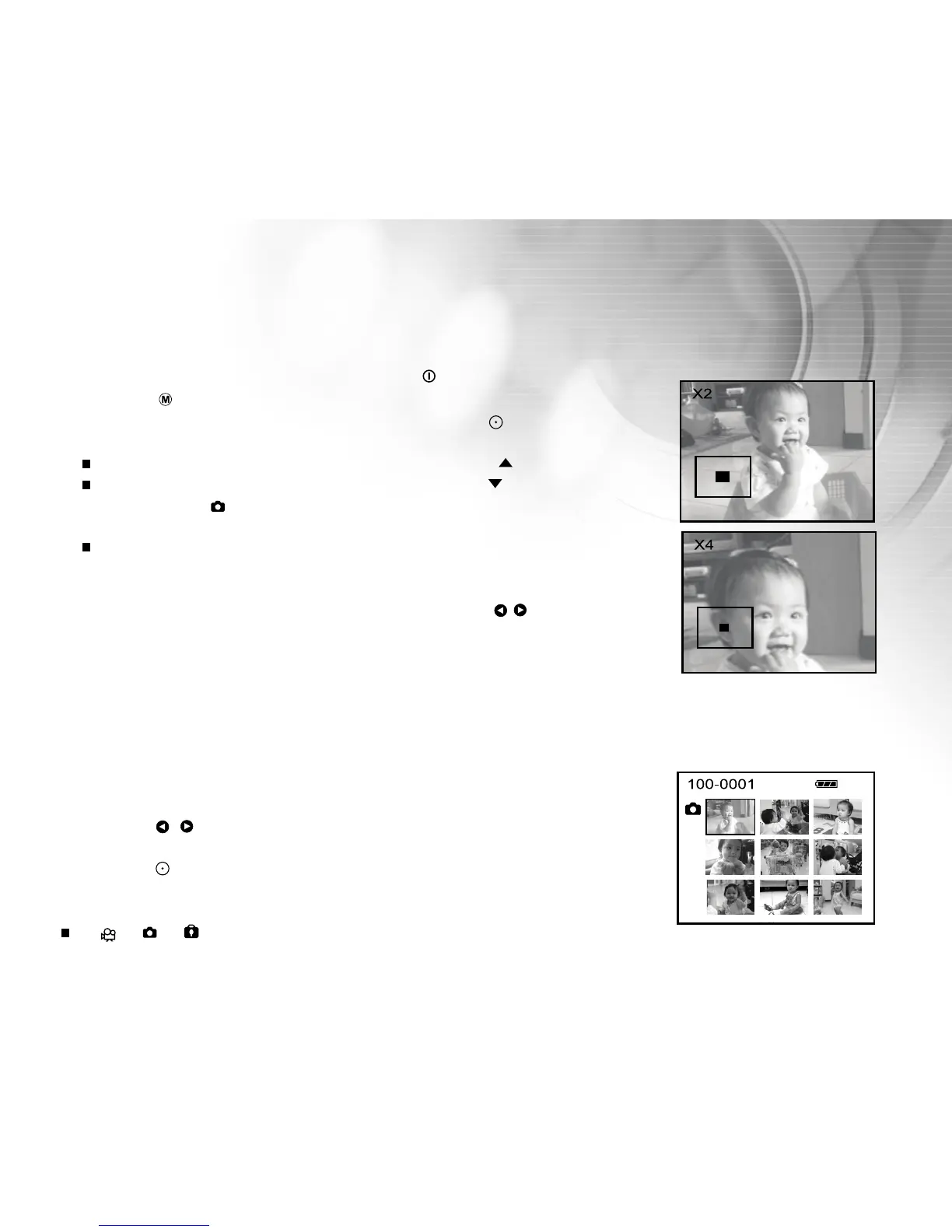
Images that are played back can be enlarged and displayed two, or four times normal size.
1. Turn on the power by pressing and holding the button.
2. Press the button twice to go to [Select Mode].
3. Select [Image/Movie] with the zoom lever and press the button.
4. Select the desired images with the zoom lever.
To view the previous image, toggle the zoom lever to the / T direction.
To view the next image, toggle the zoom lever to the / W direction.
5. Each press of the button switches the displayed image in the sequence
of 1x enlargement, 2x enlargement, 4x enlargement and thumbnail display.
During zoom playback, the outer frame indicates the entire image; while
the inner frame indicates the location of the currently enlarged area
within the context of the entire image.
6. Toggle the zoom lever upward or downward or press the / buttons to
select the area of enlargement.
Thumbnail display
This function allows you to view 9 thumbnail images on the LCD monitor simultaneously, allowing you to quickly
search for the image or video that you want.
1. Follow "Zoom Playback" section steps 1-5 until the thumbnail display on
the screen.
2. Press the / buttons to select the image/video clip to be displayed at
regular size.
3. Press the button.
Note:
A [ ], [ ], [ ] icon will be displayed in a thumbnail display.



 To Next Page