48
Step 1: Installing the USB driver (Windows 98 users only)
Windows 98 computers
The USB mass storage driver on the CD-ROM is exclusively for Windows 98
computers. Installing the USB driver on computers running Windows 2000/
ME/XP is not necessary.
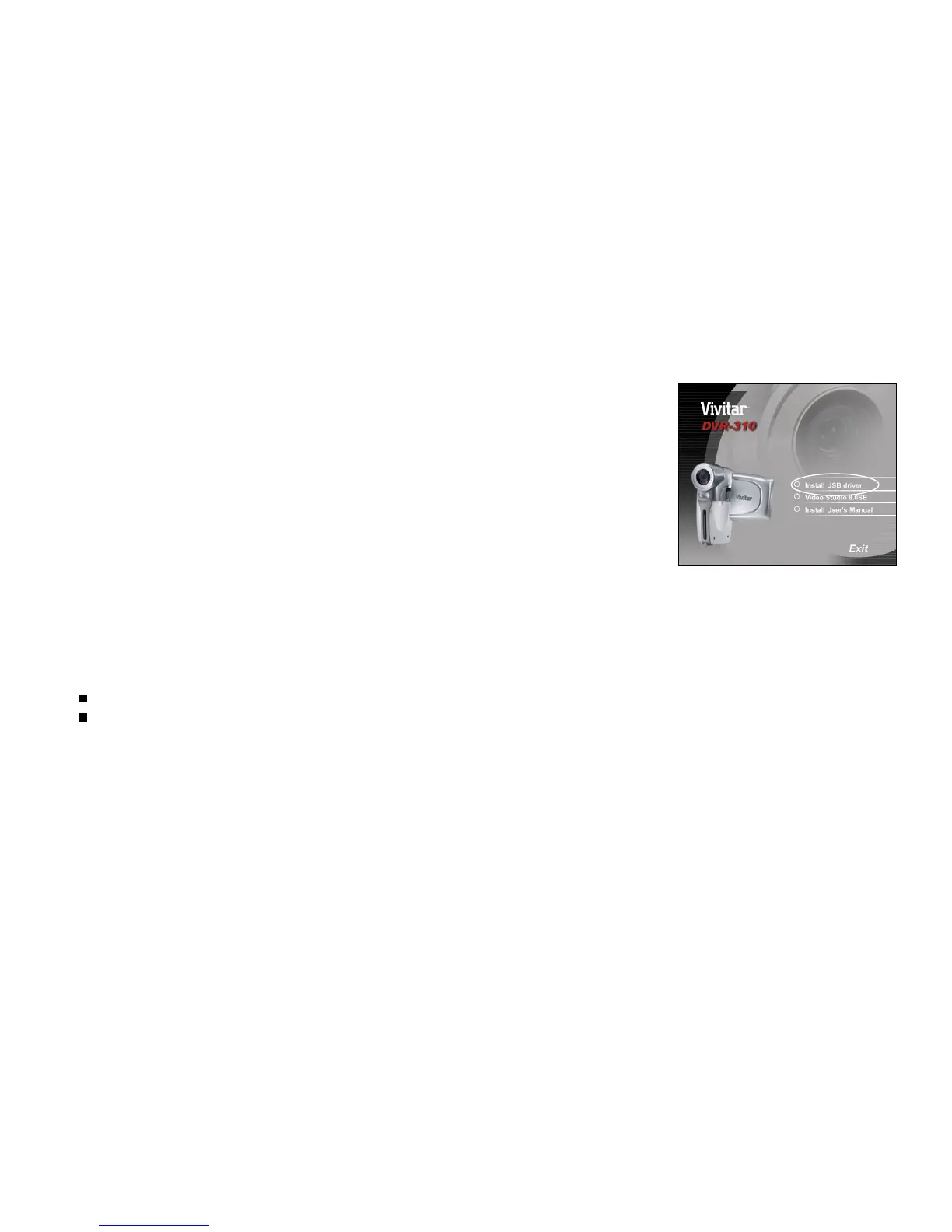
1. Insert the CD-ROM that came with the DVR-310 into your CD-ROM drive.
The welcome screen appears.
2. Click "Install USB driver". Follow the on-screen instructions to complete
the installation. After the USB driver has been installed, restart your
computer.
Note:
Windows 98 users must install the USB mass storage driver before connecting the DVR-310 to your PC.
Windows Me/200/XP users who only wish to transfer files between their PC and DVR-310 do not need to install the USB
mass storage driver.



 To Next Page