33
MP3 MODE
The DVR-310 allows you to playback MP3 files. You may transfer your favorite MP3 files from your computer to
your DVR-310 using the USB cable or you insert an SD memory card containing MP3 files into the SD card slot.
Refer to section in this manual titled “TRANSFERRING MP3 FILES” for further details.
1. Turn on the power by pressing and holding the button.
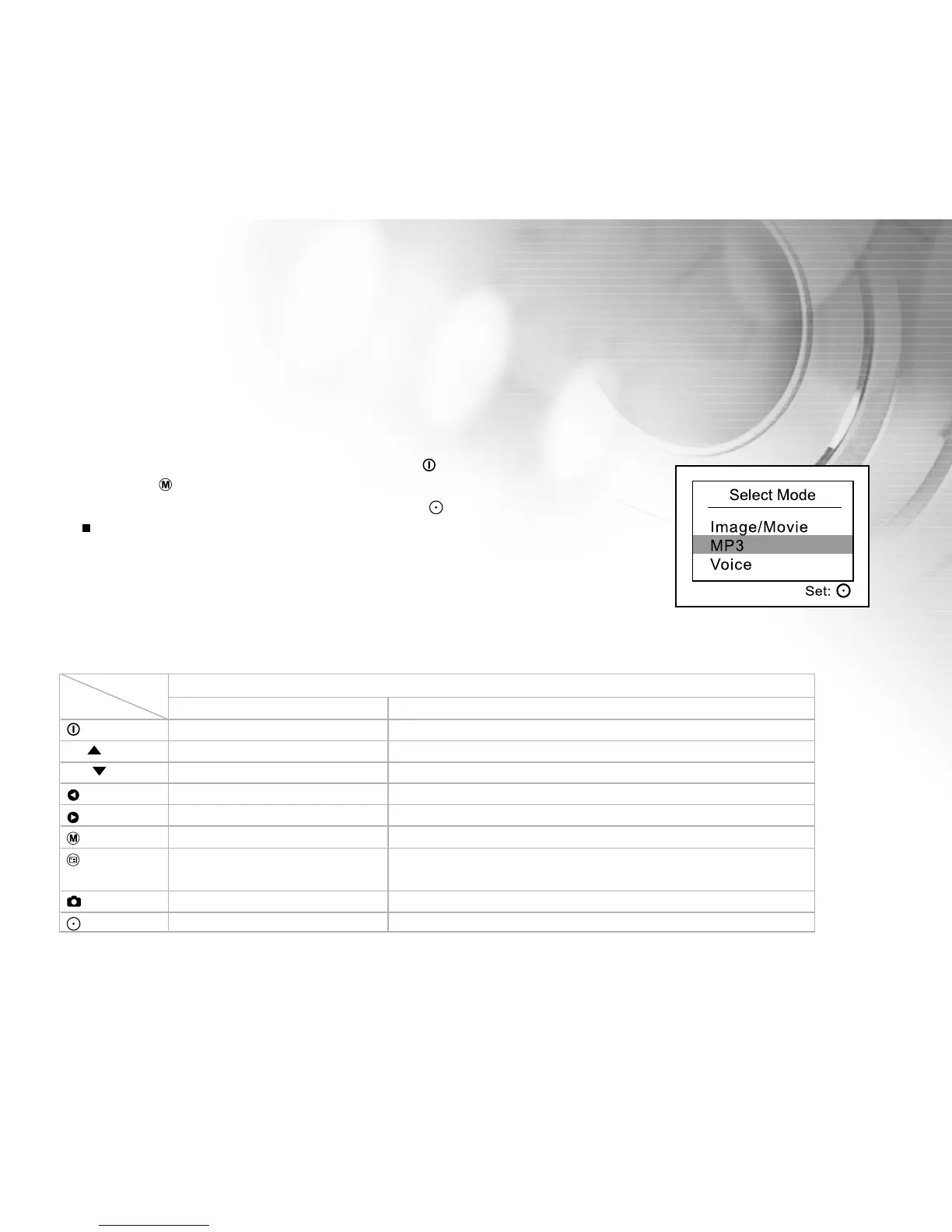
2. Press the button twice to go to [Select Mode].
3. Select [MP3] with the zoom lever and press the button.
MP3 playlist appears on the screen.
Button operations
Playlist During playback
Power off (press & hold) Power off (press & hold)
T / Scroll up Volume +
W / Scroll down Volume -
Previous page Playing previous MP3 music / Fast reverse playback
Next page Playing next MP3 music / Fast forward playback
Back to LCD preview Repeat 1/ Repeat all / Off
Enter MP3 menu Playing previous or next MP3 music / Fast reverse or
forward playback
Select/Un-select Stop playing MP3 music
Start to play MP3 music Pause playing MP3 music
State
Button
MP3
MP3



 To Next Page