30
Protecting still images/video clips
You may protect images and video clips from accidental erasure.
1. Turn on the power by pressing and holding the button.
2. Press the button twice to go to [Select Mode].
3. Select [Image/Movie] with the zoom lever and press the button.
4. Select the still image/video clip that you want to protect with the zoom
lever.
You may select the still image/ video clip that you want to protect from
the thumbnail display.
5. Press the button.
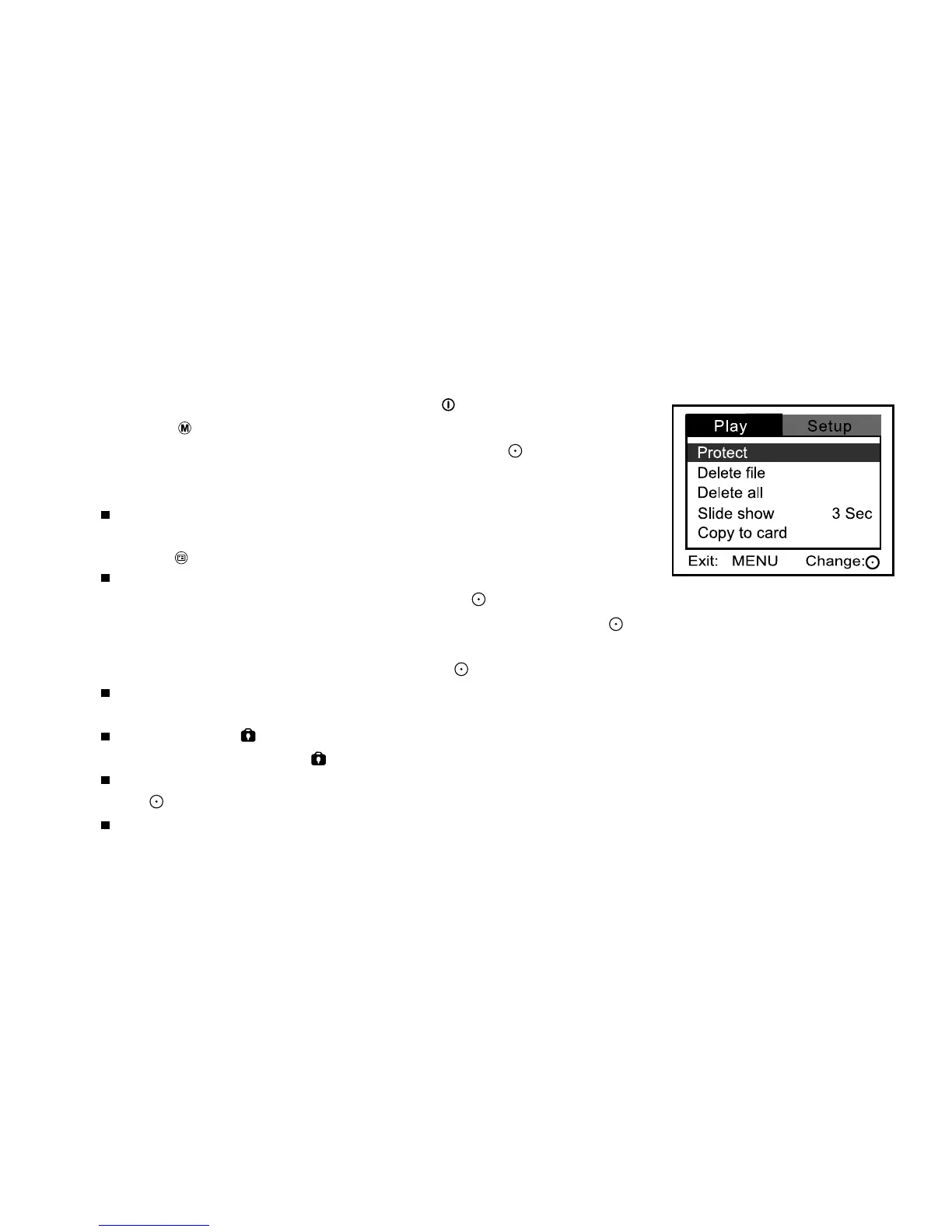
[Play] menu is displayed.
6. Select [Protect] with the zoom lever, and press the button.
7. Select [One image] or [All images] with the zoom lever, and press the
button.
8. Select [Lock] with the zoom lever, and press the button.
Protection is activated and the DVR-310 returns to the play
mode.
The protect icon is displayed on protected images and videos. When
[All images] are selected, is displayed with all the images.
To cancel protection, select [Unlock] with the zoom lever, and press
the button.
Protection is cancelled and the DVR-310 returns to the play mode.



 To Next Page