27
PLAYBACK MODE
Playing back still images
You can playback your still images on the LCD monitor.
1. Turn on the power by pressing and holding the button.
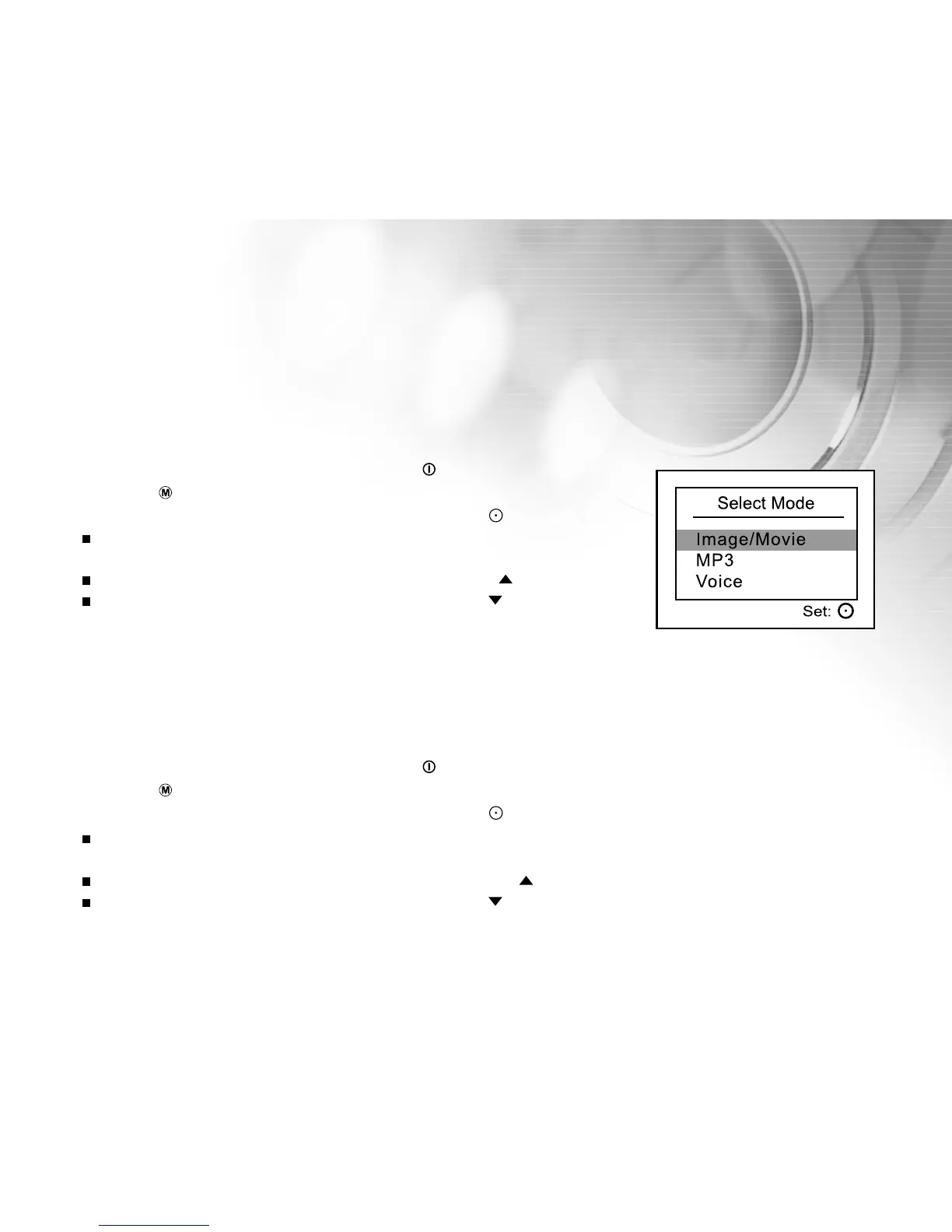
2. Press the button twice to go to [Select Mode].
3. Select [Image/Movie] with the zoom lever and press the button.
The last image/video clip appears on the LCD monitor.
4. Select the desired images with the zoom lever.
To view the previous image, toggle the zoom lever to the / T direction.
To view the next image, toggle the zoom lever to the / W direction.
Playing back video clips
You can playback video clips recorded on the DVR-310. You can also playback voice recordings.
1. Turn on the power by pressing and holding the button.
2. Press the button twice to go to [Select Mode].
3. Select [Image/Movie] with the zoom lever and press the button.
The last image/video clip appears on the LCD monitor.
4. Select the desired images with the zoom lever.
To view the previous image, toggle the zoom lever to the / T direction.
To view the next image, toggle the zoom lever to the / W direction.



 To Next Page