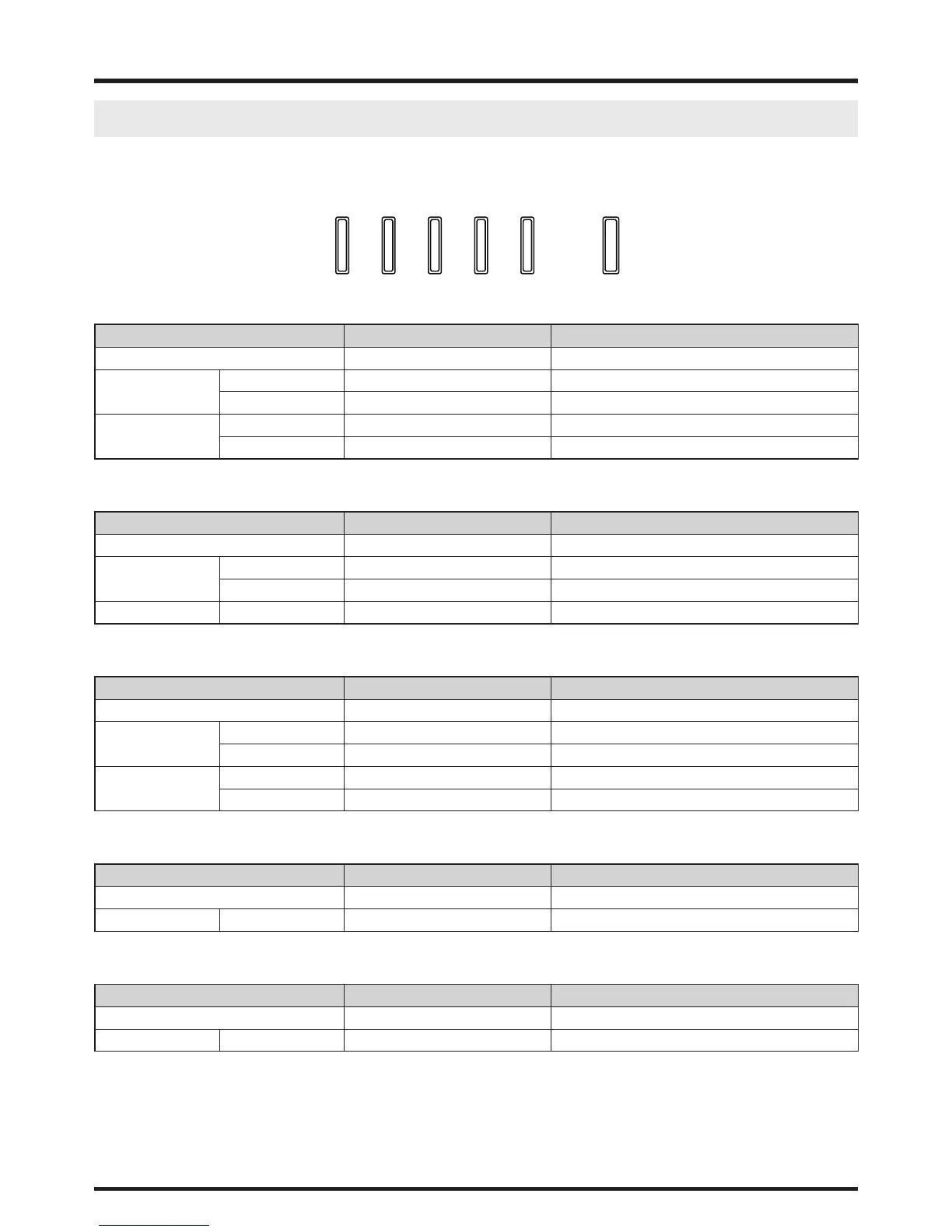
LED Status
SHUTTER
TEMP.
LAMP 1
LAMP 2
STATUS
POWER
Power LED
LED Display Projector status Procedure
Off Power is off
Flashing Green Prepare to turn on projector Wait till projector start displaying
Orange Projector cooling Wait until cooling finish ( ~ 90 sec)
On Red Standby mode
Green Projector is on
Status LED
LED Display Projector status Procedure
Off No Problem
Flashing Red (Cycles of 1) Cover Problem Contact local Vivitek Server Center
Red (Cycles of 4) Fan Problem Contact local Vivitek Server Center
On Red System Error Contact local Vivitek Server Center
Lamp1/Lamp2 LED
LED Display Projector status Procedure
Off Lamp off
Flashing Green Prepare to light lamp
Red (Cycles of 6) Lamp lit fail
On Red Lamp is end-of-life
Green Lamp lit
Temp LED
LED Display Projector status Procedure
Off No Problem
Flashing Red Temperature problem Contact local Vivitek Server Center
Shutter LED
LED Display Projector status Procedure
Off Shutter is open
Flashing Green Shutter is closed



 To Next Page