Chapter 5 APPLICATION
1
2
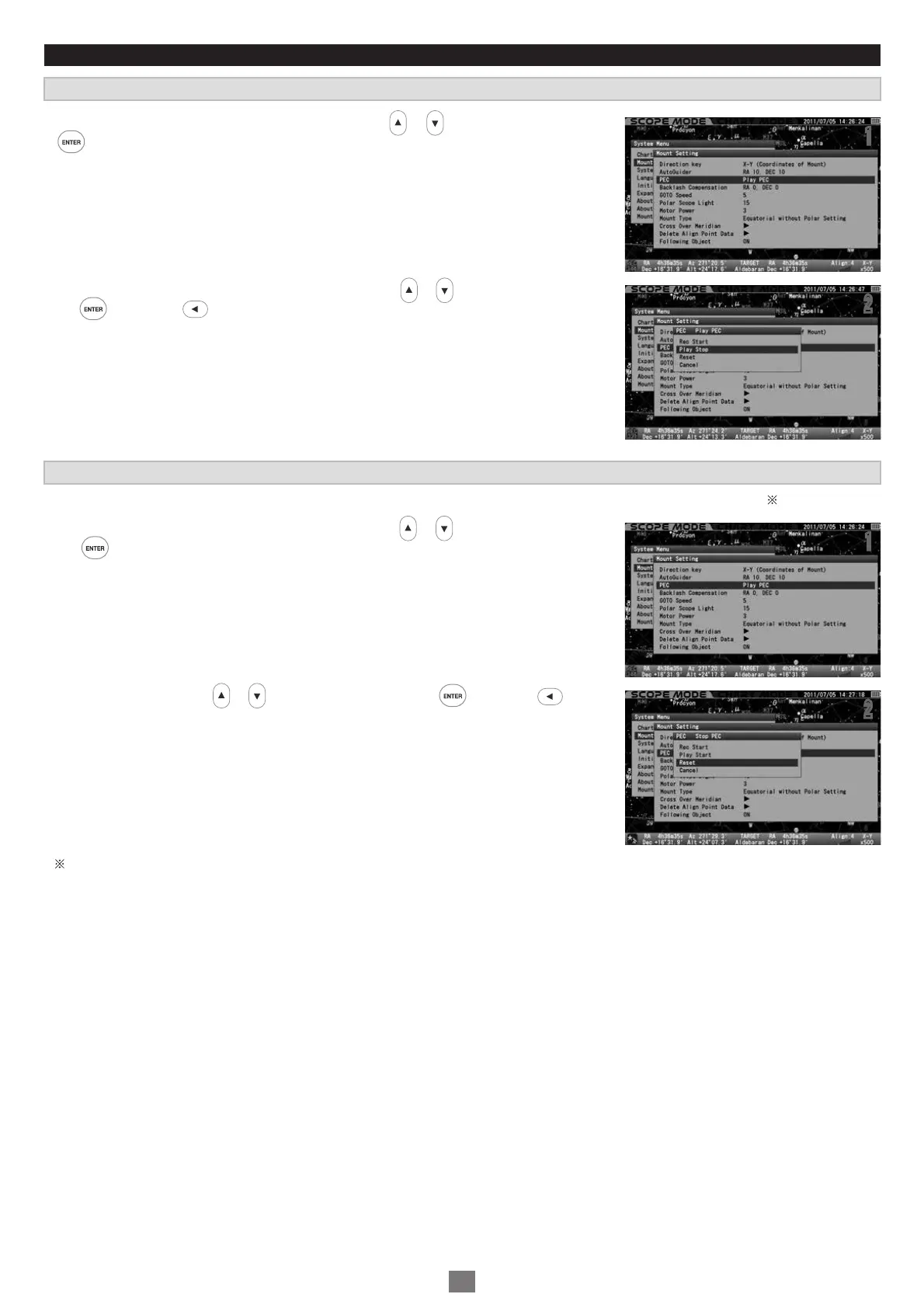
The PEC recording is held until you turn off the power, but you can reset the recorded PEC at your option during operation.
In the “Mount Setting” menu, choose “ PEC” with the or direction key and press
the key to call up the dialog box.
In the “PEC” dialog box, choose “ Play Stop” with the or direction key and press
the key (or the key).
Stopping Playback of the PEC
Resetting the PEC
11
2
2
1
2
In the “Mount Setting” menu, choose “ PEC” with the or direction key and press
the key to call up the dialog box.
Choose “ Reset” with the or direction key and press the key (or the key).
All the recorded PEC are erased.
11
2
2
88



 To Next Page