18
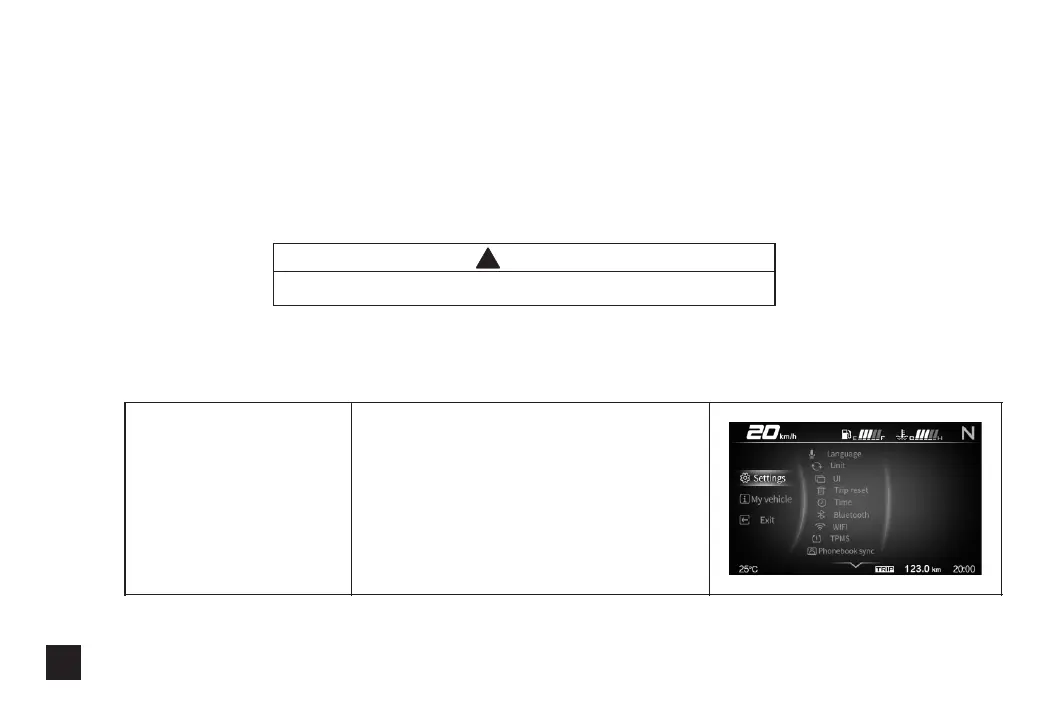
2.Enter the setting page
Enter level 1 menu
Long press the Confirm button
to enter the level 1 menu.
(5)Level 1 menu: Vehicle Settings, My Vehicle, Exit.
(6)Level 2 menu: Language selection, Metric and Inch System Switch, Interface Switch, Trip Reset,
Clock Setting, Bluetooth, WiFi, Tire Pressure Matching, Phone Book Synchronization.
(7)Level 2 menu of My Vehicle: My Vehicle Information, Various Version Numbers.
(8)Enter My Vehicle and long press the Up button to clear the maintenance symbol.
!
Notice
Short press is 0.5 seconds, long press is 2 seconds.



 To Next Page