17
Meter interface instruction
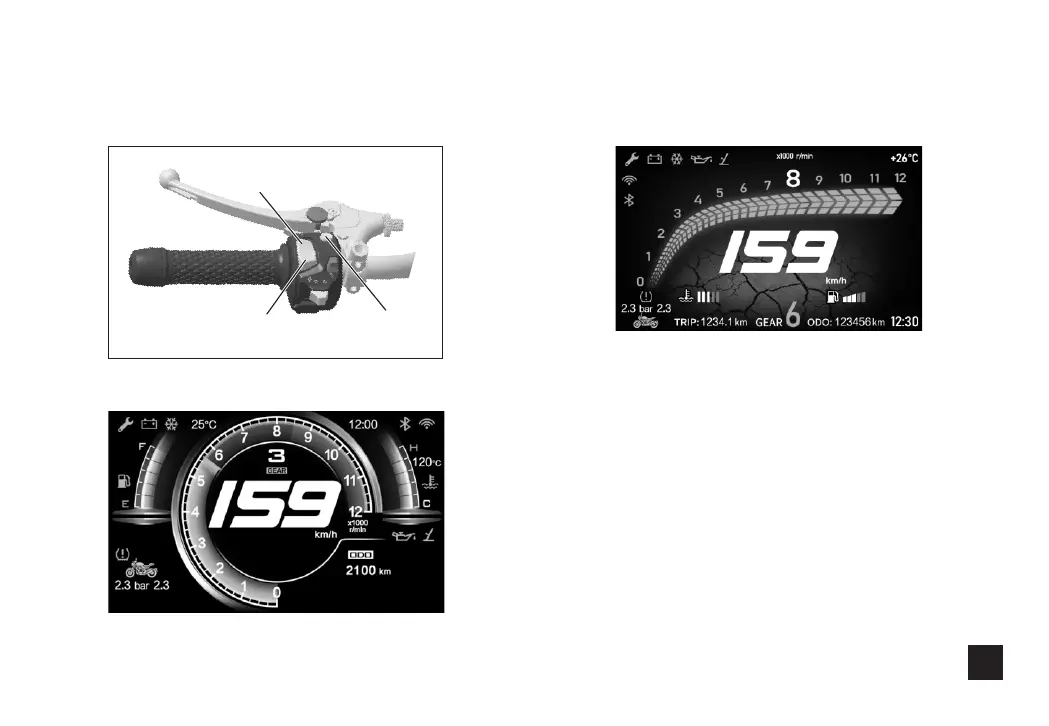
1.Button instruction
First interface of the insturment
Second interface of the instrument
Up button
Down button Confirm button
(1)Short press the Up button to enter the Internet
mode.
(2)Short press the Down button to switch between
aggregate and subtotal.
(3)Long press the confirm button to enter the
Setting.
(4)After the Blue teeth connected, shortly press
the lower key for listening the call, then shortly
press the upper key for hanging off the call,
connect the headset of Blue teeth with mobile
before conversation.



 To Next Page