Resetting the calibration
1 Turn the ignition on and move the control levers to
neutral.
Start the engines.
2
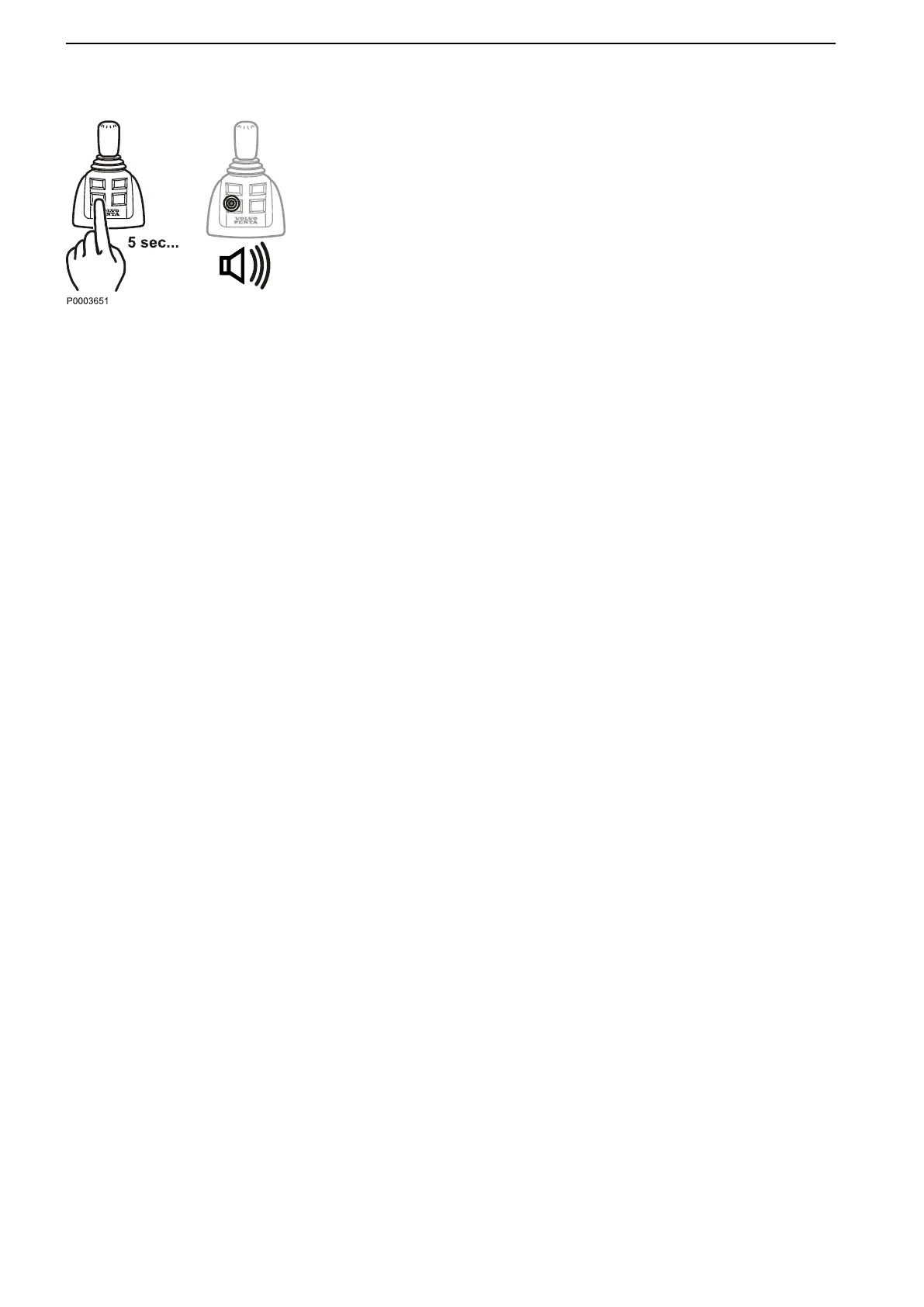
Activate calibration mode by depressing the dock-
ing button for 5 seconds.
An audible signal will confirm that docking mode is
activated and the docking button lamp will light up.
3 Press the docking button. Calibration is now reset,
which is confirmed by an audible signal.
The system is now in docking mode
Calibration and Settings
128 47705796 05-2014 © AB VOLVO PENTA





 To Next Page