3 Confirm with "SELECT".
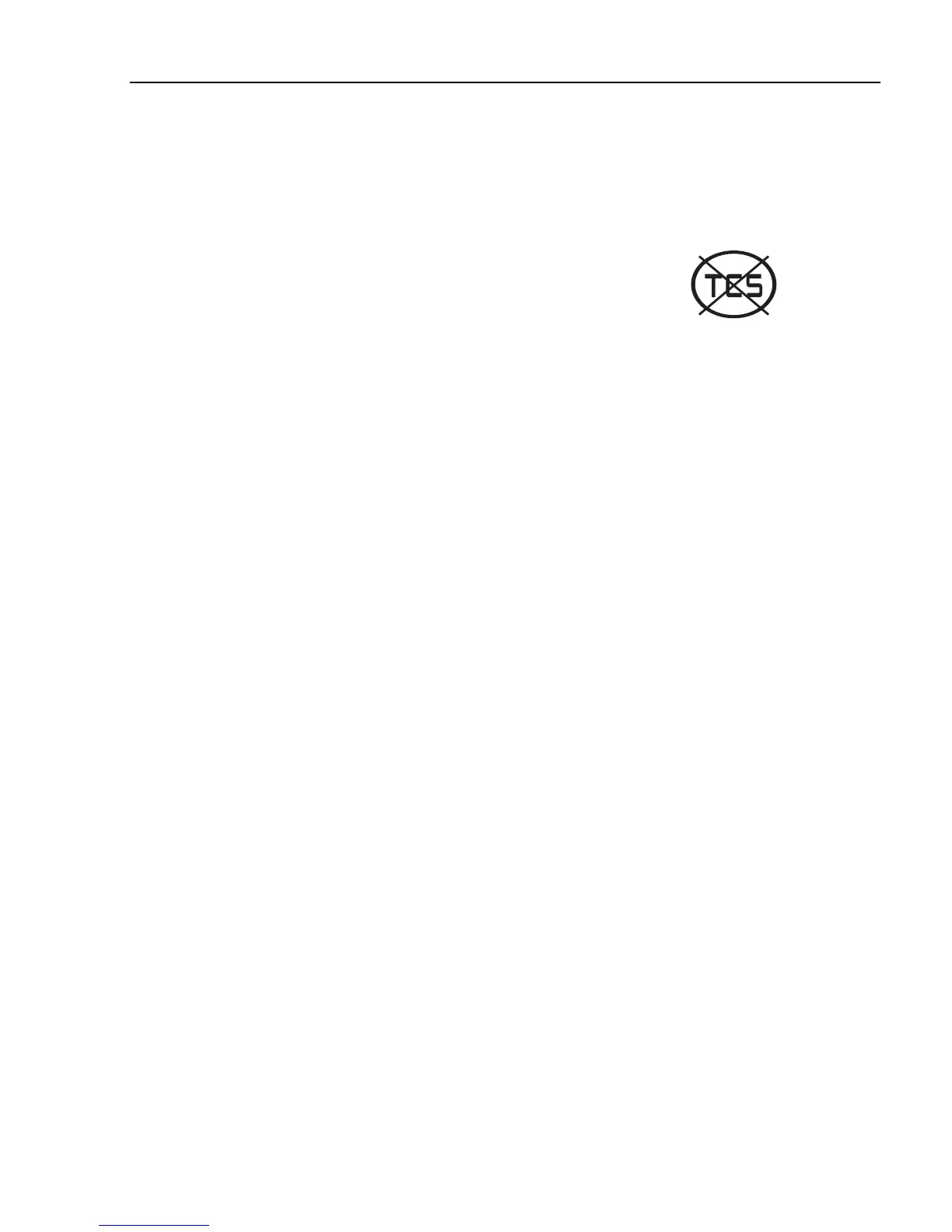
Traction Control
1 Select "On" or "Off" with ▲ and ▼.
2 Confirm with "SELECT".
3 "Esc" aborts the setting.
If traction control is turned off, a warning symbol is
shown.
J3014424
Day Running Light
Day Running Lights can be shut off in this menu. This
means that if the Day Running Lights are "Off", so the
dip beam must be turned on and off with the lighting
knob on the panel.
1 Select ”On” or ”Off” with ▲ and ▼.
2 Confirm with "SELECT".
3 "Esc" aborts the setting.
Draining/priming
Draining/priming of the fuel system is done via this
menu, when required.
Depending on whether it is draining or priming that is
required, the display will show different messages.
Fault diagnostics
A list of the truck control units is shown in the menu
"Fault diagnostics".
Switch between control units using ▲ and ▼.
"SELECT" confirms choice of control unit. To cancel,
press "Esc".
1 During the time that the selected control unit is
polling, the display indicates that data transfer is
taking place.
Information display
97



 To Next Page