Greyed menu item means this function is disabled by
office.
EU regulations require at least one transfer every 90
days.
Tachograph data status
This menu informs the driver about tachograph mass
memory transfers:
• Current ongoing transfer: which driver has initiated
the transfer and current status.
• Date of last successful transfer.
• Days since last data available at the office.
• Last warning message and date it was received.
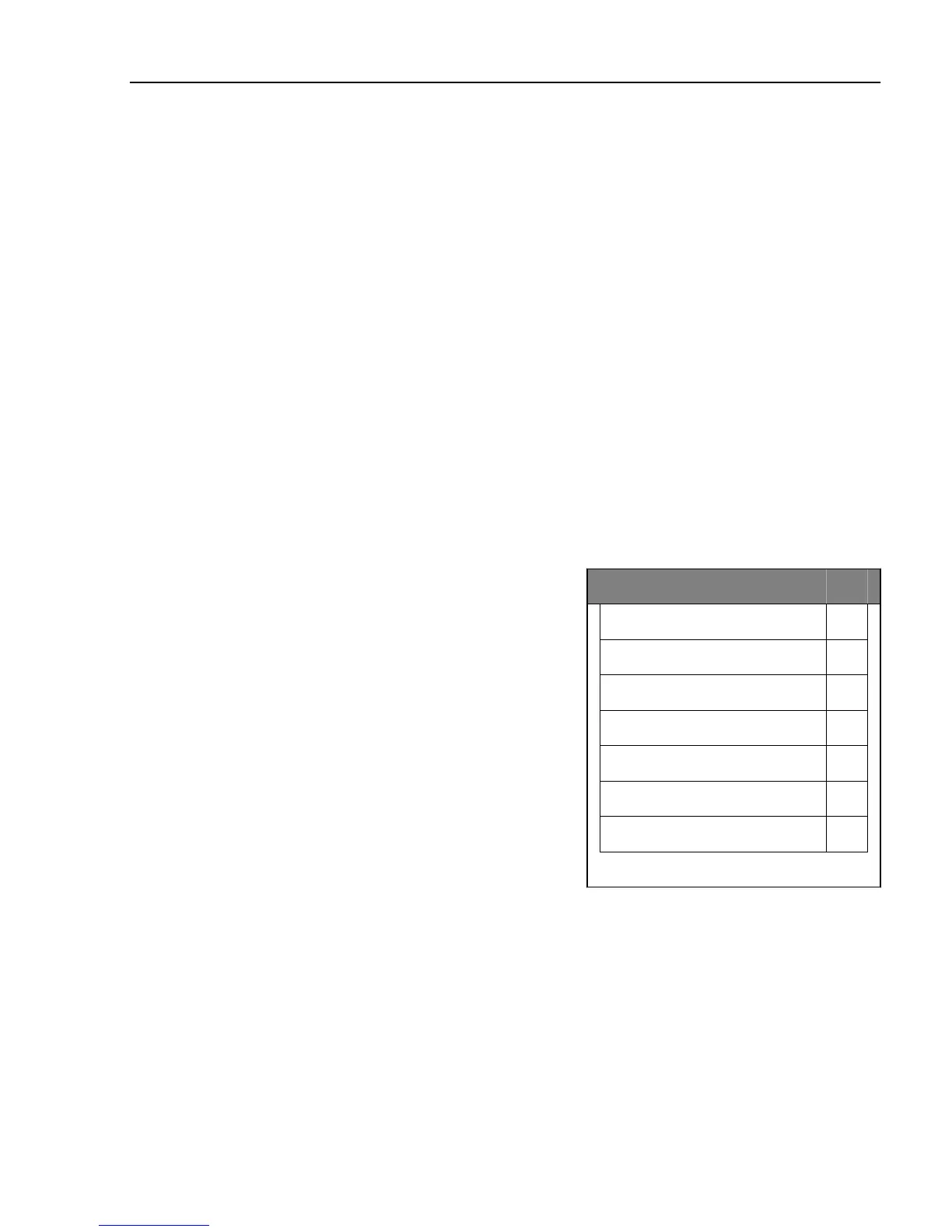
Settings
The settings menu gives access to all adjustable
system parameters. To alter a setting, press “Select” on
the setting that is to be altered and scroll between the
alternatives shown using the arrow keys. Press
“Select” to accept the highlighted setting. The
following alternatives can be selected in the settings
menu:
Screen saver, adjusts the delay before the screen saver
is activated or turns the function off.
Language, selects desired language
Units, selects between European, British or American
units.
Volume, adjusts the speaker volume.
Brightness, adjusts the screen brightness.
Back lighting, adjusts the screen backlight.
Keyboard, selects the keyboard layout.
System information, shows the hardware version,
software version, serial number, information about
tachograph, information about connected USB units
and information about connected navigation devices.
Settings
Screen saver ▼
Language ▼
Units ▼
Volume ▼
Brightness ▼
Backlight ▼
Keyboard ▼
System information
Dynafleet
467



 To Next Page