Note!
The system does not affect the
brakes, steering or other systems in
the vehicle. It only emits audible
signals via the instrument panel and
shows messages in the display.
The system is controlled from the display menu, see
“Vehicle settings” in the Display section.
DAS
can be
selected as a favourite in the display.
DAS
is activated automatically when the truck starts.
The system is activated at a speed of
65 km/h
, when it
is switched on via the display.
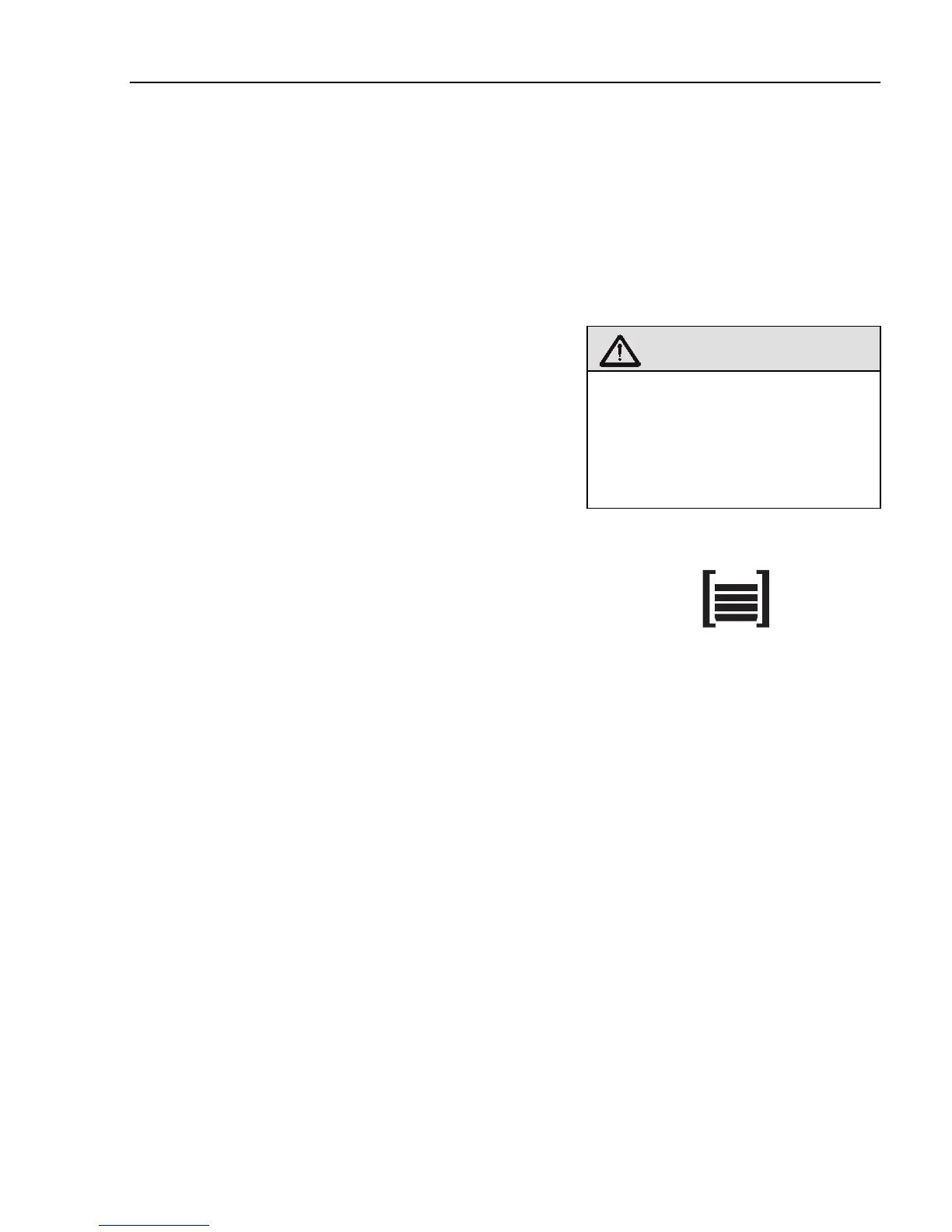
The display shows a level indicator with 1–5 bars. If
no bars are visible, the system is inactive or turned off.
In order for the symbol to be seen in the display,
DAS
must be selected as a favourite, see the Display
section.
The system is inactivated at speeds below
60 km/h
.
Warning!
Driver Alert Support
can be
inactivated by indistinct road
markings or certain weather
conditions, e.g. heavy rain or
snowfall.
J153857
Level marking for
Driver Alert Support
DAS
provides information to the driver in the form of
bars in the display. The number of bars decreases with
deteriorated lane keeping. The driver is alarmed when
the vehicle does not follow road markings in an even
manner. The alarm warns via a message in the display
and a sound signal.
The up/down buttons are used for scrolling between
the messages. Use the Esc button to close a message.
For the
DAS
to function, the following conditions
must be met:
• The system is engaged
• The road has legible lane markings
•
The truck has a speed in excess of
65 km/h
Note!
DAS
should not be used to increase
the length of a driving session.
Tiredness is deceptive and it is
difficult to sense when it is starting
to become dangerous. So make sure
that you are properly rested before a
journey and take regular breaks.
Driving
175



 To Next Page