General Information 5
Power ON/OFF
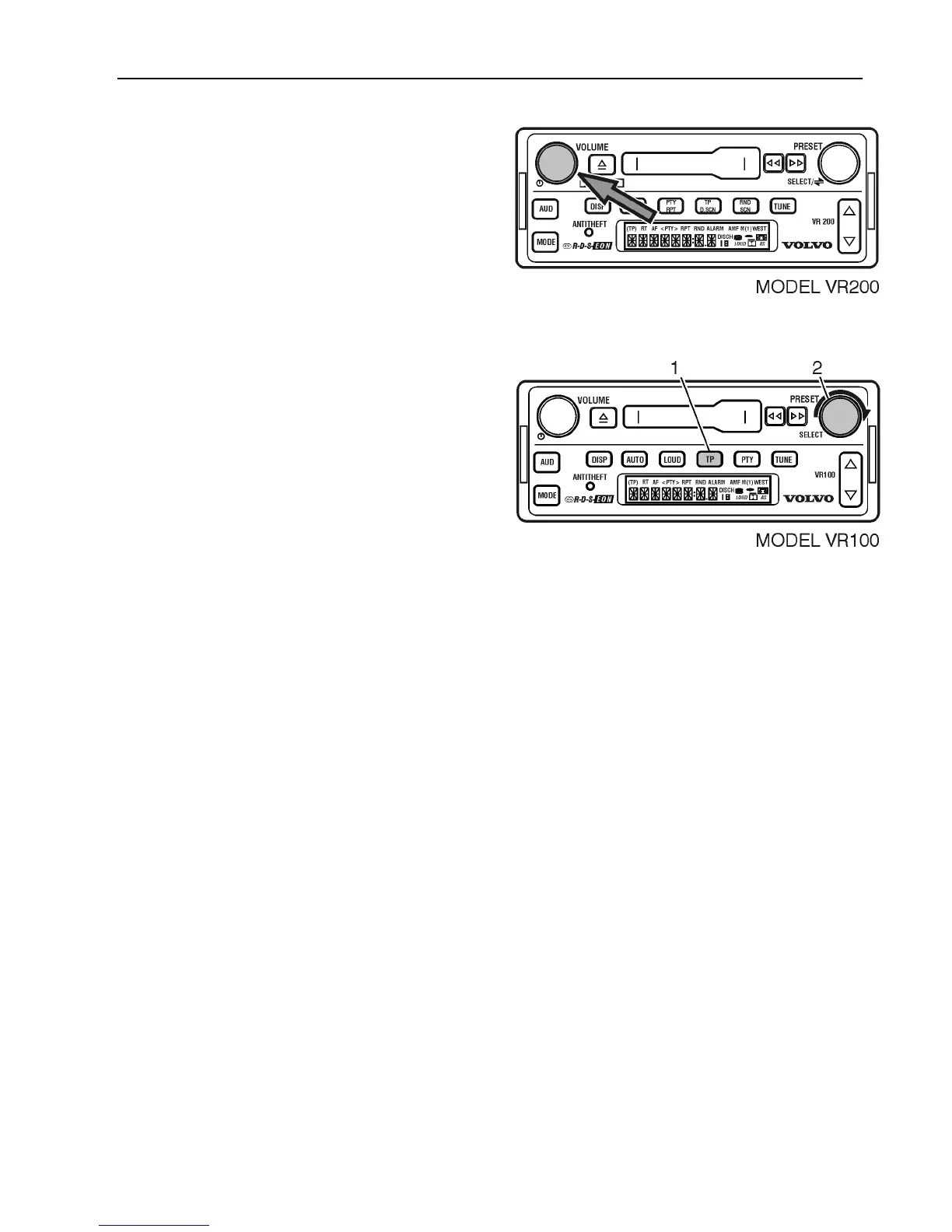
Press the VOLUME knob to turn ON/OFF.
Language
To select the desired Radio Data System
(RDS) Program Type Function (PTY)
display language, turn the radio OFF.
1 Press and hold TP for 2 seconds.
2 Turn SELECT to scroll through
available languages.
(English, Español, Français in US-selected
frequency bands).
After the desired language is displayed for 5
seconds, the setting is saved and the display
returns to the default.



 To Next Page