Audio Controls 13
Audio Controls
The bass and treble audio settings apply to all
radio modes (AM/FM, or WX, cassette and
CD). A separate set of the following audio
adjustments can be stored for each mode.
Note: WX (weather) is available only on
U.S. models.
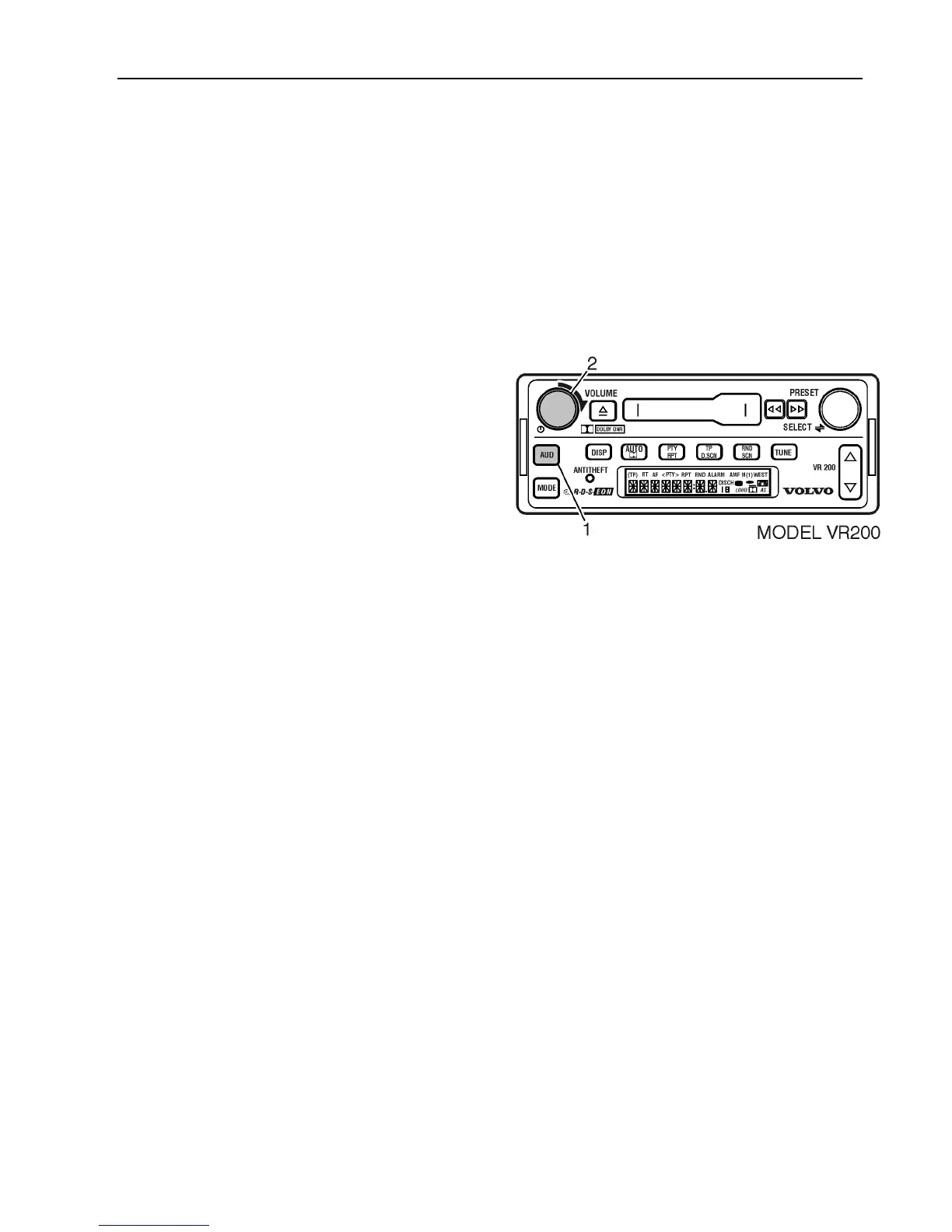
Volume Control
While listening in any mode, turn the
VOLUME knob to adjust volume.
If you are currently adjusting the sound
quality of the radio, (e.g., BASS, TREB,
BAL, FADE);
1 Press the AUD button until “VOL” is
displayed, then
2 Turn the VOLUME knob to adjust
volume.
Dynamic Distortion Limiting
Dynamic Distortion Limiting automatically
limits the audio distortion level caused by
playing the radio too loud. This feature does
not need to be set or adjusted.



 To Next Page