44 Using the Cassette Player
Radio Monitor Function
The Radio Monitor function allows the
radio to be heard while fast forwarding or
rewinding a cassette. To turn Radio Monitor
ON or OFF:
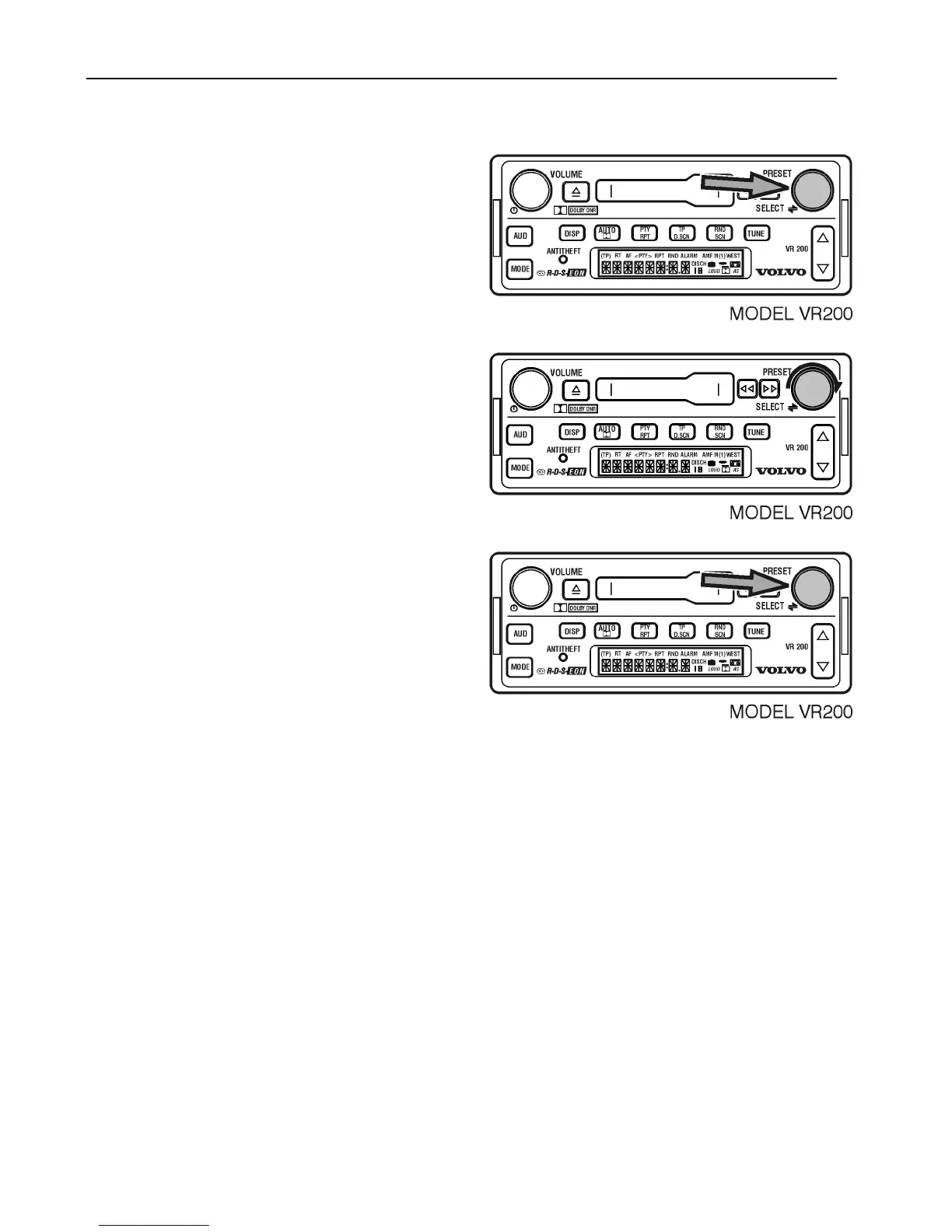
Press SELECT for 3 seconds to display 12/4.
Turn to display MONI.
Press SELECT change between ON and
OFF.
After 5 seconds the selection is saved and the
display returns to the default.



 To Next Page