Using the Cassette Player 41
To turn CASSETTE TIGHTENING and
ERROR DETECTION back ON;
Press and hold TUNE until BAD TAPE
DETECTION is displayed.
Change Cassette Side
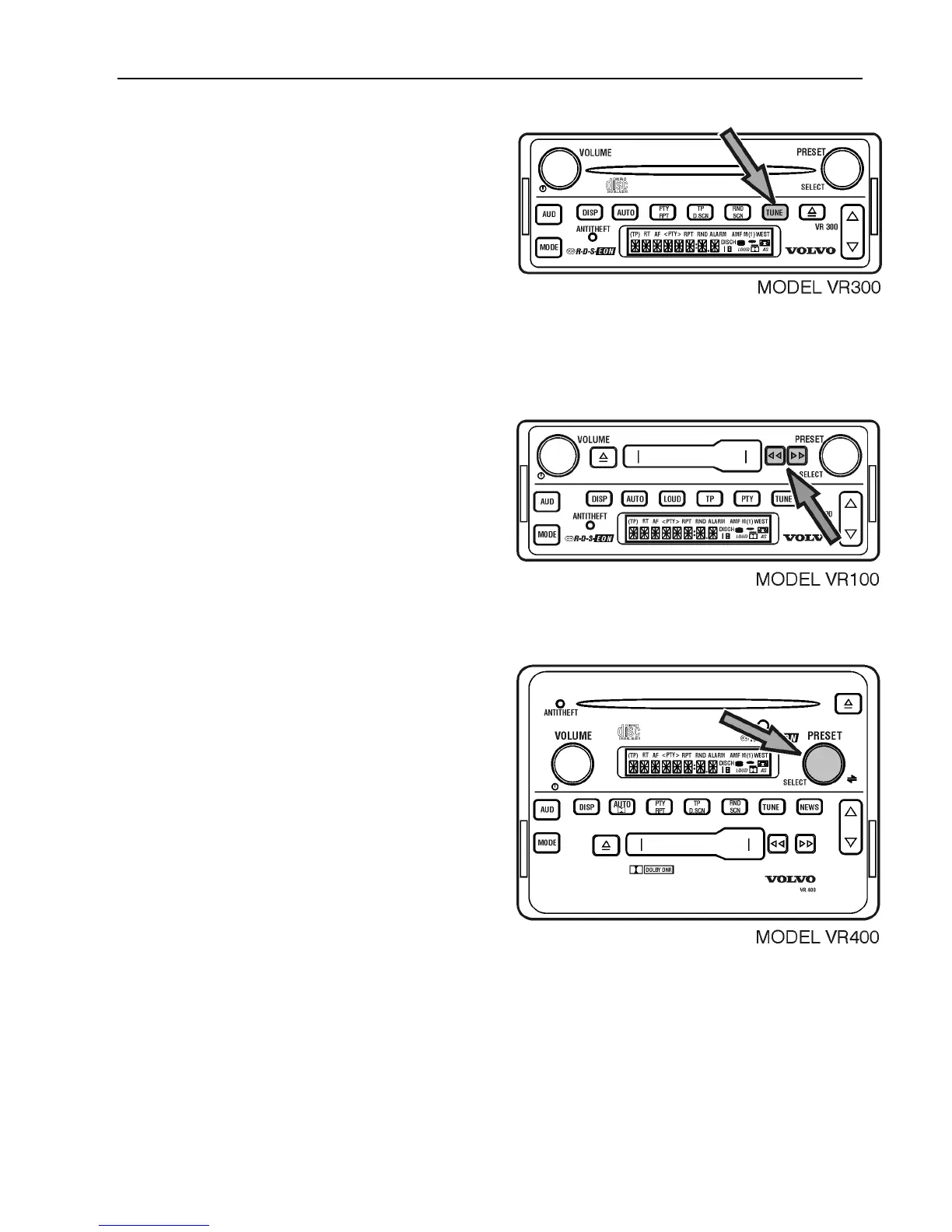
Model VR 100
To play the opposite side of a playing
cassette, press the RW and FF buttons at the
same time.
Model VR 200 and VR 400
Note: Illustration used here is VR 400,
however, the instruction applies to both
VR 200 and VR 400.
To play the opposite side of a playing
cassette;
Press SELECT.
For all models with cassette, the cassette is
automatically reversed when it reaches the
end of a side.



 To Next Page