Audio Controls 19
2 or 4 Speaker Select
Depending on the radio speaker installation
in your vehicle, 2 or 4 speaker output can be
selected. To change this selection;
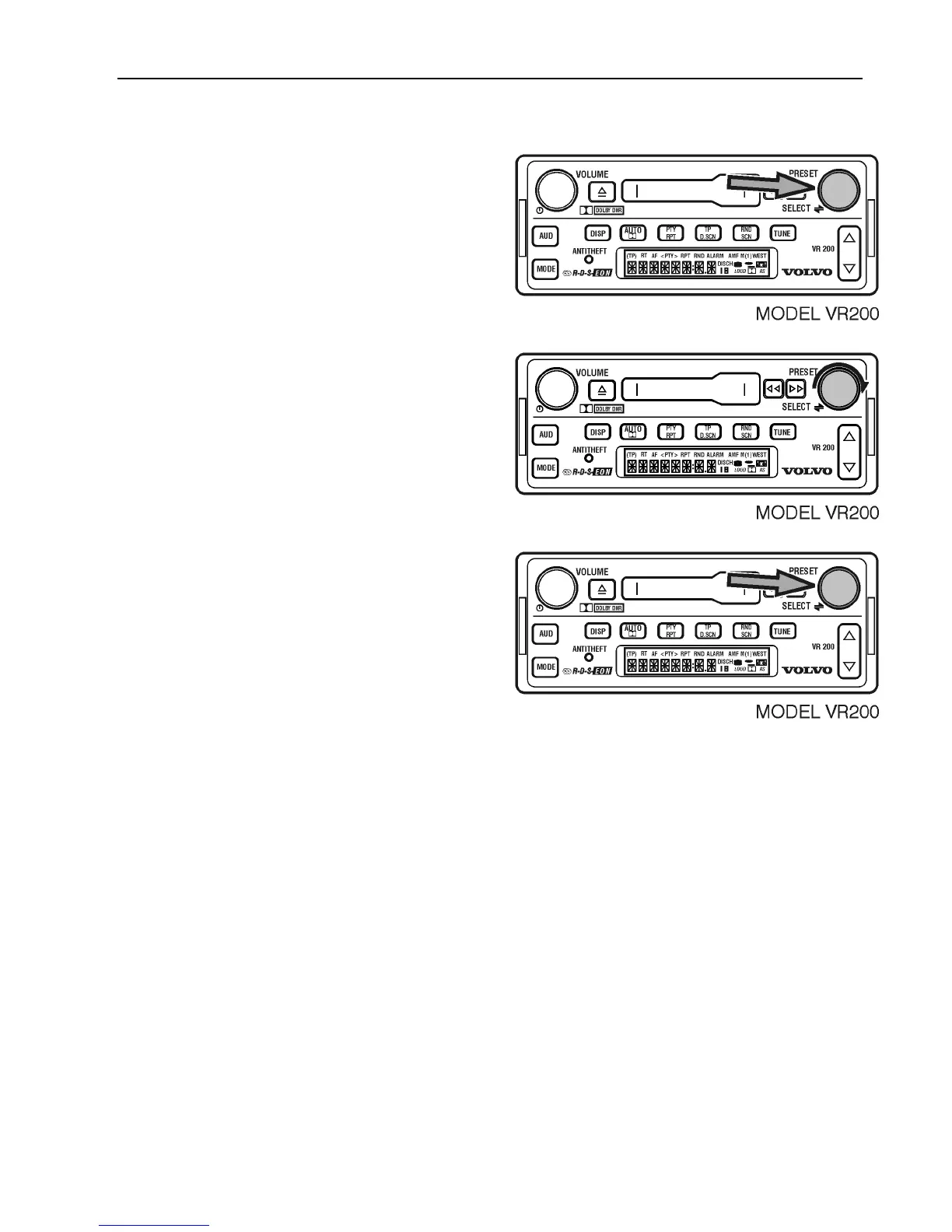
Press the SELECT knob for 3 seconds to
display 12/24.
Turn the SELECT knob to display SPKR.
Press SELECT to choose 2 or 4.
When the 2 speaker option is chosen, the
rear speakers are disabled and the fade adjust
setting does not function.
After 5 seconds, the setting is saved and the
display returns to the default.



 To Next Page