26 Tuning the Radio
Seek Sensitivity-FM and AM
(U.S. Frequency bands only)
In FM and AM tuner modes, the sensitivity
of the Seek function can be adjusted to stop
at stations with weaker or stronger signals.
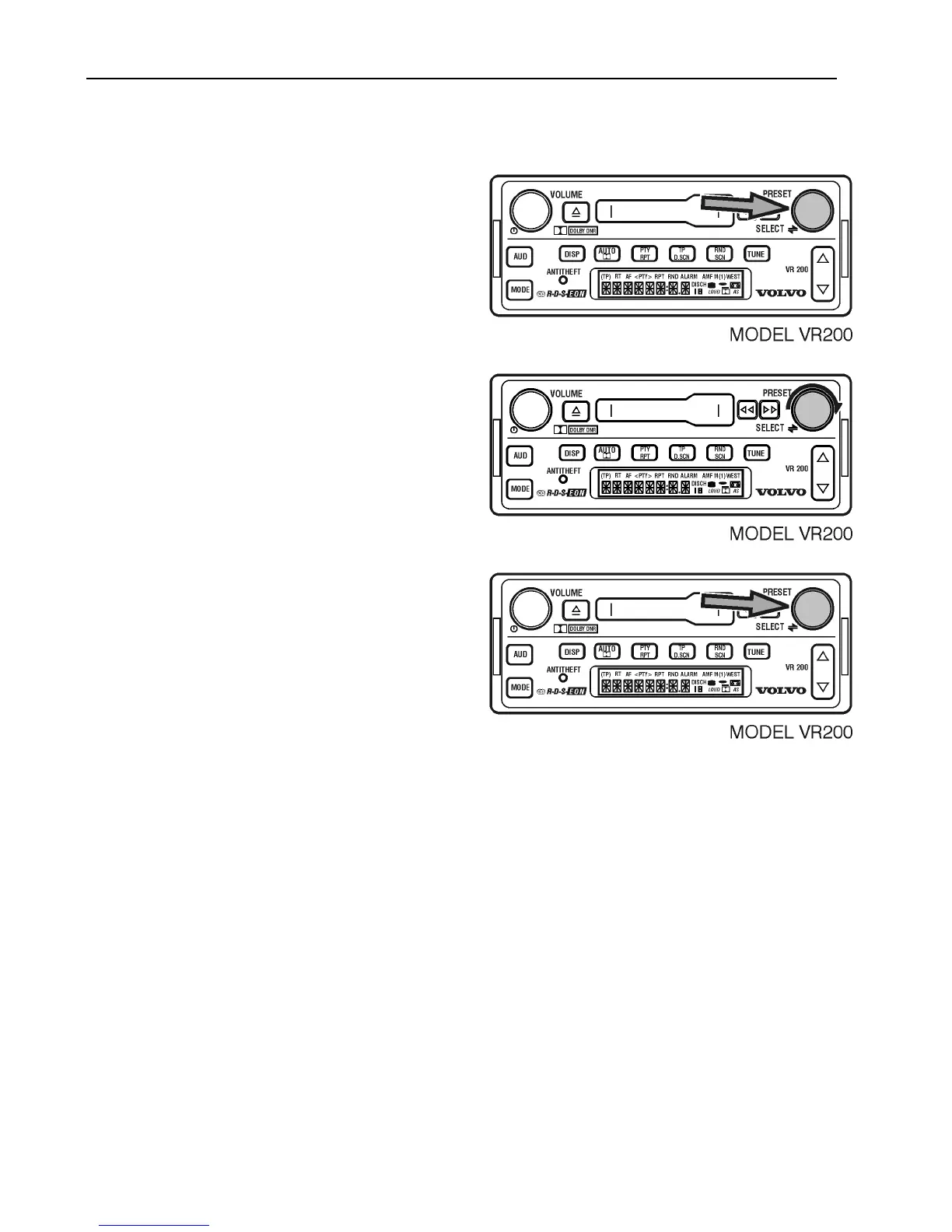
To adjust this sensitivity;
Press and hold SELECT to display 12/24.
Turn SELECT to display SEEK.
Press SELECT to scroll between
–2 (min) and +2 (max).
After selecting SEEK, the VOLUME knob
can be rotated to scroll between the settings.
After 5 seconds, the setting is saved and the
display returns to the default.
The -2 setting will stop only on very strong
signals. The +2 setting will stop on weaker
signals.



 To Next Page