General Information 9
Alarm Clock and Timer
VR 200, VR 300 and VR 400
Setting the Alarm Clock
To set the alarm clock;
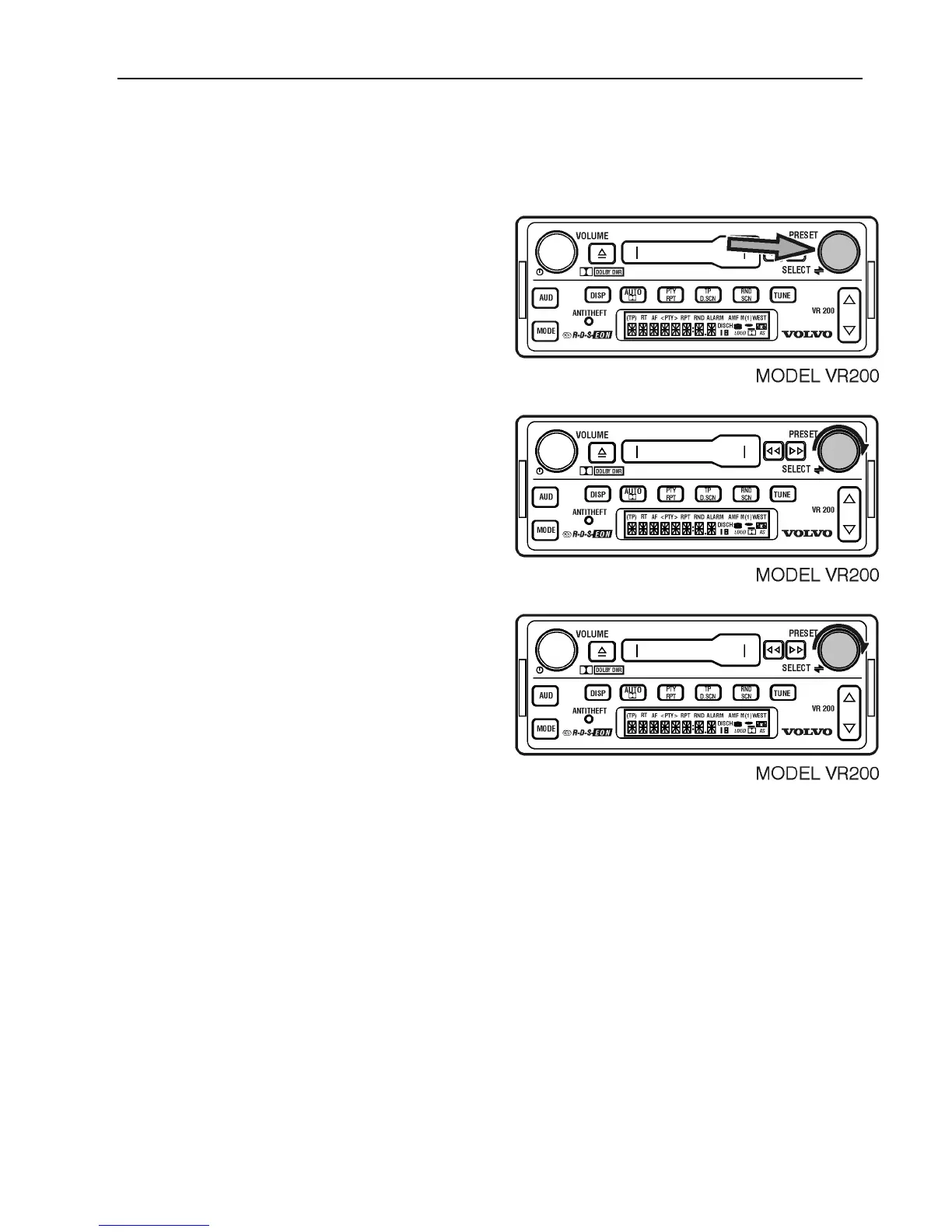
Press and hold SELECT for 3 seconds.
Turn the SELECT button to show ASET.
Turn the SELECT button to the correct hour.
If the radio is set to the 12–hour format,
“AM” or “PM” is also displayed.
After AM or PM is chosen then ALARM N
or Y is displayed.
Press Y to set alarm, or N if you do not want
to set alarm.



 To Next Page