6 General Information
Country Frequency Selection
Different countries broadcast on different
sets of radio frequencies. Selections can be
made from different country-specific radio
frequency bands.
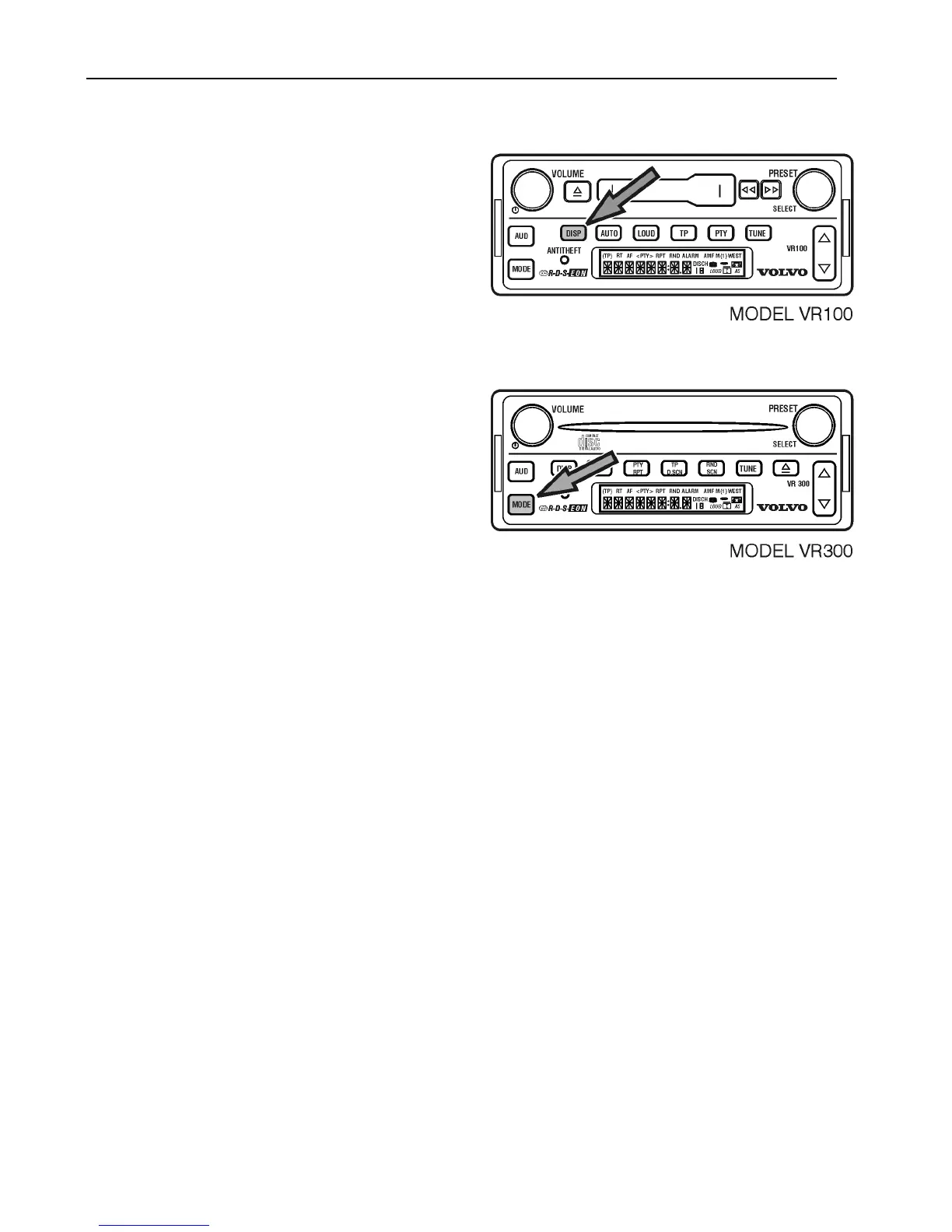
To select a country frequency band, with the
radio ON;
Press and hold DISP for 3 seconds until the
current country frequency band is displayed.
Press MODE to scroll through available
bands.
AMERICAS > EUROPE > AUSTRALI >
JAPAN > ARGENTIN > SAUDI
The selected band will be saved after 5
seconds.
Note: When a new country is selected, all
preset stations from the previous country are
erased.
Display Illumination
All of the radio controls are illuminated for
nighttime viewing. Dimming the vehicle
interior lights will dim the radio controls
also.



 To Next Page