58 Using the CD Changer
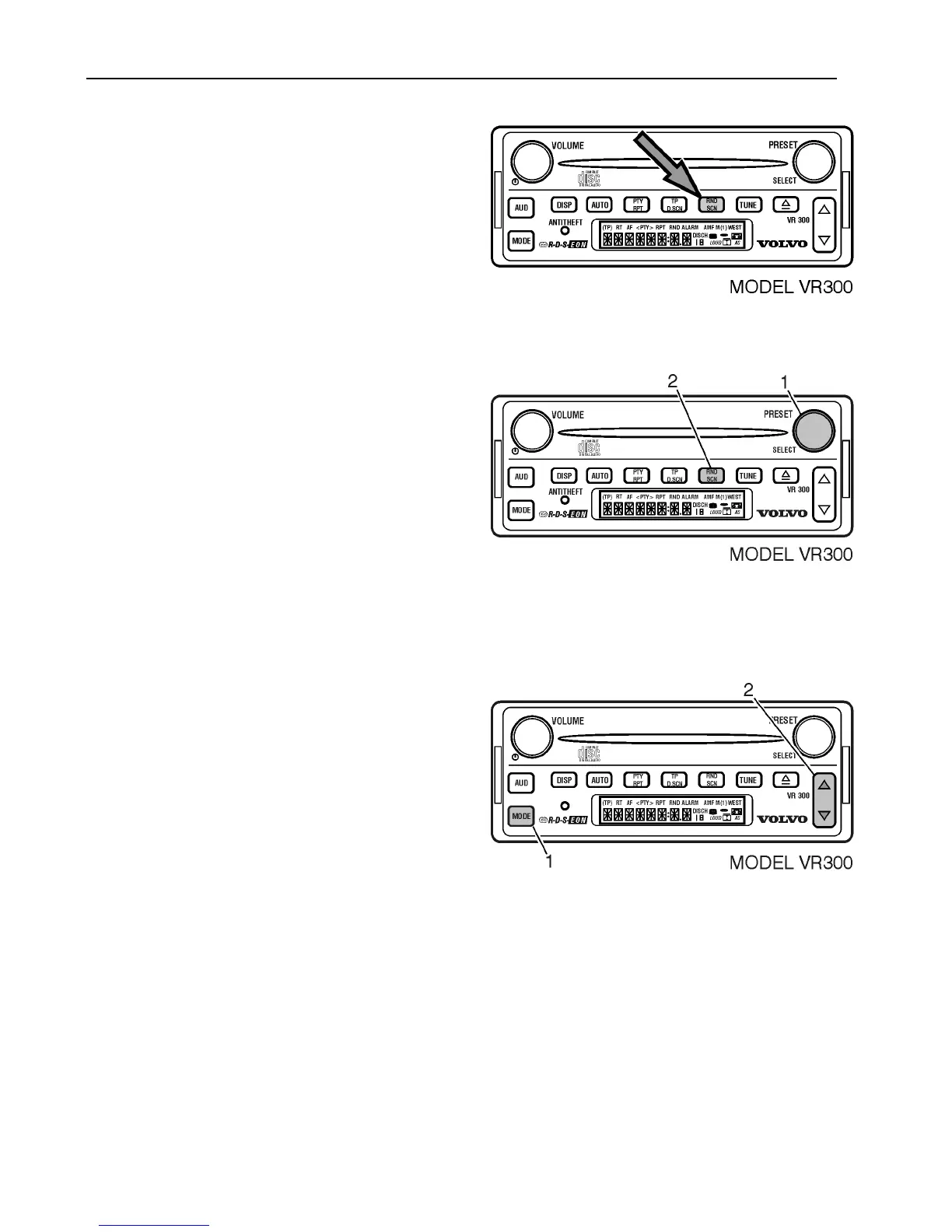
Press RND/SCN to activate function.
The RND icon is displayed.
Press RND/SCN again to cancel function.
Scan Tracks Function
The Scan Tracks function plays the first 10
seconds of each track on the current CD. To
activate this function;
1 Press SELECT.
2 Press until RND/SCN until SCN T# is
displayed.
To cancel this function; Press and hold
the same button.
OR
1 Press MODE.
OR
2 Press and hold the UP/DOWN rocker
button.



 To Next Page