8 General Information
Setting Time of Day
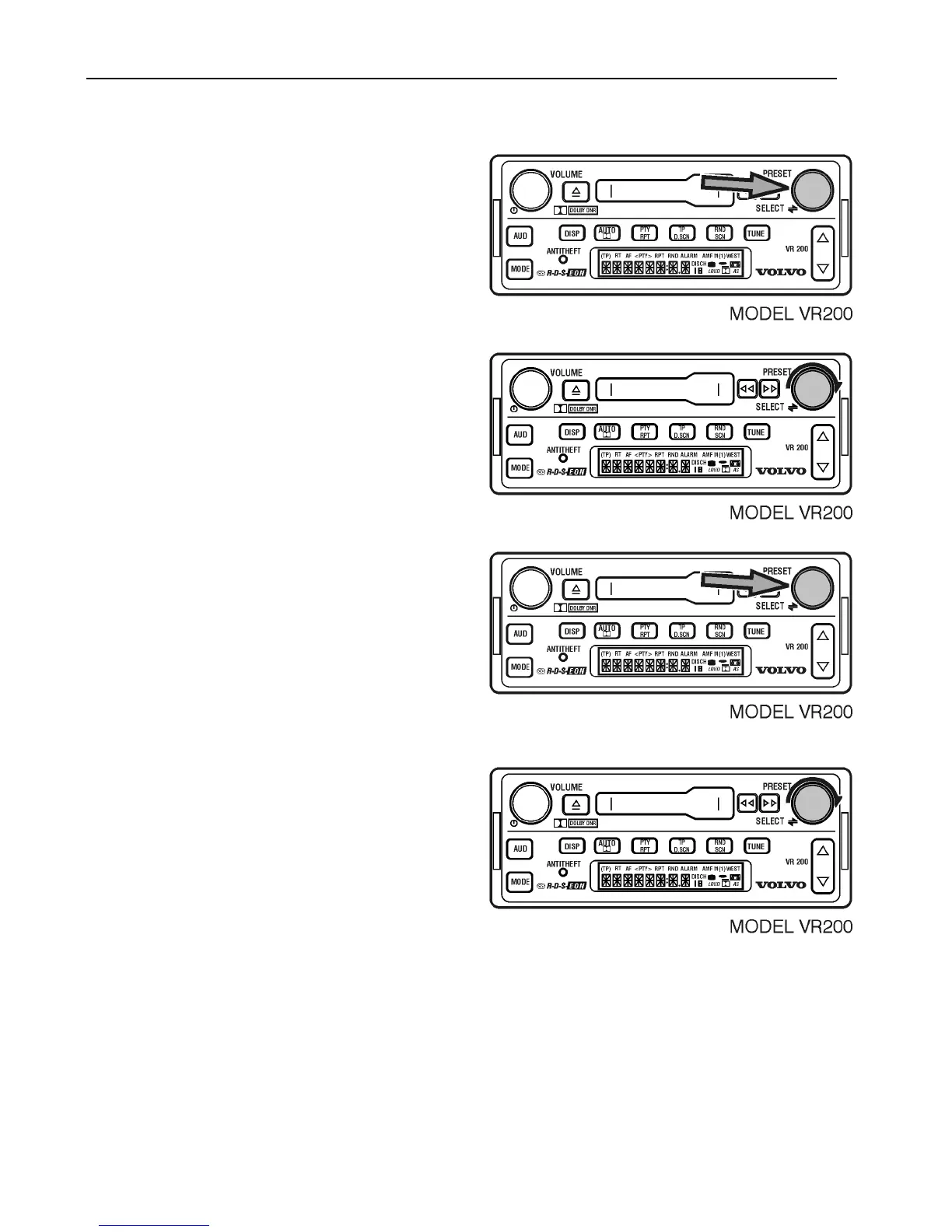
To change the time of day;
Press and hold the SELECT button for 3
seconds.
Turn the SELECT button to show
TIMESET,
Press the SELECT button.
Turn the SELECT button to the correct hour.
Press SELECT until minutes flash.
Turn the SELECT button to correct minutes.
After 5 seconds, the setting is saved and the
display returns to the default.



 To Next Page