46 Using the Cassette Player
Previous Music Search
(VR 200 and VR 400)
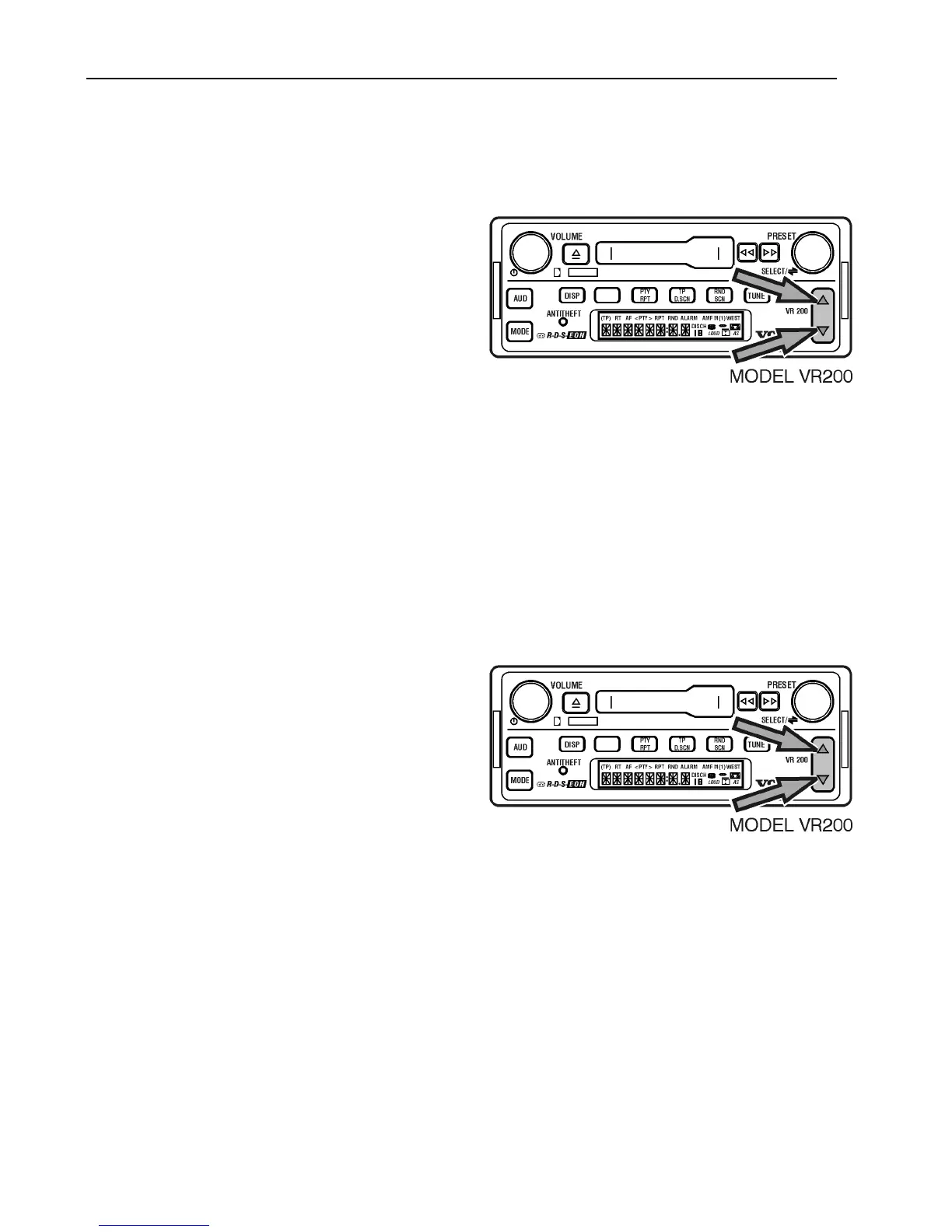
To rewind to the previous blank space on the
cassette;
Press the UP/DOWN arrow to display
<PREV1.
To fast forward past several blank spots;
Press the UP/DOWN arrows repeatedly.
If the beginning of the side is reached during
a Previous Music Search, the cassette begins
to play at the beginning of the current side.
Note: If the current selection has been
playing for less than 8 seconds, pressing the
UP/DOWN rocker button will fast rewind to
the blank space before the previous selection.
Canceling a Next/Previous
Music Search
To cancel a music search;
Press the UP/DOWN arrows until
NEXT>1/<PREV1 display is 0.



 To Next Page