Using the Cassette Player 43
Fast Forward/Rewind
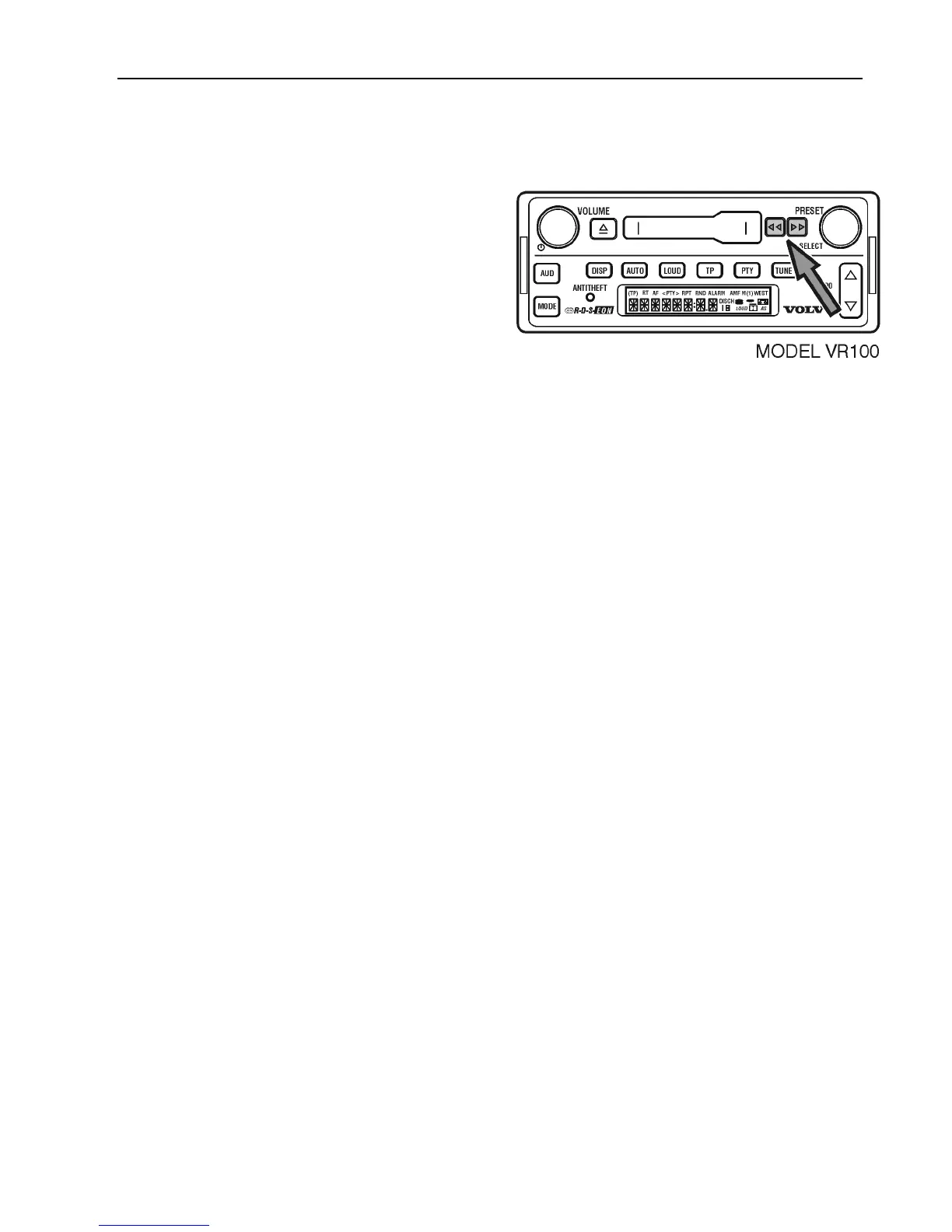
Model VR 100
To activate Fast Forward or Rewind, press
the Fast Forward >> or Rewind button <<.
To cancel Fast Forward or Rewind;
Press the opposite button >> or <<.
Model VR 200 and VR 400
To activate Fast Forward;
Press the Fast Forward button >>until “FWD
>>” is displayed.
The activate Rewind;
Press the Rewind button << until “<<REV”
To cancel Fast Forward or Rewind;
Press the same button.
Note: If the Radio Monitor is ON, a different
station can be searched while the cassette is
in Fast Forward or Rewind mode.
While SEEKING, the display shows “FWS”
or “REV” along with the frequency number.



 To Next Page