10 General Information
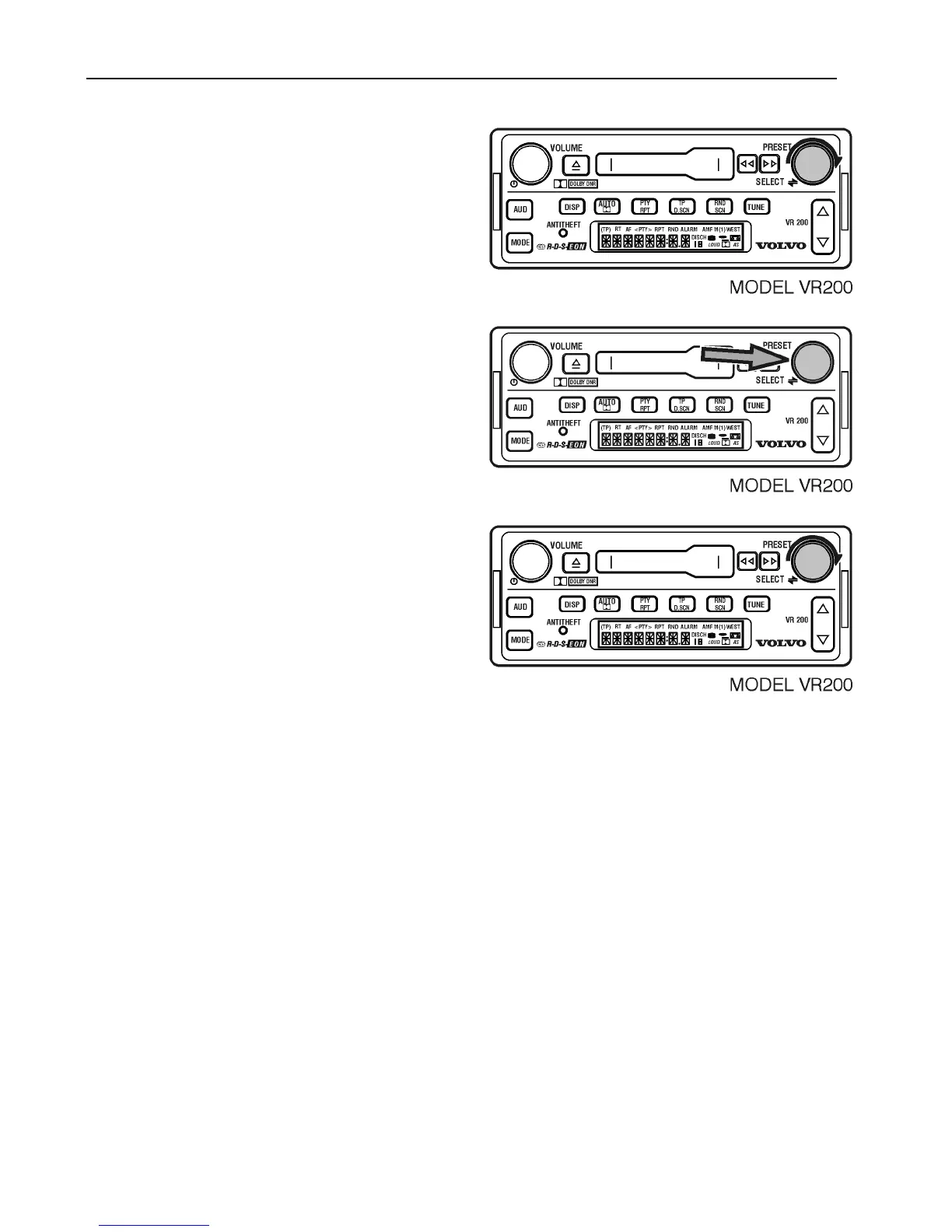
Turn the SELECT button to change the hour.
Press the SELECT button until minutes flash.
Turn the SELECT button to change minutes.
After 5 seconds, the setting is saved and the
display returns to the default.
Note: If the radio is in the 12-hour format,
make sure the setting correctly shows AM
or PM.



 To Next Page