Audio Controls 21
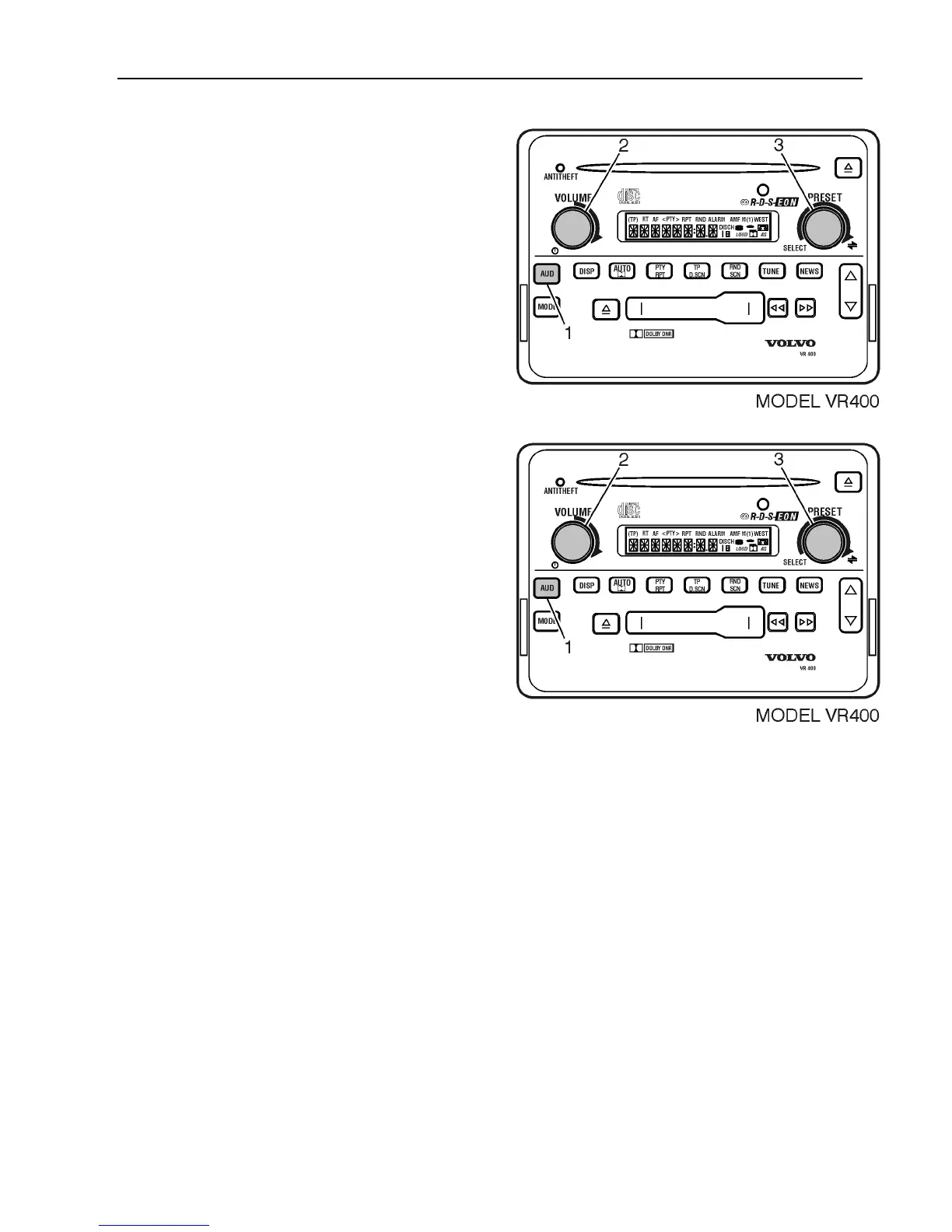
To select a Room Simulation;
1 Press AUD until RSIM is displayed.
2 Turn VOLUME to select sound effect.
OR
3
Turn the SELECT knob to select sound
effect.
To change the degree of effect, from 0
(minimum) to 15 (maximum), for the
selected simulation,
1 Press AUD to scroll RSIM # to change
the degree of effect.
2 Turn the VOLUME knob to increase or
decrease effect.
OR
3 Turn the SELECT knob to increase or
decrease effect.
After 5 seconds, the setting is saved and the
display returns to default as indicated on the
display.



 To Next Page