Audio Controls 23
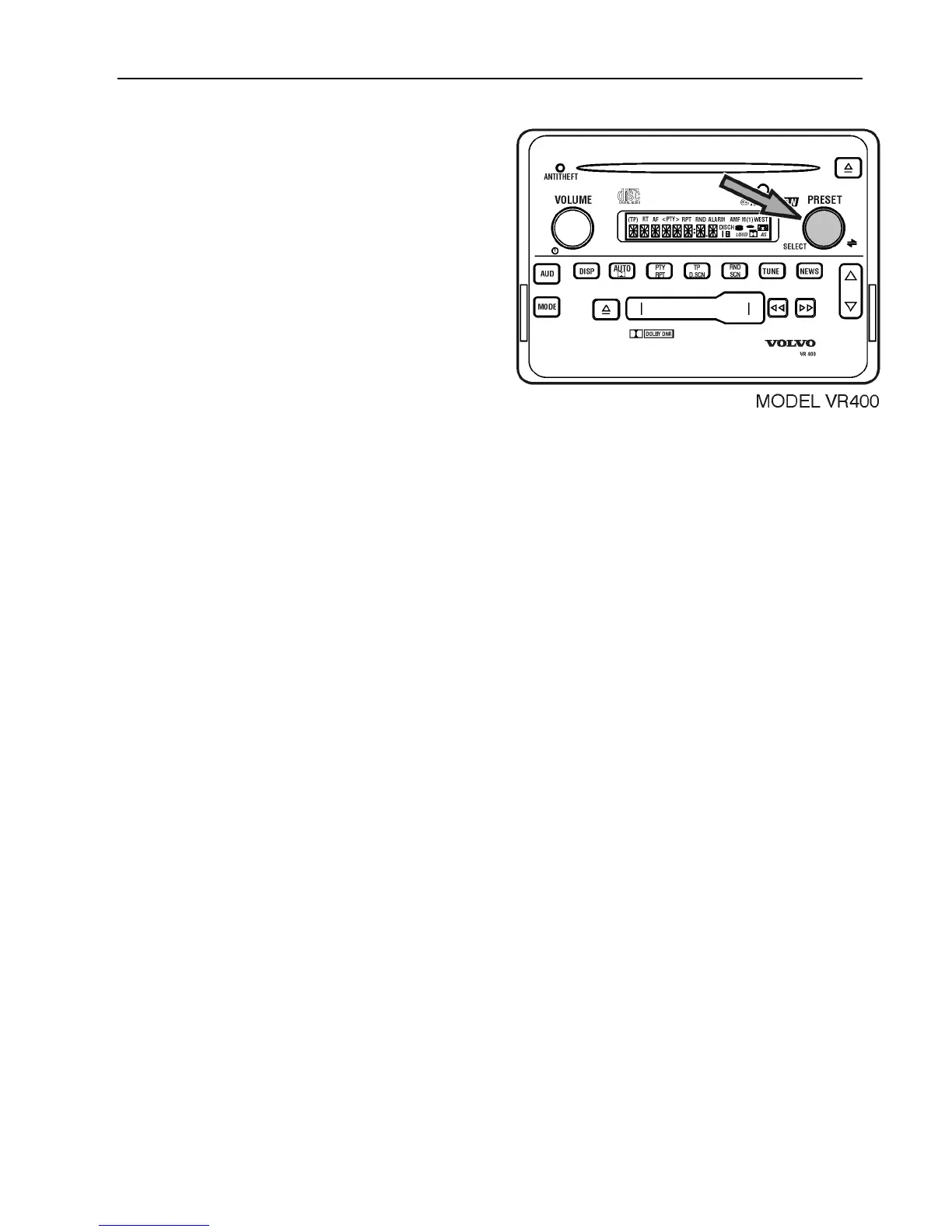
Press SELECT to choose level of volume.
change to “N” (off), “l” (low setting, “2”
(medium setting) or “3” (high setting).
Note: The volume change is heard only
while the vehicle is moving, but may not be
noticeable due to the changes in road noise.



 To Next Page