38
PHONE SETTINGS
7.3.7 Choose the Information to be Displayed in Idle
You can choose to display time or handset name in your idle screen.
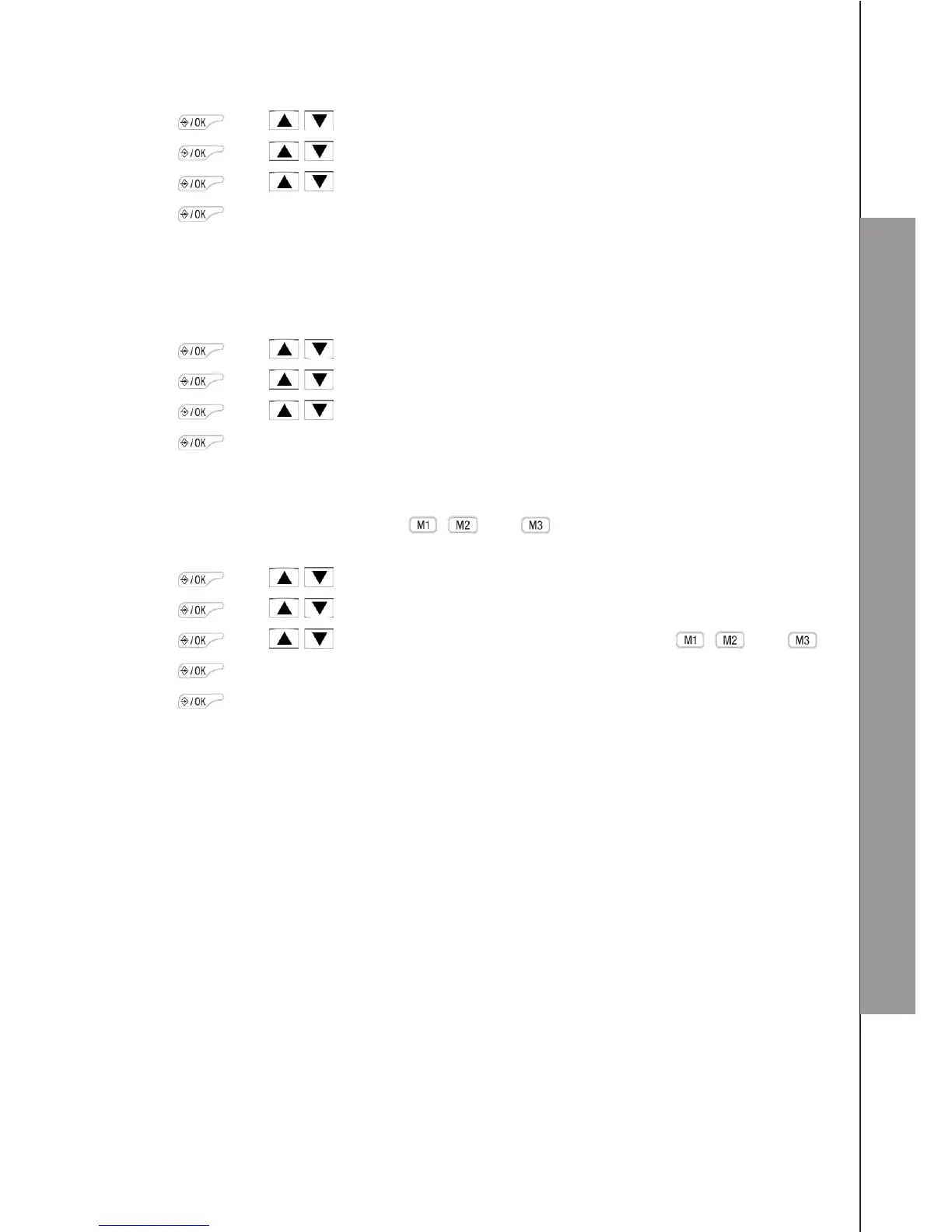
1. Press and / to select HS SET.
2. Press and / to select DISPLAY.
3. Press and / to select HS NAME or TIME.
4. Press to conrm.
7.3.8 Set the Auto Answer
If you turn on the Auto Answer, you can answer a call by lifting the handset from the
charging cradle or base without pressing any key.
1. Press and / to select HS SET.
2. Press and / to select AUTO ANS.
3. Press and / to turn on or off the auto answer feature.
4. Press to conrm.
7.3.9 Set the Direct Memory Keys
There are three direct memory keys , and . You can store three numbers into
these keys and dial them directly from idle mode.
1. Press and / to select HS SET.
2. Press and / to select MEM KEY.
3. Press and / to select the desired memory key from , and .
4. Press to enter a new number or edit the number stored already.
5. Press to conrm.



 To Next Page