41
Checking the Installation
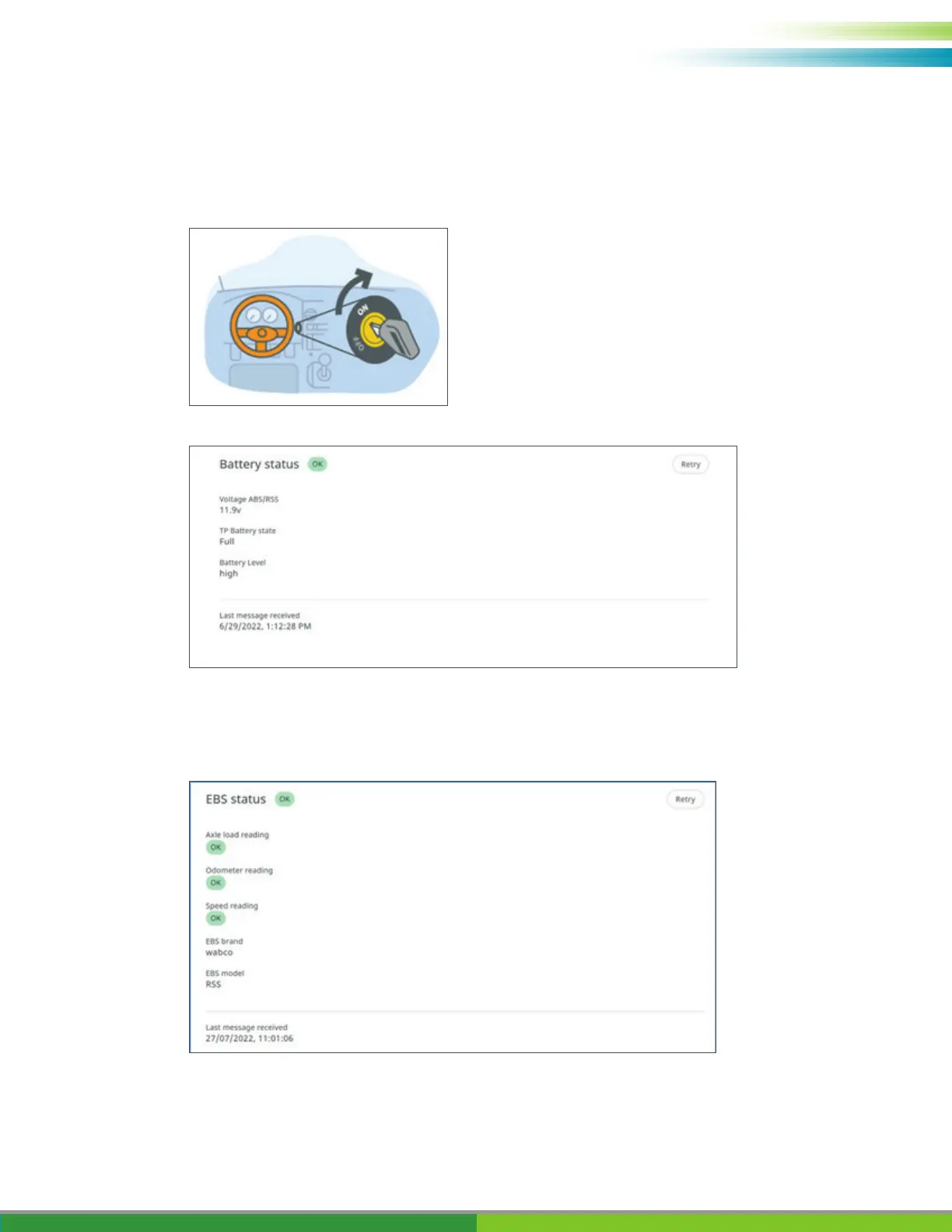
2. Battery Status: OK/Not OK.
Check trailer to truck ISO connection cable.
Verify that the telematics option for the iABS/RSS is enabled.
Turn ON the vehicle contact.
In case the Battery status is not OK, verify all cable connections from iABS/RSS to TRAILERCAST
with Battery or truck to trailer are connected and powered.
Press Next to continue.
3. iABS/RSS status: OK/Not OK.
Verify the iABS/RSS connection status:
In case the iABS/RSSplus status is not OK, verify all cable connections.



 To Next Page