42
Checking the Installation
Axle load
Mileage/Odometer
Speed
EBS/iABS/RSS Brand
EBS/iABS/RSS Model
History: Last received valid status.
Press Next to continue.
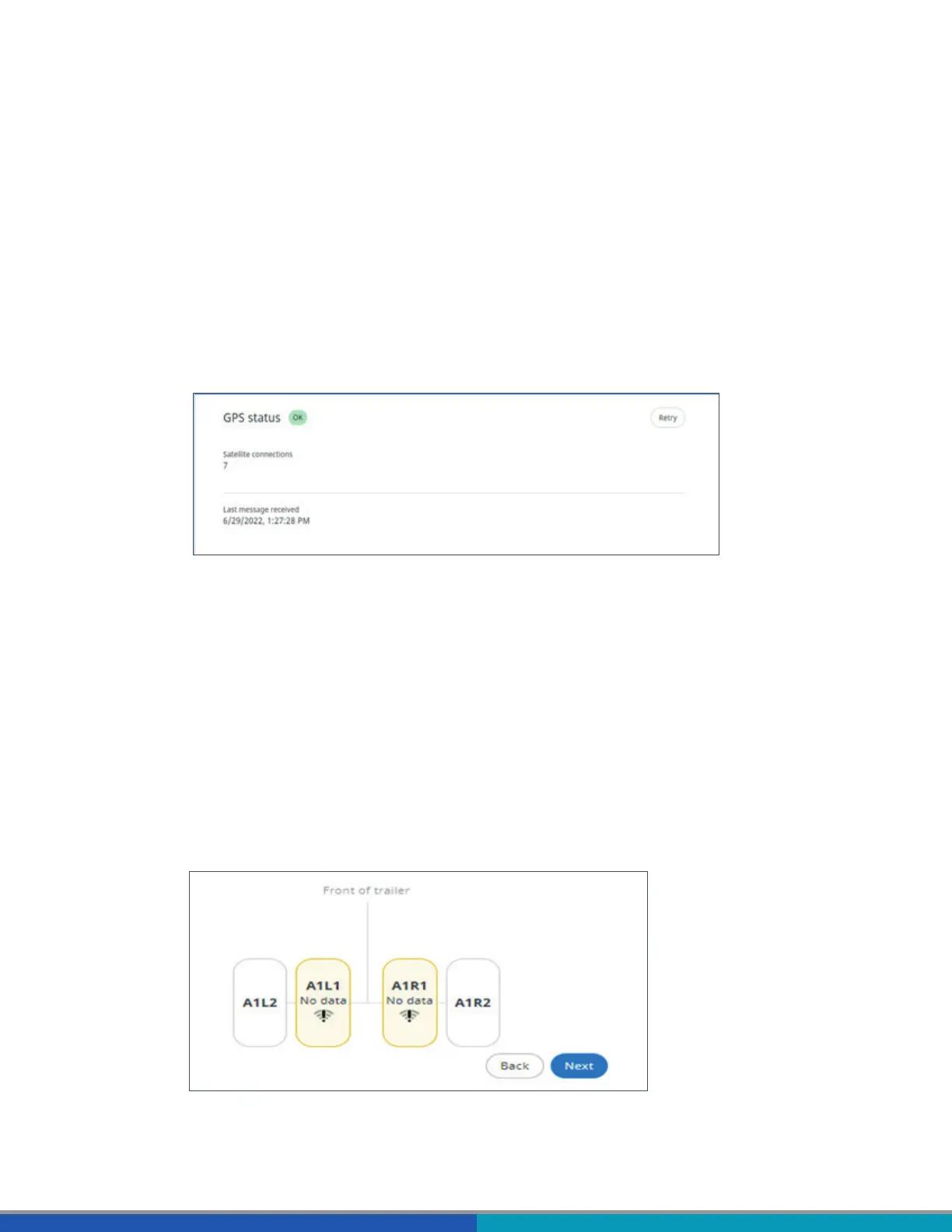
4. GPS status: OK/Not OK.
Verify the GPS status:
In case the GPS status is not OK, make sure that the position of TRAILERCAST with Battery meets
the requirements (Step 6 - TRAILERCAST with Battery position).
Satellites: Number of satellites covering the trailer. A minimum 3, but preferably 5 satellites are
necessary for a good GPS position.
History: Last received valid position.
Press Next to continue.
5.
Set the number of axles: 1 – 6.
Set the tire type: single/ twin.
Add the sensor IDs per location by clicking next to the tire location in the Sensor ID column. You
can also add sensor IDs by clicking on a tire location in the image at the bottom.
Enter a sensor ID manually or select the detected sensor IDs from the table below.



 To Next Page