BA EZ26 en/us* 1.0 * EZ26_01_500.fm 5-11
Operation 5
Working lights
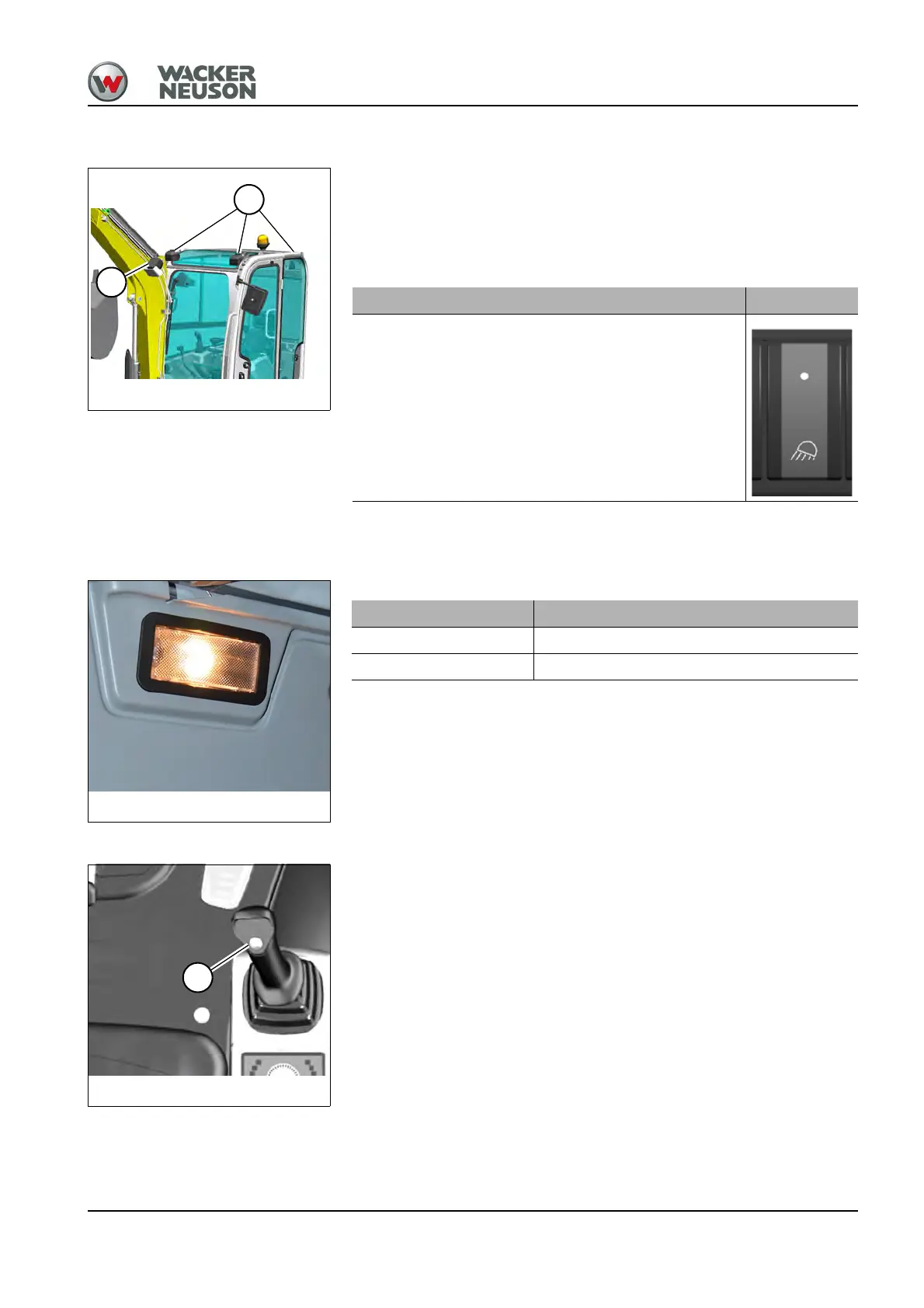
The vehicle can be equipped with the following lights:
• A: Boom headlight (standard)
• B: Roof headlights (two at the front, one at the rear; option)
Optionally the lights can be equipped with energy-saving LED lamps.
The switch is located on the left switch panel.
Interior light
Horn
Press button A on the right-hand joystick to actuate the horn.
Working lights Switches
On/off
Interior light Operation
On Press light to the left or right
Off Press the light to the center position











 To Next Page