BA EZ26 en/us* 1.0 * EZ26_01_500.fm 5-13
Operation 5
5.7 Washer system
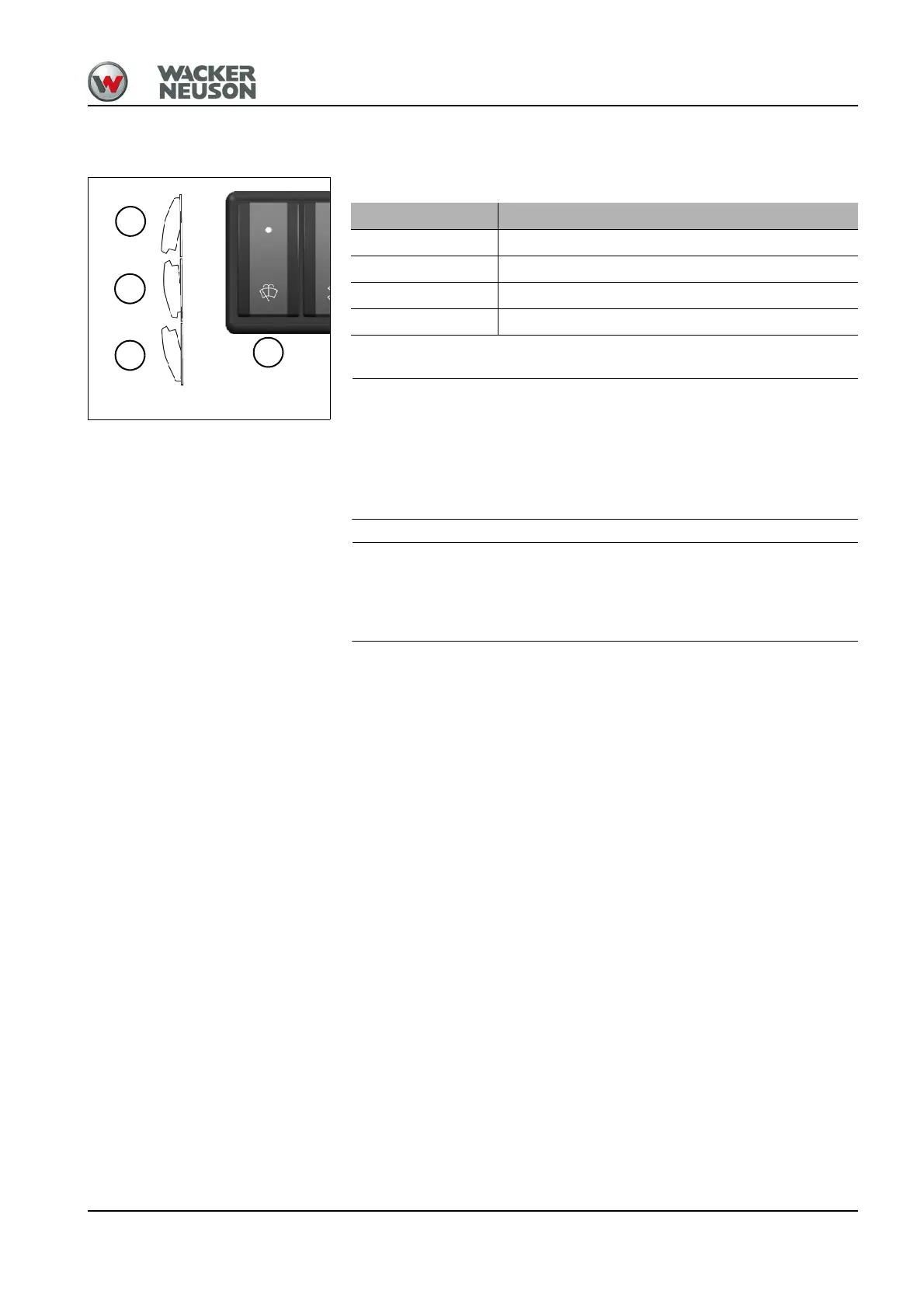
The switch is located on the switch panel on the right.
Damage to pump if the reservoir is empty.
► Do not actuate the washer system if the reservoir is empty.
► Check the level in the reservoir and add a cleaning solution (glass
cleaner) if necessary.
Damage to wiper if the front window is raised.
► Do not actuate the wipers if the front window is raised.
Washer system Operation
Wipers on Press switch A into position 1
Wipers off Press switch A into position 0
Spraying on Press switch A into position 2 and hold
Spraying off Release switch A











 To Next Page