wc_tx003197gb_FM10.fm
87
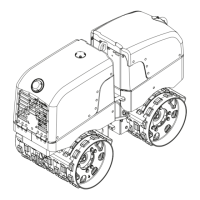
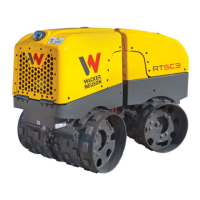
RT / RTx Changing Drums (RTx-SC3)
6 Changing Drums (RTx-SC3)
6.1 Removing the Drum Extensions
Introduction
RTx-SC3 machines are factory-equipped with four drum extensions; one attached
to each drum. The overall width of the drums with extensions is 820 mm (32 in). By
removing the drum extensions, the user can decrease the overall width of the
drums to 560 mm (22 in.) as needed to accommodate specific job requirements.
Requirements
■ Engine stopped; machine cool to the touch
■ Metric hand tools (sockets, wrenches, etc.)
■ Torque wrench
■ Narrow scrapers
■ Loctite 243 or equivalent
Procedure
Perform the procedure below to remove the drum extensions.
1. Remove the three screws (g) and washers (h) and remove the wide scraper (a).
Keep the screws (g) and washers (h) for installation of the narrow scraper
described at the end of this procedure.
2. Remove the three M16 x 25 screws (c).
3. Remove the three M16 x 80 screws (d) and remove the drum extension (b).
This procedure continues on the next page.
wc_gr010666
c
d
M16x25
M16x80
b



 To Next Page