Page 44 of 102 Page 45 of 102Doc: DRX Installation
Version: 7.1 January 2021
Doc: DRX Installation
Version: 7.1 January 2021
wassp.com wassp.com
DRX INSTALLATION MANUAL DRX INSTALLATION MANUAL
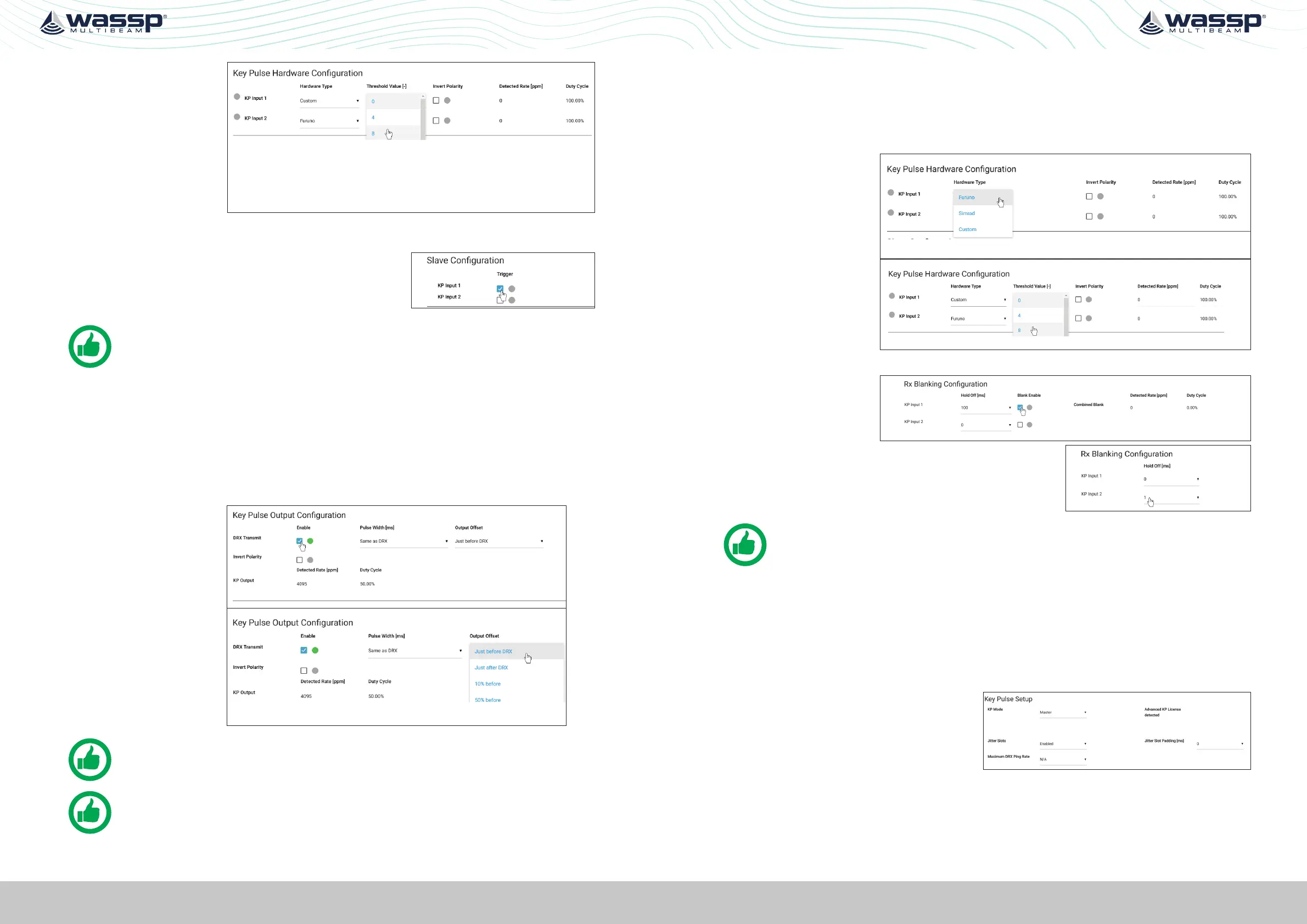
3. If HARDWARE
TYPE selected is
Custom, set the
required trigger
threshold level.
THRESHOLD
VALUE indicates a
sensitivity level to
the input signal.
4. If the KP signal coming in is inverted select the INVERT POLARITY option.
5. Under SLAVE CONFIGURATION select which key
pulse inputs DRX should transmit on. One, both or
neither key pulse input can be used.
NOTE: The input signal activity can be indicated using the DETECTED RATE
(ppm) and DUTY CYCLE monitors.
5.2.6.2. Configuring Key Pulse Master
In MASTER mode the DRX will transmit a key pulse signal based o the time of the DRX
transmit pulse. Equipment connected to DRX as slaves will transmit relative to this key
pulse.
To configure MASTER mode:
1. Make sure that KEY PULSE SETUP mode is set to MASTER.
2. Enable the Key
pulse transmit
under the KEY
PULSE OUTPUT
CONFIGURATION.
3. Select time of
key pulse relative
to DRX transmit
time. The %
value indicates
the relative time
between DRX Txs.
NOTE: The output signal activity can be indicated using the DETECTED RATE
(ppm) and DUTY CYCLE monitors..
NOTE: Pulse Width is only used for Advanced Key Pulse Setting, described in
section “5.2.6.4. Advanced Key Pulse” on page 45.
5.2.6.3. Configuring Key Pulse Blanking
Rx Blanking allows any data during the key pulse input period to be blanked out so
that potential interference is removed. This blanking will also remove potentially useful
acoustic return.
To configure Rx blanking:
1. Under KEY PULSE
HARDWARE
CONFIGURATION
select the
HARDWARE TYPE.
2. If HARDWARE
TYPE selected is
Custom set the
required trigger
threshold level.
3. If the KP signal coming in is inverted select the INVERT POLARITY option.
4. Enable the blanking
using the BLANK
ENABLE selections.
5. The blanked region can be oset from the key
pulse input signal using the HOLD OFF selection.
NOTE: The input signal activity can be indicated using the signal rate and duty
cycle monitors.
5.2.6.4. Advanced Key Pulse
Advanced key pulse functionality can be enabled by applying the AKP license under
SYSTEM FEATURES.
The advanced key pulse functionality includes:
» KP TIMEOUT; If no key pulse is identified over a given period DRX will revert to
standard operation.
» JITTER; Jitter can be configured in
order to decorrelate transmit while
maintaining synchronisation through
key pulse operation.
Jitter Slot width for key pulse output is controlled by the PULSE WIDTH SETTING
under KEY PULSE OUTPUT CONFIGURATION.
JITTER SLOT PADDING can be used to increase the width of Jitter Slots.



 To Next Page