Page 90 of 102 Page 91 of 102Doc: DRX Installation
Version: 7.1 January 2021
Doc: DRX Installation
Version: 7.1 January 2021
wassp.com wassp.com
DRX INSTALLATION MANUAL DRX INSTALLATION MANUAL
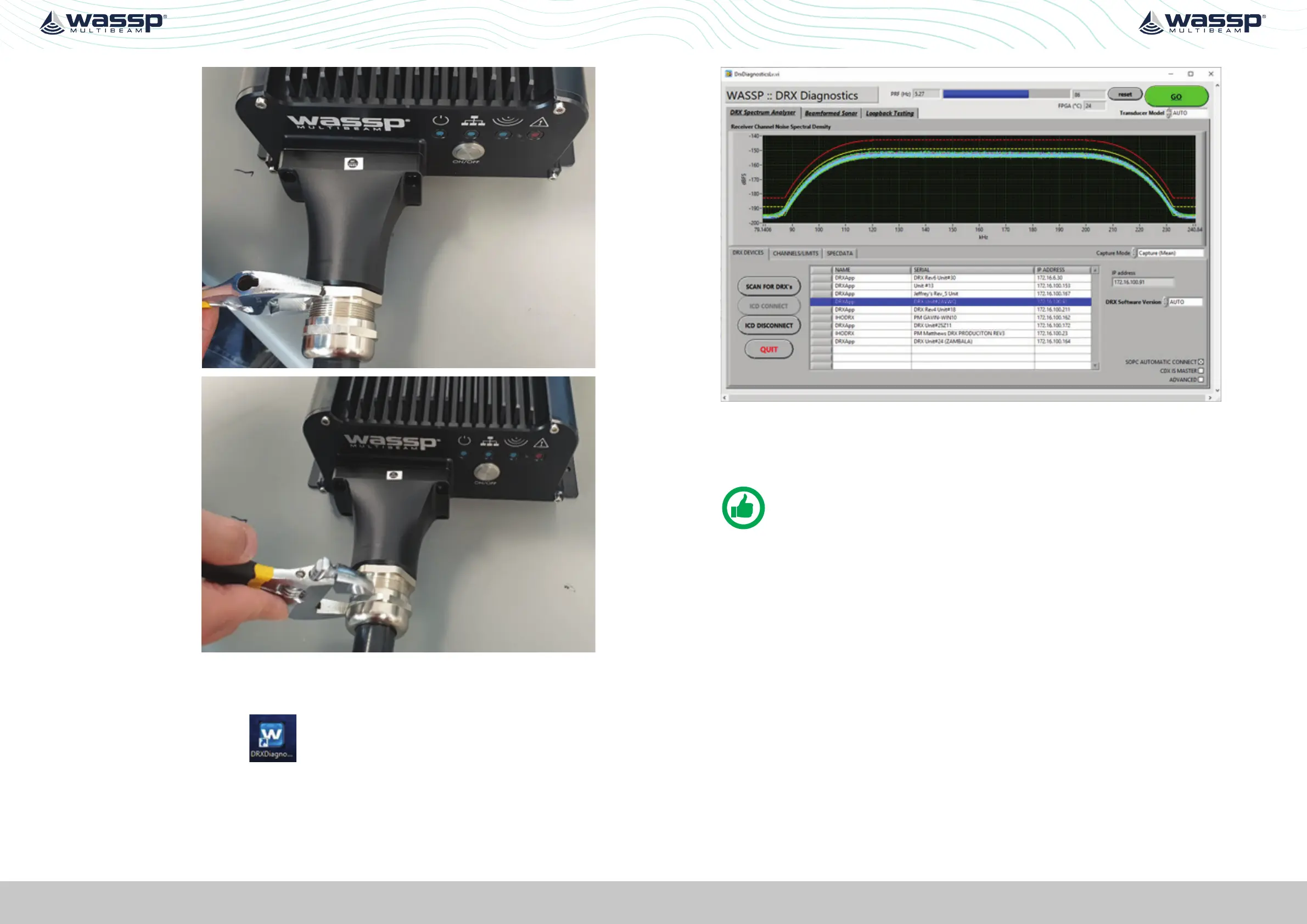
5. Tighten the cable
gland onto the
cable cover using
a spanner.
6. Tighten the back
nut of cable gland
using a spanner.
7. Once the boat is in the water, test RJ45 connections by using DRX diagnostic
program to verify all channels are at the same level.
Open DRX diagnostics tool , connect to the DRX that is being tested, then
click “GO”.
All 26 Channels should show very similar levels. If any channel (or likely set of four
channels) show as low, recheck the RJ45 connections to the DRX front panel.
NOTE: The lines will only be flat as shown if there is no electrical or acoustic
noise present during the test.



 To Next Page